Understanding CSS Gradient Colors
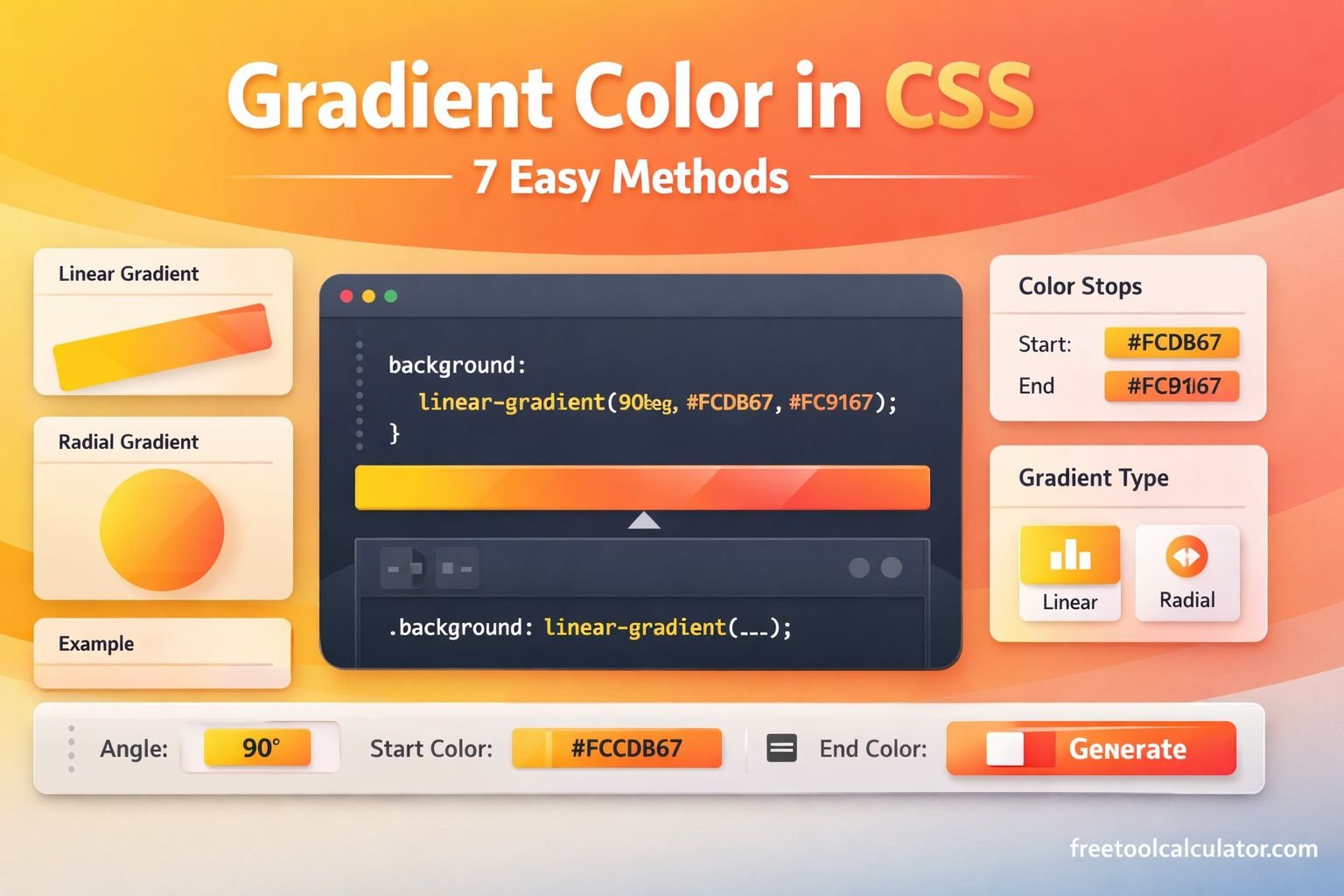
CSS gradients are one of the most effective ways to enhance the look and feel of a website without relying on heavy images. When learning how to apply gradient color in CSS, you are essentially learning how to blend multiple colors smoothly using code.
Unlike traditional images, gradients are generated directly by the browser. This means they load faster, scale perfectly on all screen sizes, and are easy to customize.
Why Gradients Matter in Web Design
Gradients bring depth and visual appeal to flat designs. They help guide user attention and make interfaces feel modern. Designers often use gradients in:
- Website backgrounds
- Buttons and call-to-action elements
- Text headings
- Cards and UI components


Gradients are not just decorative—they improve user engagement and make content more appealing.
Types of Gradients in CSS
To master how to apply gradient color in CSS, you need to understand the three main types.
Linear Gradients
Linear gradients transition colors in a straight line. They are the most commonly used type.
background: linear-gradient(to right, red, blue);
You can control direction using angles or keywords like to left or to bottom.
Radial Gradients
Radial gradients spread outward from a central point.
background: radial-gradient(circle, red, yellow, green);
They are ideal for spotlight effects or circular designs.
Conic Gradients
Conic gradients rotate colors around a center point.
background: conic-gradient(red, yellow, green);
These are useful for charts and creative UI visuals.
Basic Syntax and Structure
Before applying gradients, it is important to understand the structure.
Gradient Syntax Explained
The general syntax looks like this:
background: linear-gradient(direction, color1, color2);
You can also add multiple colors:
background: linear-gradient(to right, red, yellow, green);
Understanding Color Stops
Color stops define where each color appears.
background: linear-gradient(to right, red 0%, blue 100%);
This gives you precise control over transitions.
Applying Gradient Colors in CSS
Now let’s explore practical ways to use gradients.
Gradient Backgrounds
The most common use case is applying gradients to backgrounds.
body {
  background: linear-gradient(to right, #00c6ff, #0072ff);
}
This creates a smooth transition across the entire page.
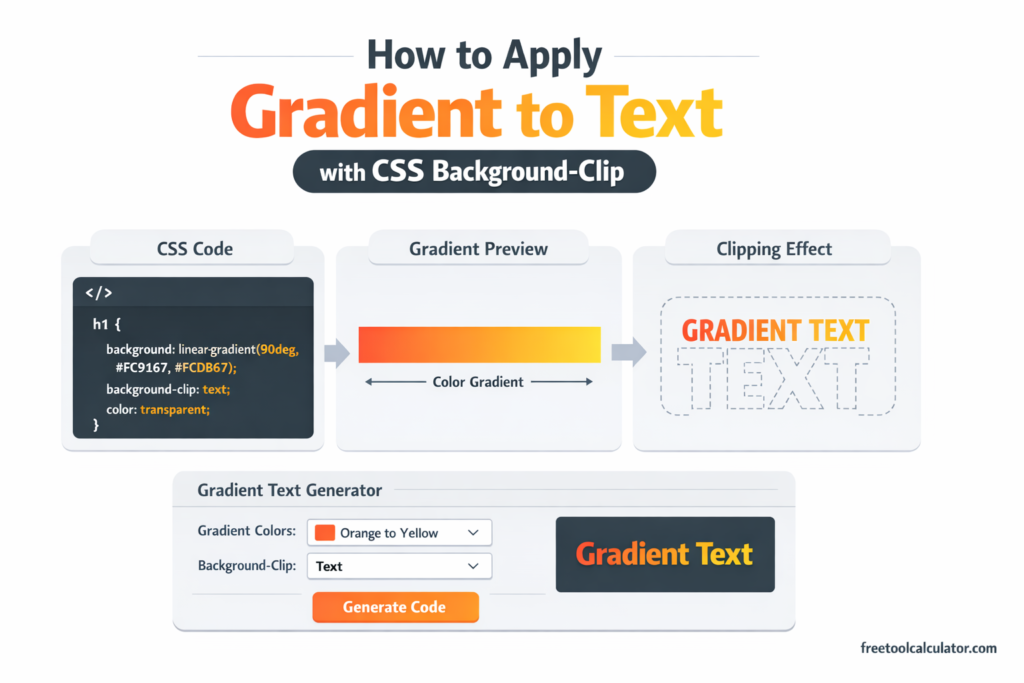
Gradient Text Effects
You can also apply gradients to text for a modern look.
h1 {
  background: linear-gradient(to right, red, blue);
  -webkit-background-clip: text;
  -webkit-text-fill-color: transparent;
}
This technique is widely used in landing pages and hero sections.


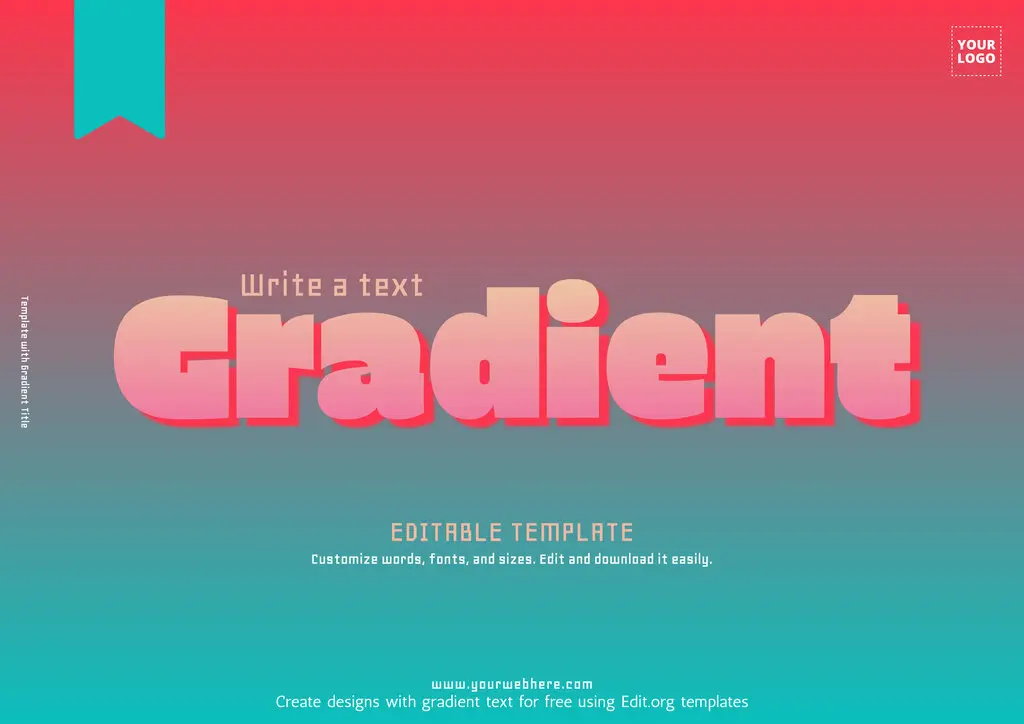
Gradient text instantly grabs attention and enhances readability.
Using Gradients in UI Elements
Gradients can significantly improve user interface components.
Gradient Buttons
button {
  background: linear-gradient(to right, #ff9966, #ff5e62);
  color: white;
  padding: 10px 20px;
  border: none;
}
These buttons look more interactive and appealing.
Gradient Borders
div {
  border: 5px solid;
  border-image: linear-gradient(to right, red, blue) 1;
}
Borders with gradients add a unique visual touch.
Advanced Gradient Techniques
Once you understand the basics, you can explore advanced methods.
Multiple Gradients
You can layer gradients for complex designs.
background: linear-gradient(red, transparent),
            linear-gradient(to right, blue, transparent);
Transparent Gradients
Using RGBA allows transparency effects.
background: linear-gradient(to right, rgba(255,0,0,0.5), rgba(0,0,255,0.5));
Animated Gradients
Animations can make gradients dynamic.
background-size: 200% 200%;
animation: gradientMove 5s infinite;
This creates a moving gradient effect.
Best Practices for Using Gradients
When working on how to apply gradient color in CSS, follow these best practices:
Keep It Simple
Use two or three colors for a clean design. Too many colors can confuse users.
Maintain Contrast
Ensure text remains readable over gradients.
Test Responsiveness
Check how gradients appear on different screen sizes.
Common Mistakes to Avoid
Avoid these common errors:
Overusing Bright Colors
Too many bright colors can make your design look unprofessional.
Ignoring Accessibility
Always ensure readability for all users.
Overcomplicating Design
Simple gradients often look better than complex ones.
Helpful Gradient Tools
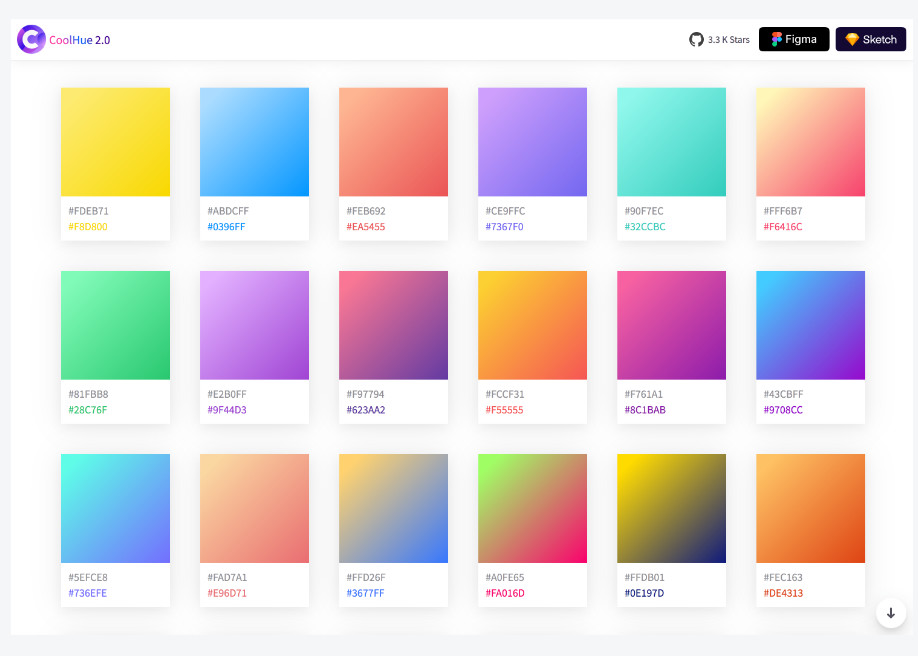
Creating gradients manually can take time. Using tools can simplify the process.
👉 Try this tool:
CSS Gradient Generator
This tool allows you to:
- Choose colors visually
- Adjust angles easily
- Copy CSS code instantly
CSS Gradient Examples Table
| Gradient Type | Example Code | Use Case |
|---|---|---|
| Linear | linear-gradient(to right, red, blue) | Backgrounds |
| Radial | radial-gradient(circle, red, yellow) | Spotlight effects |
| Conic | conic-gradient(red, yellow, green) | Charts and UI |
| Multi-color | linear-gradient(red, yellow, green) | Creative designs |
| Transparent | rgba() gradients | Overlay effects |
Real-World Applications
Gradients are widely used in modern websites.
Website Backgrounds
They create smooth and engaging layouts.
Mobile Apps
Gradients improve UI aesthetics in apps.
Branding
Many brands use gradients in logos and themes.
FAQs About How to Apply Gradient Color in CSS
What is the easiest way to apply gradient color in CSS?
Use the linear-gradient() function inside the background property.
Can I use multiple colors in one gradient?
Yes, CSS supports multiple color stops.
Are gradients better than images?
In many cases, yes. They load faster and are more flexible.
How do I create gradient text?
Use background-clip: text and set text color to transparent.
Do gradients work on all browsers?
Most modern browsers fully support gradients.
Can gradients be animated?
Yes, using CSS animations and keyframes.
Conclusion
Learning how to apply gradient color in CSS opens the door to modern and visually appealing web design. Gradients are lightweight, flexible, and powerful tools that can transform simple layouts into engaging experiences.
By understanding different gradient types, practicing with examples, and using tools like gradient generators, you can create professional designs with ease. Start experimenting today and bring your web projects to life with beautiful color transitions.