element-4.png

Payroll Calculator

This payroll calculator computes net pay from salary minus tax and deductions, with breakdown, effective rates, and copy-ready summary.

Payroll Calculator
Calculate net pay using: Salary − Tax − Deductions. Includes a clear breakdown and copy-ready summary.

Enter Pay Details

Salary, tax, and deductions
Your gross salary amount for the selected pay period.
Used only for helpful annualized totals.
Choose whether tax is a percentage or a fixed amount.
If Tax rate (%), enter a percent. If Fixed tax amount, enter currency amount.
Any extra deductions (insurance, retirement, etc.).
Optional (e.g., $, £, €, AED). Used in results display.
Formula
Net Pay = Salary − Tax − Deductions

Results

Net pay and breakdown
Net Pay
Ready
—
Estimated take-home pay for the selected period.
Net share —
Net pay as a percentage of gross salary.
Gross Salary—
Tax—
Other Deductions—
Net Pay—
Effective tax rate—
Total deduction rate—
Annualized (helper)
Annual gross—
Annual tax—
Annual deductions—
Annual net—
Annualized values are estimates based on the selected pay period.
Quick Summary
Use “Copy Results” to copy this summary.

What is this tool

The Payroll Calculator is an online tool that calculates net pay after tax and deductions from a given salary. It works as a payroll calculator, net pay calculator, and salary after tax calculator to provide a clear breakdown of earnings and deductions.

Why this tool is useful

This tool helps employees, employers, and freelancers understand actual take home pay after deductions. It simplifies payroll deductions calculator logic and provides transparency into salary minus tax calculations, making financial planning easier.

How this tool works

You enter gross salary along with tax rates and other deductions. The calculator subtracts total deductions from gross salary to compute net salary. It also functions as a paycheck calculator by showing detailed deduction breakdowns and effective rates.

Payroll Formula

The standard payroll calculator formula is:

Net Pay = Gross Salary − Total Deductions

Where
Gross Salary = Total earnings before deductions
Total Deductions = Taxes + insurance + benefits + other deductions

Steps and process

First, enter the total gross salary. Second, input tax percentage or fixed tax amount. Third, add other deductions such as insurance, benefits, or allowances. Fourth, the calculator sums all deductions using tax and deductions calculator logic. Fifth, it subtracts total deductions from gross salary to compute net pay. Finally, it generates a full salary after tax calculator result including breakdown and effective deduction rate.

Key features or capabilities

This payroll calculator provides net salary, total deductions, tax breakdown, and effective rates. It works as a take home pay calculator and payroll deductions calculator with clear and instant results.

Common use cases

This net salary calculator is commonly used for monthly salary planning, job offer comparisons, payroll processing, freelance income estimation, and paycheck calculator scenarios.

Who should use this tool

This salary after tax calculator is suitable for employees, HR professionals, freelancers, accountants, and anyone who needs a reliable net pay calculator for income planning.

Accuracy privacy or safety

All calculations are based on the values entered by the user and standard payroll formulas. Results are intended for estimation purposes and may vary based on actual tax rules. No personal or financial data is stored.

Is this tool free to use

Yes, this payroll calculator and net pay calculator is completely free to use online with unlimited calculations and no registration required.

About the Payroll Calculator

Payroll Calculator helps you turn a small set of business or personal-finance inputs into a clear estimate you can check before making a decision. The interactive tool above is the main feature of this page; the guide below explains how to use it responsibly, what the result means, and what to check when the number will be used for a real decision.

How to use this tool

  1. Read each field label and enter the requested values using the units shown.
  2. Check that decimal points, percentages, dates, or units have been entered correctly.
  3. Run the calculation or generation step and review the complete result rather than copying only one number.
  4. If the result will affect money, health, purchasing, scheduling, or another important decision, verify the inputs and compare the result with an appropriate independent source.

What to know before relying on the result

Net pay can differ because of tax brackets, allowances, benefits, pension contributions, local deductions, and payroll timing.

Check the assumptions before using the result

Financial calculators are only as accurate as the inputs and assumptions supplied. Taxes, fees, compounding rules, payroll rules, lender charges, local regulations, rounding, and accounting treatment can change a real-world result. Use the output for planning and verification, then confirm important figures against contracts, invoices, payroll records, tax guidance, or a qualified adviser.

Common mistakes to avoid

  • Mixing measurement systems or entering a value in a different unit from the one requested.
  • Using rounded or estimated inputs when more accurate values are available.
  • Assuming an online result includes every real-world variable, fee, exception, or personal factor.
  • Copying the output without checking whether the result is plausible for the values entered.

Frequently Asked Questions

Is the Payroll Calculator free to use?

Yes. You can use the tool in your browser without purchasing specialist calculation software.

Why might my result differ from another calculator?

Different tools can use different assumptions, rounding rules, data sources, formulas, defaults, or conversion precision. Compare the inputs and methodology before deciding that one result is incorrect.

Can I use the result for professional decisions?

It can be useful for preliminary calculations and cross-checking. For regulated, medical, legal, tax, engineering, or other high-stakes decisions, confirm the result with the relevant official source or qualified professional.

How can I report a problem?

If you find a calculation, wording, usability, or technical issue, contact Free Tools Calculator and include the page URL, the inputs you used, the result you received, and what you expected. That makes the issue easier to reproduce and review.

Complete Guide to the Payroll Calculator

This guide explains how to use the payroll calculator, what the results mean, how the underlying calculation or interaction works, and where the tool’s limitations matter. It is written to help you verify an answer rather than simply accept an output without context.

What a Payroll Calculator Can Estimate

A payroll calculator can help estimate earnings from pay rate, hours and other inputs supported by the tool. Depending on the calculator, it may focus on gross pay rather than jurisdiction-specific taxes and deductions. Read the field labels carefully before treating the result as take-home pay.

For reliable use, keep the inputs consistent, check the units or definitions shown by the tool, and review the result in the context of the task you are trying to solve. If the result affects an official, financial, legal, medical, tax, employment or other consequential decision, confirm the relevant rules or source data independently.

Gross Pay Formula

For straightforward hourly work, gross pay can be calculated as hours worked multiplied by hourly rate, with any applicable overtime calculated according to the rules that govern the employment. Salaried payroll may instead divide an annual salary across the employer’s pay periods.

Gross Pay vs Net Pay

Gross pay is earnings before deductions. Net or take-home pay is what remains after applicable taxes, employee contributions, benefits, garnishments and other deductions. Because those items depend on location and individual circumstances, a general calculator may not reproduce an official payslip.

Hourly, Weekly and Monthly Pay

Converting between hourly and annual or monthly figures requires assumptions about working hours and pay periods. For example, multiplying an hourly rate by 40 hours and 52 weeks assumes 2,080 paid hours per year, which may not reflect unpaid leave, variable schedules or local working arrangements.

Overtime Considerations

Overtime eligibility, thresholds and multipliers depend on employment law, contracts and worker classification. Do not assume a universal 1.5× rule applies to every employee or country. Use the rate required for the specific employment situation.

Taxes and Payroll Deductions

Income tax, social contributions, pension deductions, health benefits and other items vary widely. A generic payroll estimate should not be used as a substitute for an employer payroll system, official tax calculator or qualified payroll advice.

Checking a Payroll Estimate

Verify hours from time records, confirm the correct rate, separate overtime where required, check bonuses/commissions and compare deductions with the payslip. Small rounding differences can occur, but unexplained differences should be investigated with the employer or payroll provider.

Accuracy, Transparency and Editorial Notes

FreeToolCalculator aims to make calculations and digital utilities easier to understand by pairing the interactive tool with explanatory content. Results depend on the information entered and on the assumptions described on this page. We avoid presenting estimates as guarantees and recommend checking important results against the appropriate official source, professional system or original documentation.

Related Search Questions and Terms

People looking for this tool may also search for: payroll calculator, salary calculator, gross pay calculator, net pay calculator, hourly payroll calculator, employee pay calculator, paycheck calculator, overtime pay calculator, payroll hours calculator, gross wages calculator, pay period calculator, weekly pay calculator, monthly salary calculator, hourly to salary calculator, employee earnings, payroll deductions, take home pay, payroll calculation, wage calculator, payroll estimate. These phrases describe closely related questions and use cases covered by the explanations above; they are not separate claims about what the tool can do.

Content reviewed and expanded: October 2026.

Applying the Payroll Calculator to Real Financial Figures

Use figures from the same accounting period and confirm whether each amount includes or excludes tax, fees, discounts and other adjustments. Mixing gross and net values is a common reason two otherwise correct calculations disagree. Keep the source figures beside the result so the calculation can be reproduced later.

Scenario Testing

For planning, calculate more than one scenario instead of relying on a single forecast. A conservative, expected and optimistic case can show how sensitive the result is to changes in price, cost, volume or rate. Scenario analysis does not predict the future, but it makes assumptions visible.

Official Records Take Priority

For tax filings, payroll, contracts, religious obligations, regulated reporting or lending decisions, use the rules and records that apply to your situation. Rates and definitions can change by jurisdiction, provider or date. This calculator is useful for checking arithmetic and exploring scenarios, while official documentation determines the final amount where applicable.

More Tools

Invoice Generator

This invoice generator creates a professional invoice with items, tax, logo, address, phone, totals, and PDF download.

Budget Calculator

This budget calculator computes budget surplus from income minus expenses, showing breakdown, spending ratios, and a copy-ready summary.

Overtime Pay Calculator

This overtime pay calculator computes overtime pay from hourly wage, overtime hours, and overtime rate multiplier with breakdown summary.

Loan EMI Calculator

This loan EMI calculator computes monthly EMI from loan amount, interest rate, and tenure, with breakdown and copy-ready summary.

Commission Calculator

This commission calculator computes commission from sales and rate percent, showing breakdown, effective rate, and copy-ready results summary.

VAT / Sales Tax Calculator

This VAT / Sales Tax Calculator computes tax and total from amount and tax percent, supporting inclusive and exclusive pricing modes.

Gross Profit Calculator

This Gross Profit Calculator computes gross profit from revenue and COGS, showing margin percent, profit status, and copy-ready summary instantly.

ROI Calculator

This ROI Calculator computes ROI percent from investment cost and return value, showing gain, ROI %, and performance status.

Break-Even Calculator

This Break-Even Calculator estimates units to break even using fixed cost and contribution margin from price minus variable cost.

Profit Margin Calculator

Calculate profit margin from cost and selling price to get profit, margin percent, markup, revenue totals instantly.

Our Blogs

Kilowatts to Amps Conversion Complete Formula Guide

Kilowatts to Amps Conversion Complete Formula Guide

Learn kilowatts to amps conversion with accurate formulas and practical examples This guide explains how to convert kilowatts to amps for single phase and three phase systems using easy calculations charts and free tools designed for electricians students engineers and beginners alike

How to Find IP Address on Any Device Complete Guide

How to Find Your IP Address on Any Device Complete Guide

Learn how to find IP address on any device using simple step by step methods This guide explains how to find my IP address on Windows Mac iPhone and Android while understanding public and private IPs using accurate tools and beginner friendly instructions for all users easily

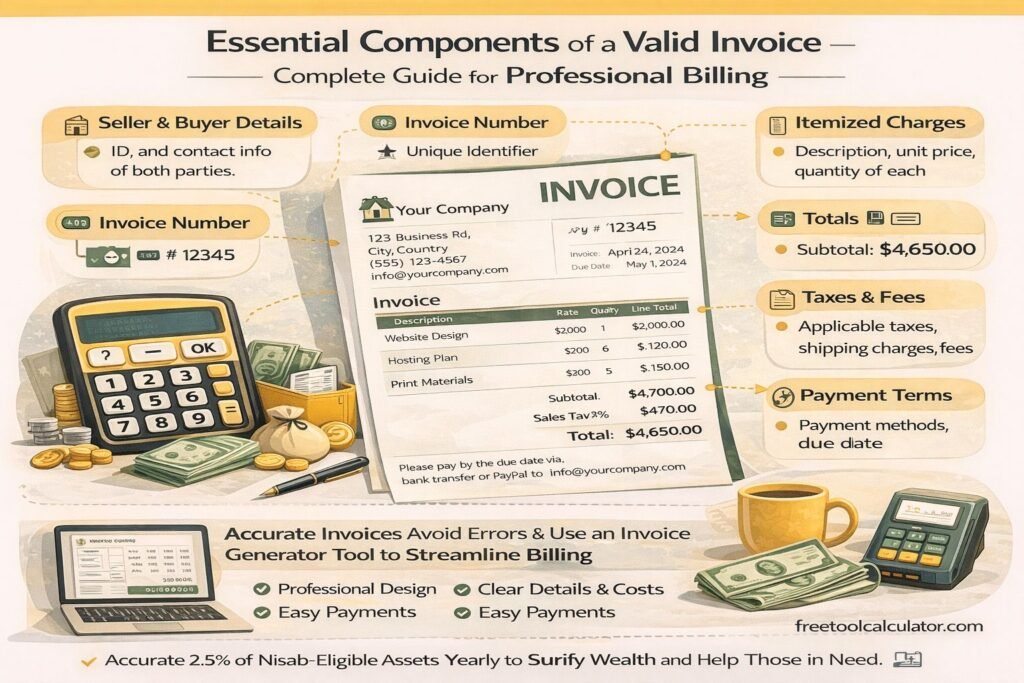
Essential Components of a Valid Invoice – Complete Guide for Accurate Billing

What Should an Invoice Include? Essential Invoice Information

This guide explains essential invoice components including seller and buyer details, invoice number, dates, itemized charges, taxes, totals, and payment terms. Learn how to create accurate, professional invoices, avoid common billing mistakes, and use an invoice generator tool to streamline invoicing, improve cash flow, and ensure full tax compliance globally.

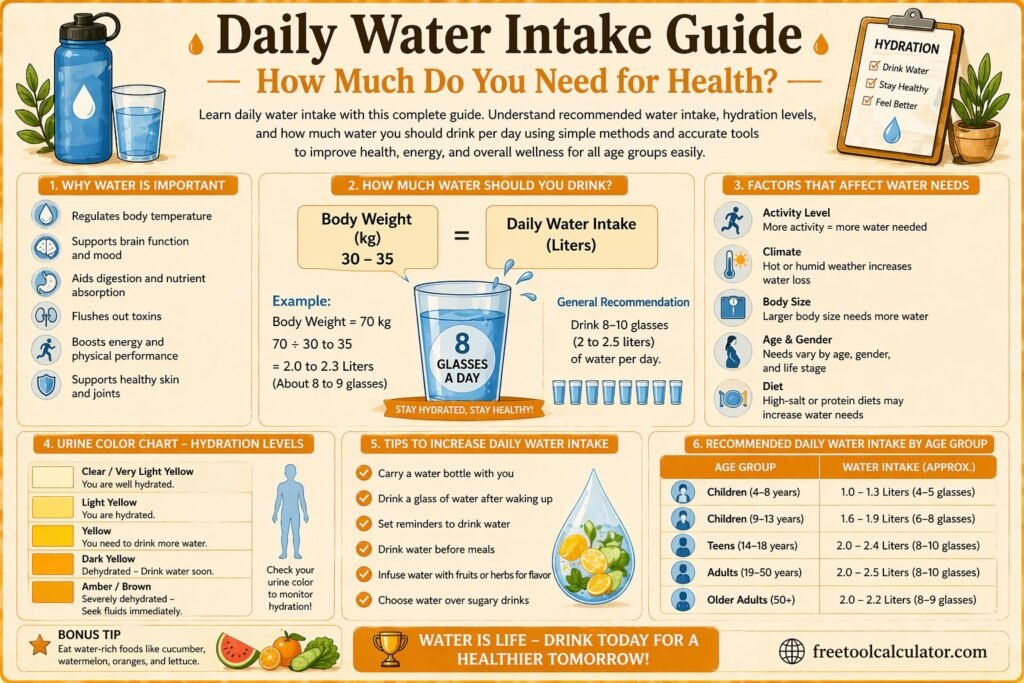
Daily Water Intake Guide How Much Do You Need for Health

Daily Water Intake Guide How Much Do You Need for Health

Learn daily water intake with this complete guide Understand recommended water intake, hydration levels, and how much water you should drink per day using simple methods and accurate tools to improve health, energy, and overall wellness for all age groups easily

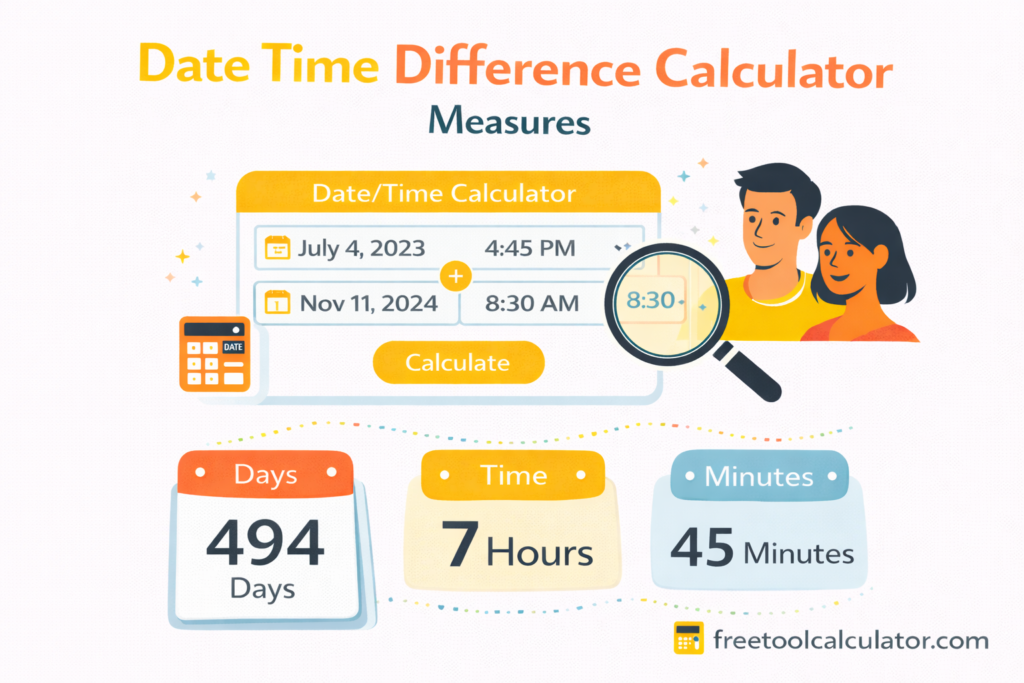
Date Time Difference Calculator Measures

Date Time Difference Calculator Explained with Real Use Cases

Understanding time gaps between two moments is essential for planning billing and tracking progress. This article explains how a Date Time Difference Calculator works real life use cases differences between date and time calculations and why automated tools are more reliable than manual methods.

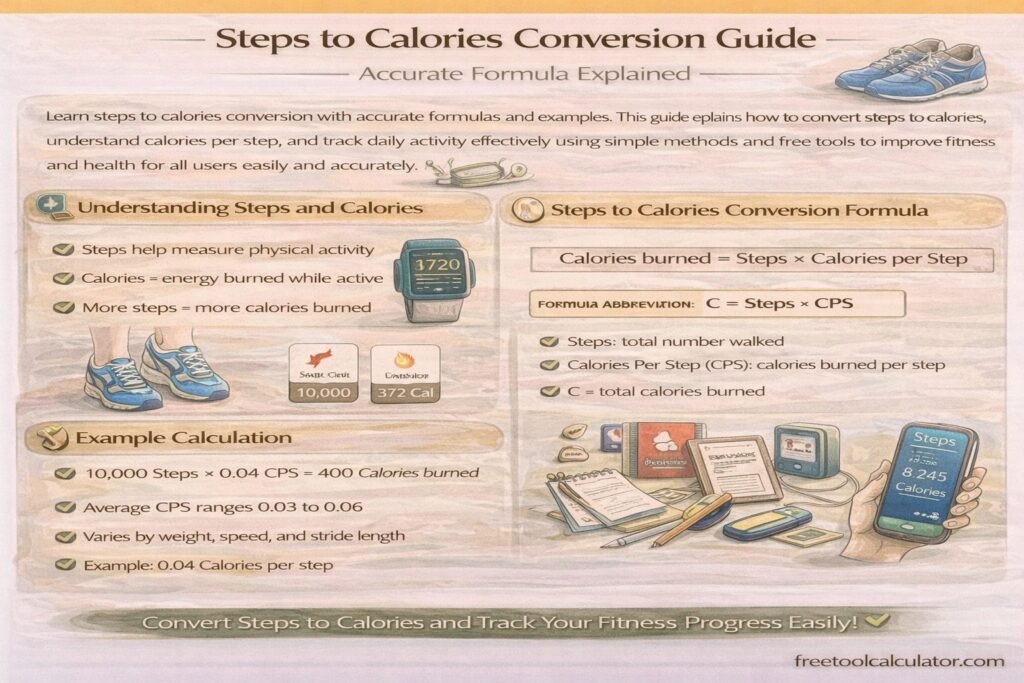
Steps to Calories Conversion and Why It Matters Steps to calories conversion is an important concept for anyone tracking fitness, weight loss, or daily activity levels. It helps estimate how many calories you burn based on the number of steps you take. This calculation is widely used in fitness tracking apps and wearable devices to give users a better understanding of their physical activity. Knowing how to convert steps to calories allows you to monitor your progress and adjust your routine accordingly. Whether you are trying to lose weight, maintain fitness, or improve overall health, understanding this conversion provides valuable insights. You can easily convert steps to calories using this free tool and get accurate results instantly. What Is Steps to Calories Conversion Steps to calories conversion refers to estimating the number of calories burned while walking or running based on step count. Since each step requires energy, your body burns calories during movement. The total calories burned depend on factors such as body weight, walking speed, and step length. This method is commonly used because it is simple and accessible. Most people track their steps daily using smartphones or fitness trackers, making it easy to estimate calorie burn without complex calculations. Understanding steps to calories helps you stay motivated and maintain consistency in your fitness journey. It also provides a clear measurement of your daily activity level. Steps to Calories Formula Explained The steps to calories formula is based on average energy expenditure per step. A common estimate is that a person burns approximately 0.04 to 0.06 calories per step. However, this value can vary depending on individual factors. A simple formula is Calories burned equals steps multiplied by calories per step For example, if you take 10000 steps and burn 0.05 calories per step, the total calories burned would be 500. This formula provides a quick estimate but may not be fully accurate for everyone. Using a reliable calculator ensures better precision and personalized results. Factors That Affect Calories Per Step Calories per step are not the same for everyone. Several factors influence how many calories you burn during physical activity. Body weight is one of the most important factors. Heavier individuals tend to burn more calories because their bodies require more energy to move. Walking speed also plays a role. Faster walking or running increases calorie burn compared to slow walking. Step length and terrain also affect energy expenditure. Walking uphill or on uneven surfaces requires more effort and burns more calories. Understanding these factors helps you make more accurate estimates when performing steps to calories conversion. How to Convert Steps to Calories Accurately To convert steps to calories accurately, start by tracking your daily step count. Then use an appropriate calorie per step value based on your body weight and activity level. Multiply the steps by this value to estimate calories burned. For more accurate results, it is recommended to use a tool that considers multiple factors. You can calculate steps to calories using this free calculator and get personalized results instantly. Using a dedicated tool ensures that your calculations are based on reliable data, making your fitness tracking more effective. Real Examples of Steps to Calories Conversion Examples make it easier to understand steps to calories conversion. If a person walks 5000 steps and burns approximately 0.05 calories per step, they would burn around 250 calories. Similarly, walking 10000 steps may burn about 400 to 600 calories depending on factors like weight and speed. These estimates show how increasing your step count can significantly impact calorie burn. Tracking your daily steps and converting them into calories helps you stay consistent and motivated in your fitness routine. Benefits of Tracking Steps to Calories Tracking steps to calories provides several benefits. It helps you understand how active you are throughout the day and encourages you to stay consistent. It also allows you to set realistic fitness goals and measure progress over time. For individuals trying to lose weight, this method provides a simple way to monitor calorie expenditure. It also helps in maintaining a balance between calorie intake and output. Using tools like a calorie calculator can further enhance your understanding of daily energy needs and improve your overall fitness plan. Common Mistakes in Steps to Calories Calculation One common mistake is assuming that calories per step are the same for everyone. This can lead to inaccurate estimates. Another mistake is ignoring factors such as walking speed and terrain, which can significantly affect calorie burn. Relying solely on step count without considering overall activity level is another issue. For example, strength training and other exercises also contribute to calorie burn but are not reflected in step count. Using accurate tools and understanding the limitations of step based calculations helps avoid these mistakes. Advanced Tips to Improve Accuracy To improve accuracy, consider using wearable devices that track additional metrics such as heart rate and distance. These devices provide more precise calorie estimates. Maintaining a consistent walking routine also helps in getting reliable data. Tracking your progress over time allows you to identify patterns and make necessary adjustments. Combining step tracking with other tools like a tdee calculator can give a complete picture of your daily energy expenditure. This approach helps you manage your fitness goals more effectively. How Steps to Calories Helps in Weight Loss Steps to calories conversion is a useful tool for weight loss. By increasing your daily step count, you can burn more calories and create a calorie deficit, which is essential for losing weight. For example, adding an extra 2000 steps to your daily routine can burn additional calories over time. This small change can lead to significant results when combined with a balanced diet. Understanding how to convert steps to calories allows you to set realistic goals and track your progress effectively. It also helps you stay motivated and consistent. Conclusion Steps to Calories Conversion Made Simple Steps to calories conversion is a simple yet powerful way to track your physical activity and improve your health. By understanding the steps to calories formula and using accurate tools, you can estimate your calorie burn effectively. If you want precise and instant results, you can use this free steps to calories calculator and track your daily activity with ease. Combining this with other health tools ensures a complete and effective fitness strategy for long term success.

How to Convert Steps to Calories: Formula, METs and Examples

Learn steps to calories conversion with accurate formulas and examples This guide explains how to convert steps to calories, understand calories per step, and track daily activity effectively using simple methods and free tools to improve fitness and health for all users easily and accurately

How to Make Brown Color Complete Paint Mixing Guide for Beginners

How to Make Brown Paint: Color Mixing Recipes and Adjustments

Learn how to make brown color using simple paint mixing techniques This complete guide explains what colors make brown, how to adjust shades, and how to create perfect tones for painting, design, and art projects using easy methods suitable for beginners and professionals alike with accurate and practical results

How To Find Hypotenuse of a Triangle with Simple Formulas and Examples

How to Find the Hypotenuse of a Right Triangle

This blog explains how to find hypotenuse using formulas, angles, and examples. It covers the meaning of hypotenuse in Algebra I, how to calculate it in right and acute triangles, and how online tools make calculations faster and more accurate for students, teachers, and practical geometry applications.

Exercise Bike for Weight Loss: Workouts & Plans

Exercise Bike for Weight Loss: Workouts & Plans

Discover the best exercise bike workout for weight loss. Get routines, plans, and tips for beginners to advanced users to start shedding pounds today.

Body Fat vs BMI Which One Matters More

Body Fat vs BMI Which One Matters More for Health

Body fat percentage and BMI are both used to assess health but they measure very different things. This doctor written guide explains the difference between body fat and BMI which one matters more for health and why body fat percentage provides a clearer picture of metabolic risk and fitness.

Ovulation Calculator for Irregular Periods and Accurate Fertility Tracking

Ovulation Calculator for Irregular Periods and Accurate Fertility Tracking

This blog explains how an ovulation calculator for irregular periods helps women track fertility accurately. It covers ovulation timing, the BBT 3 over 6 rule, cycle length differences, multiple ovulation myths, and correct DPO counting. Medical guidance ensures reliable pregnancy planning and better understanding of reproductive health patterns.

How Long After Positive Ovulation Test Are You Fertile Complete Guide

How Long After Positive Ovulation Test Are You Fertile Complete Guide

Learn positive ovulation fertility timing with this complete guide Understand how long after ovulation test positive you are fertile, how ovulation test results work, and how to identify your fertile window accurately to improve conception chances using simple methods and reliable tools designed for all users

Report a Bug