element-4.png

Font Size Converter – Convert PX, PT, EM, REM, %, VW, VH, CM, MM, IN & PC Instantly

Convert any font size unit instantly between px, pt, em, rem, percent, viewport units, and real-world measurement formats accurately.

Font Size Converter

Convert between PX, PT, EM, REM, %, VW, VH, CM, MM, IN and PC instantly.

Enter any numeric value you want to convert.
Default browser base size is 16px.
Converted Results
UnitValue
Enter value and calculate

Font Size Converter – Convert PX, PT, EM, REM, %, VW, VH, CM, MM, IN & PC Instantly

Typography is one of the most important elements in web design, graphic design, publishing, and print media. Whether you’re building a website, creating a document, designing a presentation, or preparing files for printing, understanding font size units and converting between them accurately is essential. A Font Size Converter makes it easy to convert font sizes instantly between pixels (px), points (pt), em, rem, percentages, viewport units, and physical measurement units like centimeters and inches.

This free tool helps web developers, UI designers, graphic artists, publishers, and students convert font sizes accurately without performing manual calculations. Simply enter a value, choose the source unit and target unit, and get instant results.

Based on common typography standards used in web development, responsive design, and print publishing, this converter helps ensure consistency across screens, devices, browsers, and printed materials.

What Is a Font Size Converter?

A Font Size Converter is an online tool that converts one font measurement unit into another. Since different design systems and applications use different units, conversion helps maintain consistent typography.

For example, you may want to:

  • Convert px to rem for responsive web design.
  • Convert pt to px for screen typography.
  • Convert percentages to em values.
  • Convert viewport units to pixels.
  • Convert inches or centimeters to points for print design.

Instead of calculating manually, the converter performs the calculations instantly and accurately.

Why Font Size Units Matter

Different platforms use different units for text sizing. Websites often use pixels, rem, or em, while print software uses points and physical measurements.

Choosing the right unit improves:

  • Accessibility
  • Responsive design
  • Cross-device compatibility
  • Readability
  • SEO and user experience
  • Print accuracy
  • Scalability

Professional designers and developers regularly convert font sizes to maintain visual consistency.

Common Font Size Units Explained

Pixels (PX)

Pixels are the most widely used font unit for websites and digital interfaces.

Examples:

  • 12px
  • 14px
  • 16px
  • 18px
  • 24px

Most browsers use 16px as the default font size.

Points (PT)

Points are commonly used in print design and word processing applications like Microsoft Word and Adobe InDesign.

Examples:

  • 10pt
  • 11pt
  • 12pt
  • 14pt
  • 18pt

One point equals 1/72 of an inch.

EM

EM units are relative to the font size of their parent element.

Benefits include:

  • Responsive typography
  • Scalable layouts
  • Flexible design systems

Example:

1em equals the current parent font size.

REM

REM stands for Root EM and is based on the root HTML font size.

Developers commonly use REM because it provides:

  • Accessibility
  • Consistency
  • Easy scaling
  • Responsive layouts

Examples:

  • 1rem = 16px
  • 1.5rem = 24px
  • 2rem = 32px

Percentage (%)

Percentage values scale text relative to the parent element.

Examples:

  • 100%
  • 125%
  • 150%
  • 200%

Viewport Width (VW)

VW units are based on the browser width.

1vw equals 1% of the viewport width.

VW units are commonly used for:

  • Responsive headings
  • Hero sections
  • Fluid typography

Viewport Height (VH)

VH units are based on viewport height.

1vh equals 1% of screen height.

They are useful for responsive layouts and full-screen designs.

Centimeters (CM)

Centimeters are often used in printing and physical layout design.

Examples include:

  • Magazine layouts
  • Posters
  • Packaging designs

Millimeters (MM)

Millimeters provide higher precision than centimeters and are commonly used in professional printing.

Inches (IN)

Inches are widely used in printing and publishing applications.

One inch equals 72 points.

Picas (PC)

Picas are traditional publishing units used in typography and printing.

1 pica equals 12 points.

Most Common Font Size Conversions

PX to REM Converter

PixelsREM
12px0.75rem
14px0.875rem
16px1rem
18px1.125rem
20px1.25rem
24px1.5rem
32px2rem

PT to PX Conversion

PointsPixels
10pt13px
11pt15px
12pt16px
14pt19px
18pt24px
24pt32px

Why Web Developers Use REM Instead of PX

Modern websites increasingly use REM units because they improve accessibility and responsiveness.

Benefits of REM

  • Better accessibility.
  • Responsive scaling.
  • Easier maintenance.
  • Consistent layouts.
  • User-controlled browser settings support.

Most CSS frameworks such as Bootstrap and Tailwind rely heavily on REM values.

Using Viewport Units for Responsive Typography

Viewport units allow text to scale based on screen size.

Examples:

font-size: 5vw;
font-size: 3vh;

This approach creates fluid typography that adapts automatically to mobile devices, tablets, and desktops.

Physical Measurement Conversion for Print Designers

Print professionals often need to convert:

  • PT to inches
  • CM to points
  • MM to picas
  • Inches to pixels

The Font Size Converter simplifies these conversions and helps maintain precision in print layouts.

How to Use the Font Size Converter

Step 1: Enter Font Size

Input the size value you want to convert.

Step 2: Select Current Unit

Choose from:

  • PX
  • PT
  • EM
  • REM
  • %
  • VW
  • VH
  • CM
  • MM
  • IN
  • PC

Step 3: Select Target Unit

Choose the unit you want to convert to.

Step 4: View Instant Results

The tool calculates and displays accurate conversions immediately.

Who Uses Font Size Converters?

  • Web developers
  • UI designers
  • UX professionals
  • Graphic designers
  • Publishers
  • Print designers
  • Students
  • Content creators
  • Bloggers
  • Marketing agencies

Practical Applications

Website Development

Convert px to rem and em values for responsive typography.

Graphic Design

Convert points and inches for accurate print dimensions.

Publishing

Use picas and points for magazines and books.

Responsive Design

Use viewport units for fluid text scaling.

Advantages of Using a Font Size Converter

  • Fast calculations.
  • Accurate conversions.
  • Supports multiple units.
  • Useful for web and print.
  • Improves workflow.
  • Reduces manual errors.
  • Works instantly online.

Frequently Asked Questions

How many pixels are in 1 rem?

By default, 1rem equals 16 pixels in most browsers.

What is the difference between EM and REM?

EM depends on the parent element, while REM depends on the root HTML element.

Why do developers prefer REM?

REM improves accessibility and provides consistent scaling across websites.

What unit should I use for responsive design?

REM and viewport units (VW and VH) are popular choices for responsive typography.

How many points are in one inch?

One inch equals 72 points.

What is a pica?

A pica is a traditional typography unit equal to 12 points.

Final Thoughts

A Font Size Converter is an essential tool for web developers, graphic designers, publishers, and typography enthusiasts. Whether you’re converting PX, PT, EM, REM, percentages, VW, VH, CM, MM, IN, or PC, accurate unit conversion helps maintain consistency across websites, applications, printed materials, and responsive layouts.

By providing instant and reliable conversions, this tool eliminates manual calculations and helps designers and developers create professional, scalable, and visually consistent typography across all devices and platforms.
More Tools

Amps to Kilowatts Calculator

Convert amps to kilowatts easily using voltage and power factor for accurate electrical calculations with this simple free calculator.

Kitchen Measurement Converter

Convert common kitchen measurements quickly for cooking and baking using this simple, accurate, and free kitchen measurement converter.

Cups to Pound Converter

Convert cups to pounds quickly for common ingredients using this simple, accurate, and free online kitchen measurement converter tool.

Grams to Teaspoon Converter

Convert grams to teaspoons quickly for common cooking ingredients using this simple, accurate, and free online kitchen measurement converter.

Paper Size Converter

Convert any paper size between A-series, US formats, millimeters, centimeters, inches, and pixels instantly with accurate print dimensions.

Shoe Size Converter

Convert shoe sizes between US, UK, EU and CM for men, women, and kids with quick, accurate results instantly.

Unit Converter

Convert SI and metric units for length, mass, time, temperature, area, volume, speed, force, pressure, energy instantly online.

String to ASCII

Convert text strings to ASCII codes or ASCII values back to readable text instantly with accurate bidirectional conversion online.

Binary to Decimal

Convert binary numbers to decimal instantly using base-2 conversion with validation, accurate results, and clear numeric output online.

Our Blogs

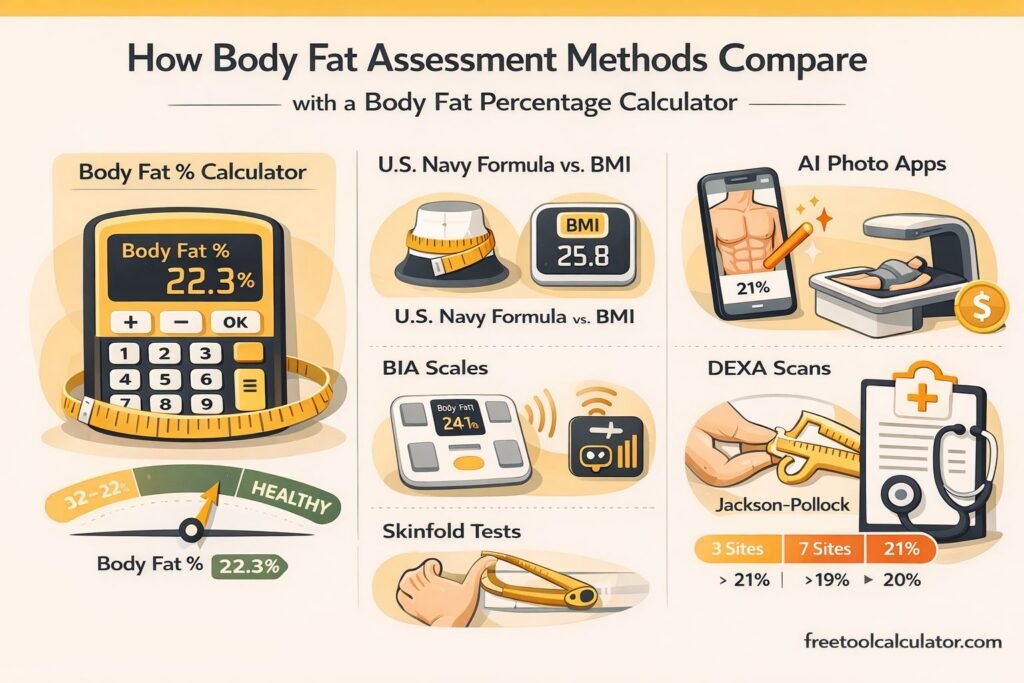
Body Fat Percentage Calculator Guide with Navy Formula, AI Apps, BIA, DEXA, and Caliper Methods

Body Fat Percentage Calculator Guide with Navy Formula, AI Apps, BIA, DEXA, and Caliper Methods

This blog explains how different body fat assessment methods compare with a Body Fat Percentage Calculator. It covers the U.S. Navy formula versus BMI, AI photo apps, BIA scales, DEXA scans, and why Jackson Pollock 3-site and 7-site methods give different results for accurate body composition tracking.

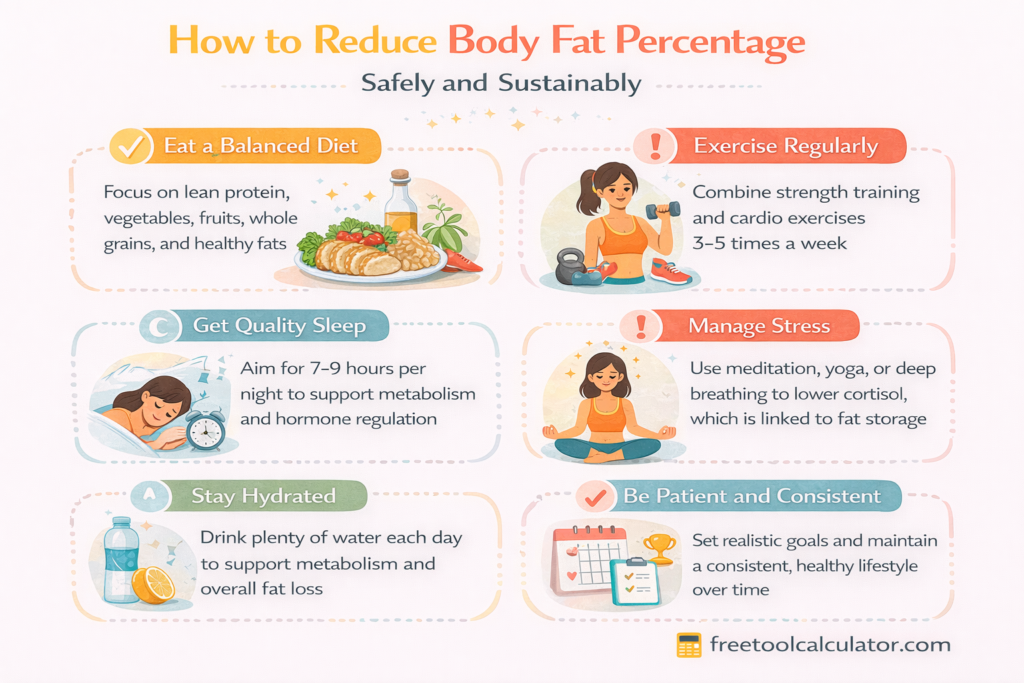
How to Reduce Body Fat Percentage Safely and Sustainably

How to Reduce Body Fat Percentage Safely and Sustainably

Reducing body fat percentage safely requires more than extreme dieting. This doctor written guide explains how to lower body fat sustainably through evidence based nutrition exercise sleep and lifestyle strategies while preserving muscle improving metabolism and supporting long term health using accurate body fat tracking.

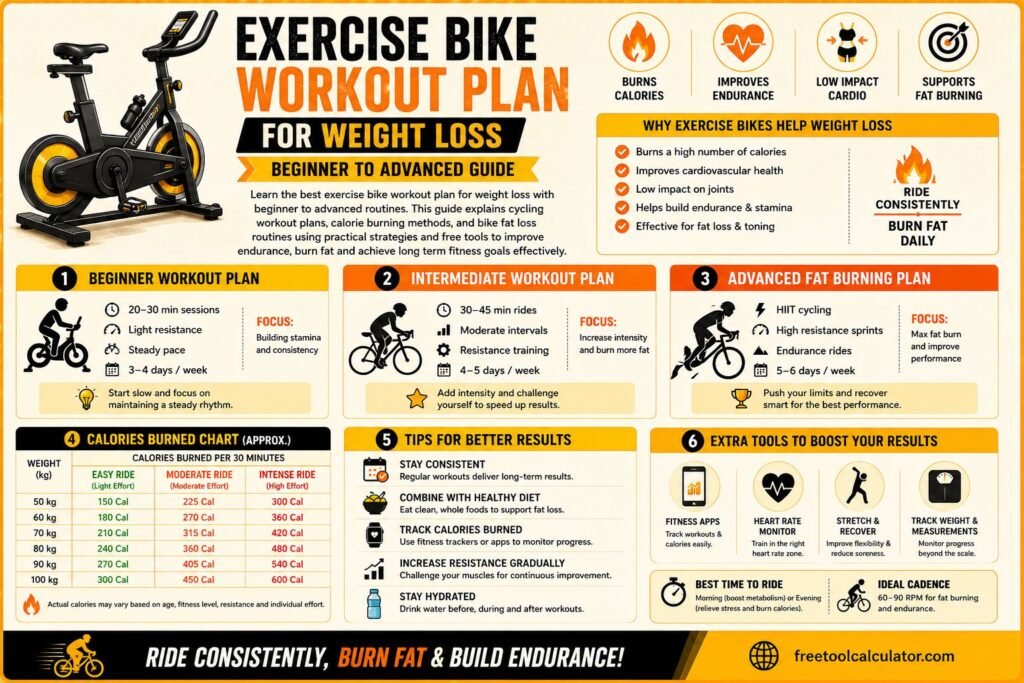
Exercise Bike Workout Plan for Weight Loss Beginner to Advanced Guide

Exercise Bike Workout Plan for Weight Loss Beginner to Advanced Guide

Learn the best exercise bike workout plan for weight loss with beginner to advanced routines This guide explains cycling workout plans calorie burning methods and bike fat loss routines using practical strategies and free fitness tools to improve endurance burn fat and achieve long term fitness goals effectively

Steps to Calories Conversion and Why It Matters Steps to calories conversion is an important concept for anyone tracking fitness, weight loss, or daily activity levels. It helps estimate how many calories you burn based on the number of steps you take. This calculation is widely used in fitness tracking apps and wearable devices to give users a better understanding of their physical activity. Knowing how to convert steps to calories allows you to monitor your progress and adjust your routine accordingly. Whether you are trying to lose weight, maintain fitness, or improve overall health, understanding this conversion provides valuable insights. You can easily convert steps to calories using this free tool and get accurate results instantly. What Is Steps to Calories Conversion Steps to calories conversion refers to estimating the number of calories burned while walking or running based on step count. Since each step requires energy, your body burns calories during movement. The total calories burned depend on factors such as body weight, walking speed, and step length. This method is commonly used because it is simple and accessible. Most people track their steps daily using smartphones or fitness trackers, making it easy to estimate calorie burn without complex calculations. Understanding steps to calories helps you stay motivated and maintain consistency in your fitness journey. It also provides a clear measurement of your daily activity level. Steps to Calories Formula Explained The steps to calories formula is based on average energy expenditure per step. A common estimate is that a person burns approximately 0.04 to 0.06 calories per step. However, this value can vary depending on individual factors. A simple formula is Calories burned equals steps multiplied by calories per step For example, if you take 10000 steps and burn 0.05 calories per step, the total calories burned would be 500. This formula provides a quick estimate but may not be fully accurate for everyone. Using a reliable calculator ensures better precision and personalized results. Factors That Affect Calories Per Step Calories per step are not the same for everyone. Several factors influence how many calories you burn during physical activity. Body weight is one of the most important factors. Heavier individuals tend to burn more calories because their bodies require more energy to move. Walking speed also plays a role. Faster walking or running increases calorie burn compared to slow walking. Step length and terrain also affect energy expenditure. Walking uphill or on uneven surfaces requires more effort and burns more calories. Understanding these factors helps you make more accurate estimates when performing steps to calories conversion. How to Convert Steps to Calories Accurately To convert steps to calories accurately, start by tracking your daily step count. Then use an appropriate calorie per step value based on your body weight and activity level. Multiply the steps by this value to estimate calories burned. For more accurate results, it is recommended to use a tool that considers multiple factors. You can calculate steps to calories using this free calculator and get personalized results instantly. Using a dedicated tool ensures that your calculations are based on reliable data, making your fitness tracking more effective. Real Examples of Steps to Calories Conversion Examples make it easier to understand steps to calories conversion. If a person walks 5000 steps and burns approximately 0.05 calories per step, they would burn around 250 calories. Similarly, walking 10000 steps may burn about 400 to 600 calories depending on factors like weight and speed. These estimates show how increasing your step count can significantly impact calorie burn. Tracking your daily steps and converting them into calories helps you stay consistent and motivated in your fitness routine. Benefits of Tracking Steps to Calories Tracking steps to calories provides several benefits. It helps you understand how active you are throughout the day and encourages you to stay consistent. It also allows you to set realistic fitness goals and measure progress over time. For individuals trying to lose weight, this method provides a simple way to monitor calorie expenditure. It also helps in maintaining a balance between calorie intake and output. Using tools like a calorie calculator can further enhance your understanding of daily energy needs and improve your overall fitness plan. Common Mistakes in Steps to Calories Calculation One common mistake is assuming that calories per step are the same for everyone. This can lead to inaccurate estimates. Another mistake is ignoring factors such as walking speed and terrain, which can significantly affect calorie burn. Relying solely on step count without considering overall activity level is another issue. For example, strength training and other exercises also contribute to calorie burn but are not reflected in step count. Using accurate tools and understanding the limitations of step based calculations helps avoid these mistakes. Advanced Tips to Improve Accuracy To improve accuracy, consider using wearable devices that track additional metrics such as heart rate and distance. These devices provide more precise calorie estimates. Maintaining a consistent walking routine also helps in getting reliable data. Tracking your progress over time allows you to identify patterns and make necessary adjustments. Combining step tracking with other tools like a tdee calculator can give a complete picture of your daily energy expenditure. This approach helps you manage your fitness goals more effectively. How Steps to Calories Helps in Weight Loss Steps to calories conversion is a useful tool for weight loss. By increasing your daily step count, you can burn more calories and create a calorie deficit, which is essential for losing weight. For example, adding an extra 2000 steps to your daily routine can burn additional calories over time. This small change can lead to significant results when combined with a balanced diet. Understanding how to convert steps to calories allows you to set realistic goals and track your progress effectively. It also helps you stay motivated and consistent. Conclusion Steps to Calories Conversion Made Simple Steps to calories conversion is a simple yet powerful way to track your physical activity and improve your health. By understanding the steps to calories formula and using accurate tools, you can estimate your calorie burn effectively. If you want precise and instant results, you can use this free steps to calories calculator and track your daily activity with ease. Combining this with other health tools ensures a complete and effective fitness strategy for long term success.

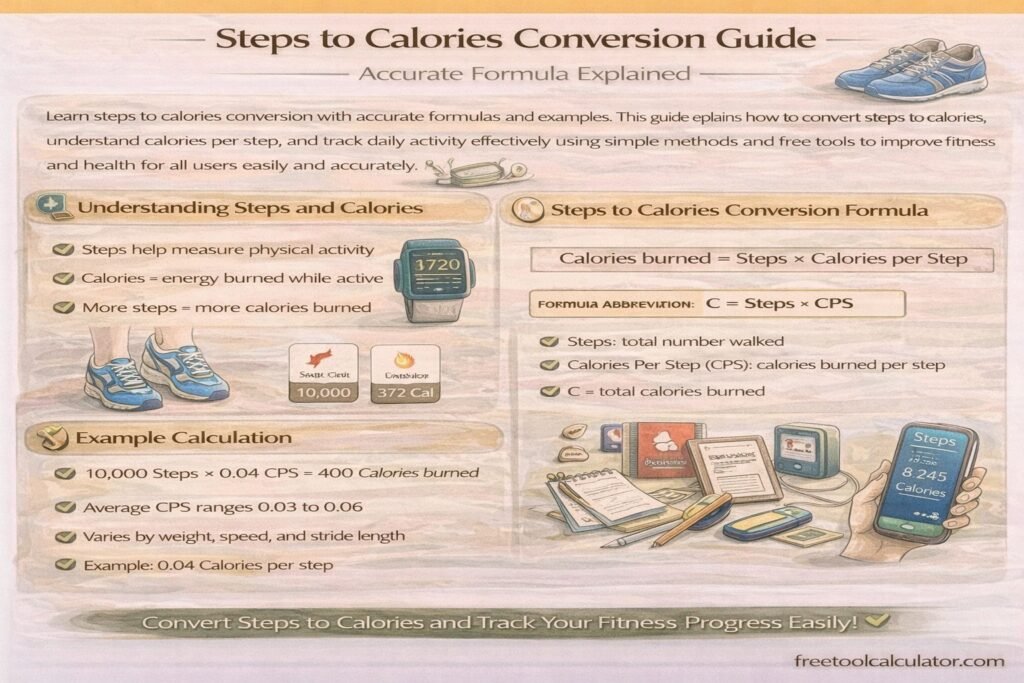
Steps to Calories Conversion Guide Accurate Formula Explained

Learn steps to calories conversion with accurate formulas and examples This guide explains how to convert steps to calories, understand calories per step, and track daily activity effectively using simple methods and free tools to improve fitness and health for all users easily and accurately

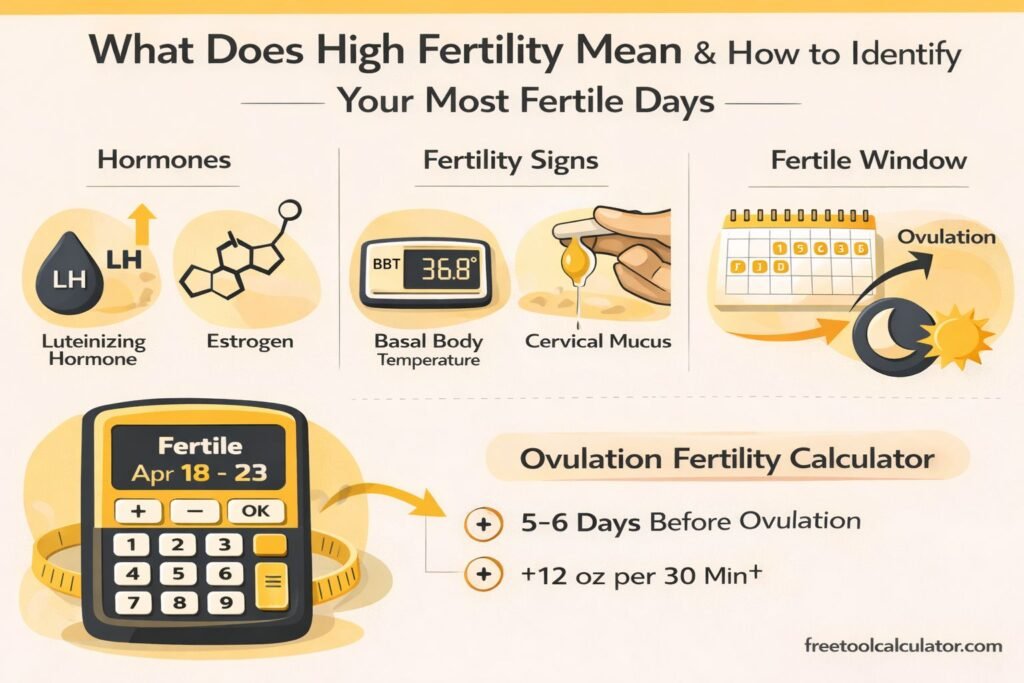
What Does High Fertility Mean and How to Identify Your Most Fertile Days

What Does High Fertility Mean and How to Identify Your Most Fertile Days

Learn what high fertility means, how to recognize fertile signs, and how an Ovulation Fertility Calculator helps identify your best chances of pregnancy accurately.

CSS Gradients in Web Design – Performance, Best Practices & Browser Support

How to Convert Figma Gradient to CSS Code – Complete Developer Guide

This CSS gradient generator guide explains how to convert Figma gradients into CSS code accurately. Learn how to extract color stops, angles, and gradient types from Figma, convert them into linear or radial CSS gradients, and optimize them for responsive web design, browser compatibility, and performance using efficient development techniques and tools.

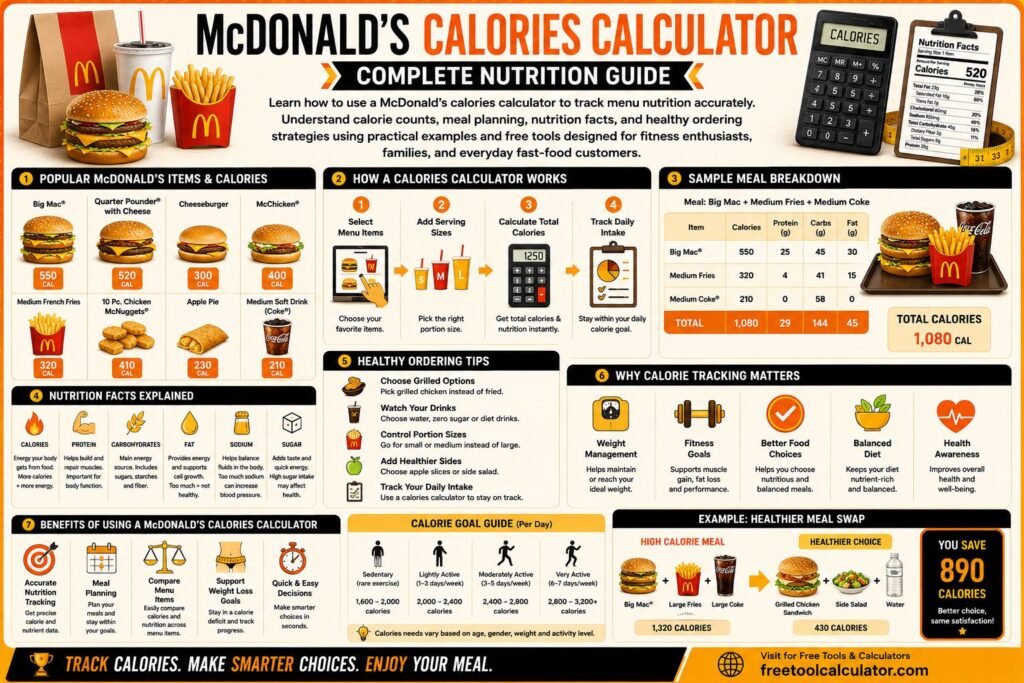
McDonald's Calories Calculator Complete Nutrition Guide

McDonald’s Calories Calculator Complete Nutrition Guide

Learn how to use a McDonald’s calories calculator to track menu nutrition accurately This guide explains McDonald’s calorie counts meal planning nutrition facts and healthy ordering strategies using practical examples and free tools designed for fitness enthusiasts families and everyday fast food customers alike

How to Add Data Beginner Guide for All Platforms

How to Add Data Beginner Guide for All Platforms

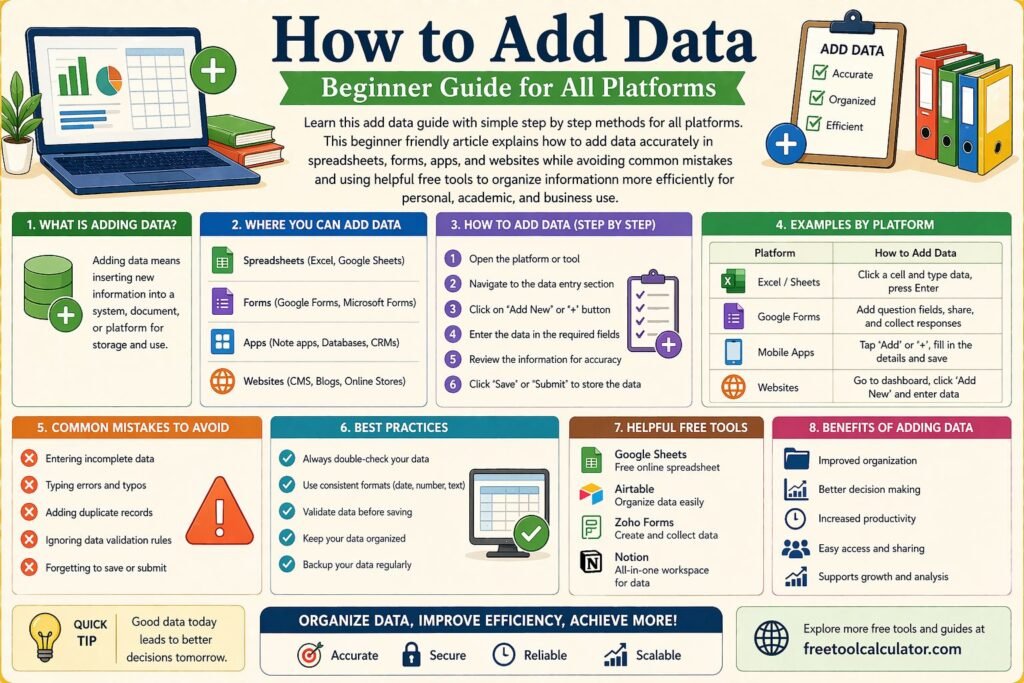
Learn this add data guide with simple step by step methods for all platforms This beginner friendly article explains how to add data accurately in spreadsheets forms apps and websites while avoiding common mistakes and using helpful free tools to organize information more efficiently for personal academic and business use

What is Legal Size Paper Complete Guide to Dimensions Uses and Printing

What is Legal Size Paper Complete Guide to Dimensions Uses and Printing

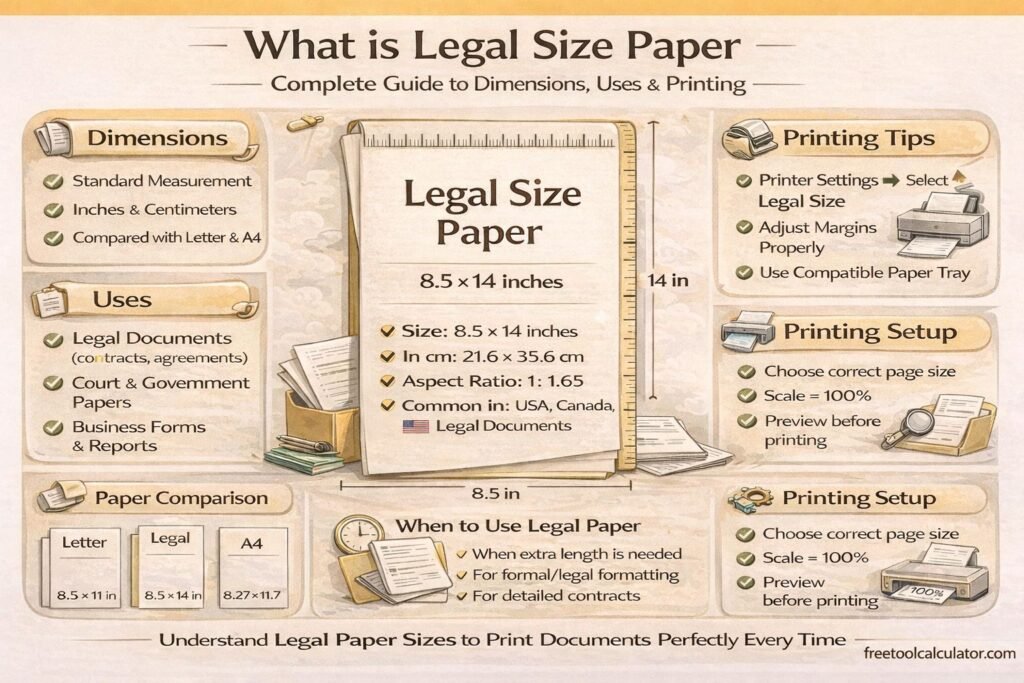
Many people face printing problems without even realizing the real cause. You open a document print it and suddenly the content looks cut off or stretched. This usually happens because you selected the wrong paper size.

Sales Tax Calculator Guide State by State Breakdown

Sales Tax Calculator Guide State by State Breakdown

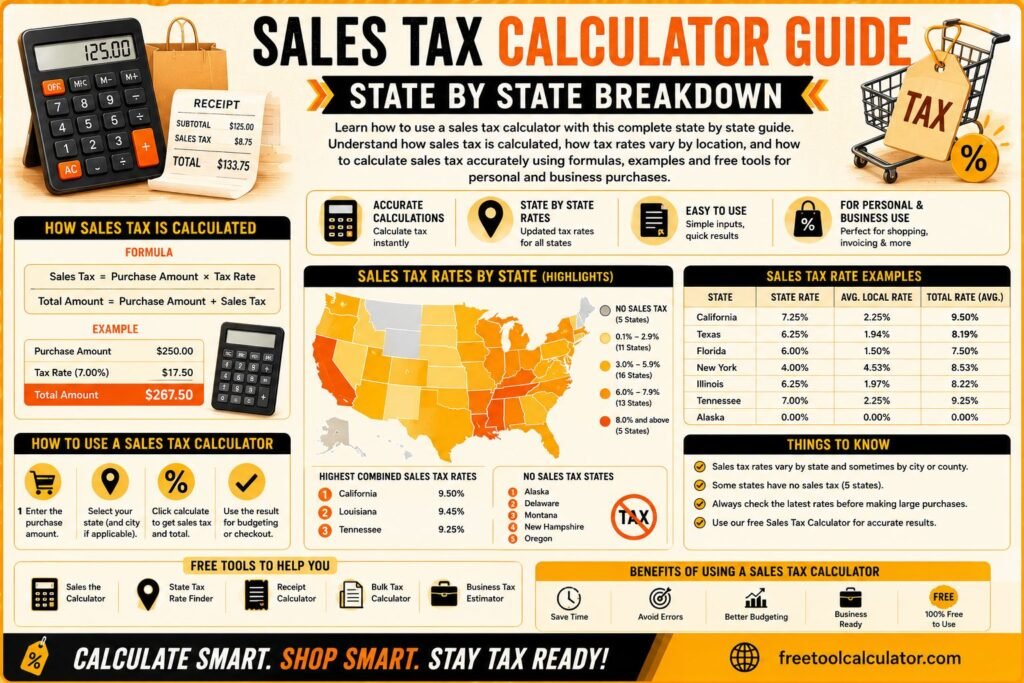
Learn how to use a sales tax calculator with this complete state by state guide Understand how sales tax is calculated, how tax rates vary by location, and how to calculate sales tax accurately using formulas examples and free tools for personal and business purchases

Man and woman measuring foot size with ruler to determine average shoe size and proper shoe fitting at home

What Is the Average Shoe Size for Men and Women? A Complete Guide to Fit, Factors, and Trends

Learn the average shoe size for men and women, what influences foot size, and how to find the perfect fit. This guide covers global trends, measurement tips, and why proper shoe sizing matters for comfort, health, and performance.

How to Use a Date Time Difference Calculator for Accurate Time Comparison

How to Use a Date Time Difference Calculator for Accurate Time Comparison

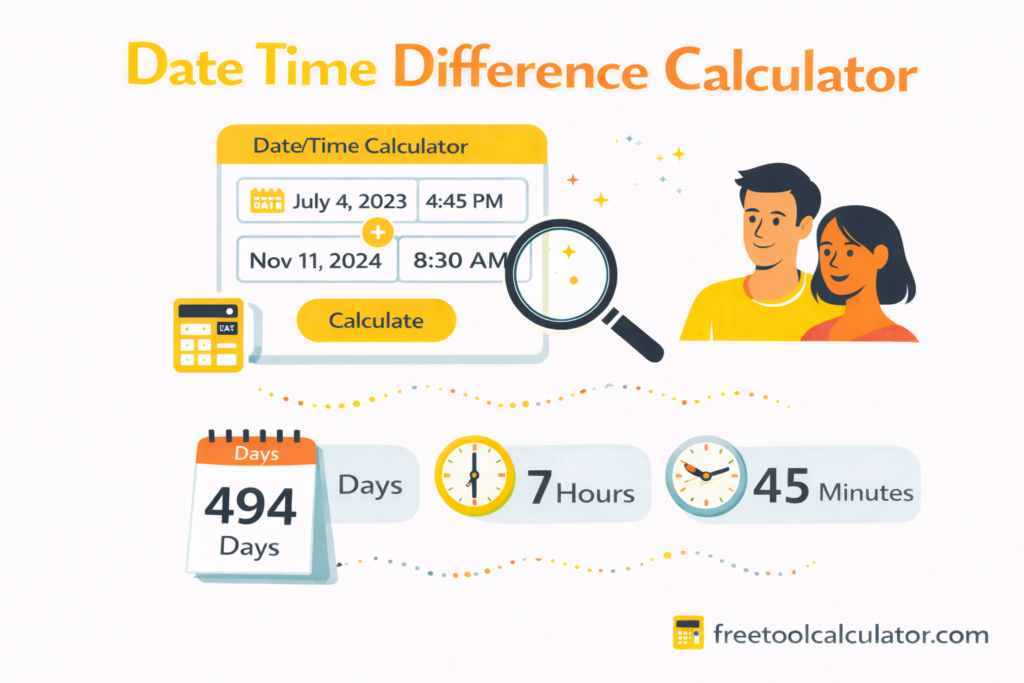
Learn how to calculate time differences between dates and times accurately using a Date Time Difference Calculator. This guide explains practical use cases manual methods key formulas and tips to handle hours minutes and seconds differences quickly and without errors.

Report a Bug