Sleep Calculator | Ideal Sleep Time & Cycles
A Sleep Calculator helps you determine the best time to go to bed or wake up based on natural sleep cycles. Instead of waking up feeling tired, this tool aligns your sleep schedule with how your body actually rests and recovers.
What Is a Sleep Calculator?
A sleep calculator estimates ideal sleep and wake times by working with sleep cycles, which typically last about 90 minutes. Completing full cycles helps you wake up feeling refreshed rather than groggy or fatigued.
How the Sleep Calculator Works
The Sleep Calculator calculates optimal bedtimes or wake-up times by counting backward or forward in 90-minute sleep cycles. It also considers average time taken to fall asleep, helping you plan a realistic and effective sleep schedule.
Why Sleep Cycles Matter
Waking up during deep sleep can leave you feeling exhausted, even after enough hours in bed. Aligning sleep with natural cycles improves alertness, mood, and overall daily performance.
Benefits of Using a Sleep Calculator
Using a sleep calculator helps improve sleep quality, boost energy levels, and support mental clarity. It is especially useful for people with busy schedules who want better rest without guessing ideal sleep times.
Final Thoughts
A Sleep Calculator makes healthy sleep easier to plan. By understanding your sleep cycles and ideal sleep times, you can wake up feeling refreshed, focused, and ready for the day.
About the Sleep Calculator
Sleep Calculator is an educational estimation tool designed to help you understand the relationship between the inputs you enter and the result shown. The interactive tool above is the main feature of this page; the guide below explains how to use it responsibly, what the result means, and what to check when the number will be used for a real decision.
How to use this tool
- Read each field label and enter the requested values using the units shown.
- Check that decimal points, percentages, dates, or units have been entered correctly.
- Run the calculation or generation step and review the complete result rather than copying only one number.
- If the result will affect money, health, purchasing, scheduling, or another important decision, verify the inputs and compare the result with an appropriate independent source.
What to know before relying on the result
Sleep timing estimates do not guarantee sleep quality. Individual sleep need and sleep latency vary, and medical sleep problems require professional evaluation.
How to interpret the result
Treat the result as an estimate rather than a diagnosis, prescription, or personal medical recommendation. Health-related outputs can change with age, body composition, activity, sleep, medication, pregnancy, illness, measurement method, and other individual factors that a simple online calculator cannot fully capture.
Important health limitation
This tool is for general educational information. It is not a substitute for advice from a doctor, registered dietitian, physiotherapist, psychologist, or other qualified professional. If a result concerns you, conflicts with professional advice, or relates to symptoms or a medical condition, discuss it with an appropriate healthcare professional.
Common mistakes to avoid
- Mixing measurement systems or entering a value in a different unit from the one requested.
- Using rounded or estimated inputs when more accurate values are available.
- Assuming an online result includes every real-world variable, fee, exception, or personal factor.
- Copying the output without checking whether the result is plausible for the values entered.
Frequently Asked Questions
Is the Sleep Calculator free to use?
Yes. You can use the tool in your browser without purchasing specialist calculation software.
Why might my result differ from another calculator?
Different tools can use different assumptions, rounding rules, data sources, formulas, defaults, or conversion precision. Compare the inputs and methodology before deciding that one result is incorrect.
Can I use the result for professional decisions?
It can be useful for preliminary calculations and cross-checking. For regulated, medical, legal, tax, engineering, or other high-stakes decisions, confirm the result with the relevant official source or qualified professional.
How can I report a problem?
If you find a calculation, wording, usability, or technical issue, contact Free Tools Calculator and include the page URL, the inputs you used, the result you received, and what you expected. That makes the issue easier to reproduce and review.
Complete Guide to This Tool
This guide explains how to use the sleep calculator, what the result means, what can affect accuracy, and how to avoid common mistakes. It is written to support the calculator or utility above rather than replace the interactive tool.
What a Sleep Calculator Can Estimate
A sleep calculator helps plan a bedtime or wake-up time from a target sleep duration or an assumed sleep-cycle length. It can be useful for scheduling, but it cannot determine your actual sleep stages from a clock alone. Real sleep cycles vary between people and across the night.
For practical use, focus on the inputs that materially change the result and keep units, definitions, and assumptions consistent. If you are comparing results over time, use the same method each time and record any important changes in conditions. This makes the output easier to interpret and reduces the risk of treating a rough estimate as exact.
Sleep Cycles Are Not Exactly 90 Minutes
The popular 90-minute sleep-cycle idea is a convenient planning approximation, not a fixed biological rule. Sleep architecture changes during the night, and cycle length varies. A calculator that uses cycle estimates should therefore be treated as a scheduling aid rather than a precise measurement of REM or deep sleep.
Sleep Duration Matters More Than Hitting a Perfect Cycle
For most people, consistently allowing enough opportunity for sleep is more useful than repeatedly shortening sleep to wake at a predicted cycle boundary. Age, individual needs, health, schedule, and sleep quality all influence how rested someone feels.
Bedtime, Wake Time and Circadian Rhythm
Sleep timing interacts with the body’s circadian system, light exposure, routines, and daily obligations. A regular schedule can make sleep timing more predictable. Large day-to-day shifts may make it harder for some people to fall asleep or wake comfortably.
Why You May Still Feel Tired
A calculated schedule cannot account for fragmented sleep, illness, stress, sleep disorders, medications, alcohol, caffeine timing, environmental disruption, or individual sleep need. Persistent excessive sleepiness or ongoing sleep problems deserve professional medical attention rather than repeated calculator adjustments.
Healthy Use and Limitations
Avoid using a sleep calculator to justify chronically short sleep. The tool does not diagnose insomnia, sleep apnea, circadian disorders, or other conditions and does not measure REM or deep sleep. It is an educational planning tool.
Related Search Terms and Questions
People researching this tool also commonly look for topics such as sleep calculator, sleep cycle calculator, best sleep time, ideal sleep schedule, sleep cycle timing, bedtime calculator, wake up time calculator, what time should I sleep, what time should I wake up, sleep duration calculator. These phrases describe closely related intents rather than separate features, and the sections above address the underlying questions naturally.
- sleep schedule calculator
- 90 minute sleep cycle
- healthy sleep schedule
- bedtime by wake time
- wake time by bedtime
- sleep timing
- circadian rhythm sleep
- sleep quality
- REM sleep cycle
- deep sleep timing
Editorial and Accuracy Note
FreeToolCalculator aims to make calculations and digital utilities understandable by explaining the method, assumptions, limitations, and practical checks behind the result. Tool outputs should be verified when they are used for purchasing, professional, financial, religious, health, safety, or other consequential decisions. We review tool guidance periodically as standards, software interfaces, and common practices change.
Using the Sleep Calculator as a Health Estimate
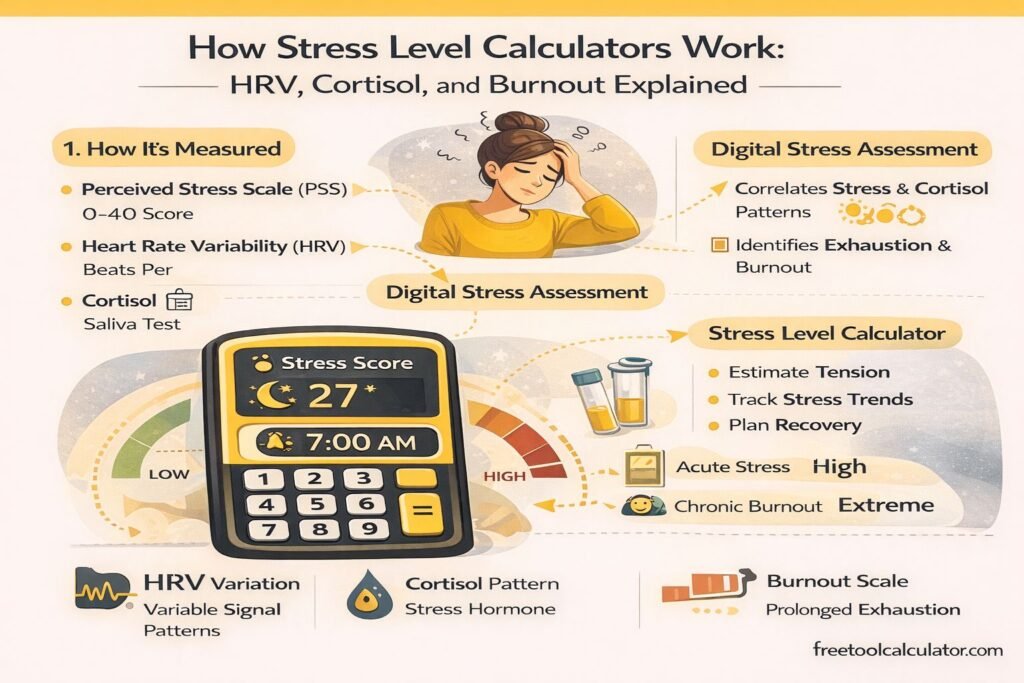
Health-related calculators simplify complex individual differences into a small number of inputs. Use the result as an educational reference, not as a diagnosis or a personalized treatment target. Measurements can vary because of age, body composition, activity, sleep, medication, pregnancy, medical history and the method used to collect the input data.
Improve the Quality of Your Inputs
Use recent measurements, enter the requested units exactly, and avoid guessing when an accurate measurement is available. If you repeat the calculation, try to measure under similar conditions. This makes changes easier to interpret and reduces the chance that normal measurement variation is mistaken for a meaningful change.
When Professional Context Matters
If you are using the result to make a significant change to diet, exercise, medication, pregnancy planning or management of a medical condition, discuss it with an appropriately qualified professional. The calculator can help you understand the numbers, but it does not know your full health history or replace individualized assessment.
Final Check for Sleep Calculator
Review the original input one final time before copying the result. Check decimal places, signs, units, dates and any selected options. If the value will be shared, include enough context for another person to understand what was entered and what the output represents. This final check reduces transcription errors and makes the calculation easier to reproduce.
Practical Notes for Sleep Calculator
For a dependable result, keep the source information beside the output and confirm that every value is entered in the expected format. If the answer looks unusual, test a simple case you can verify independently and then return to the real input. When the result is used for an important decision, compare it with the relevant official source, current standard, product documentation or qualified professional guidance as appropriate.