What Is HEX to RGB Conversion and Why It Matters
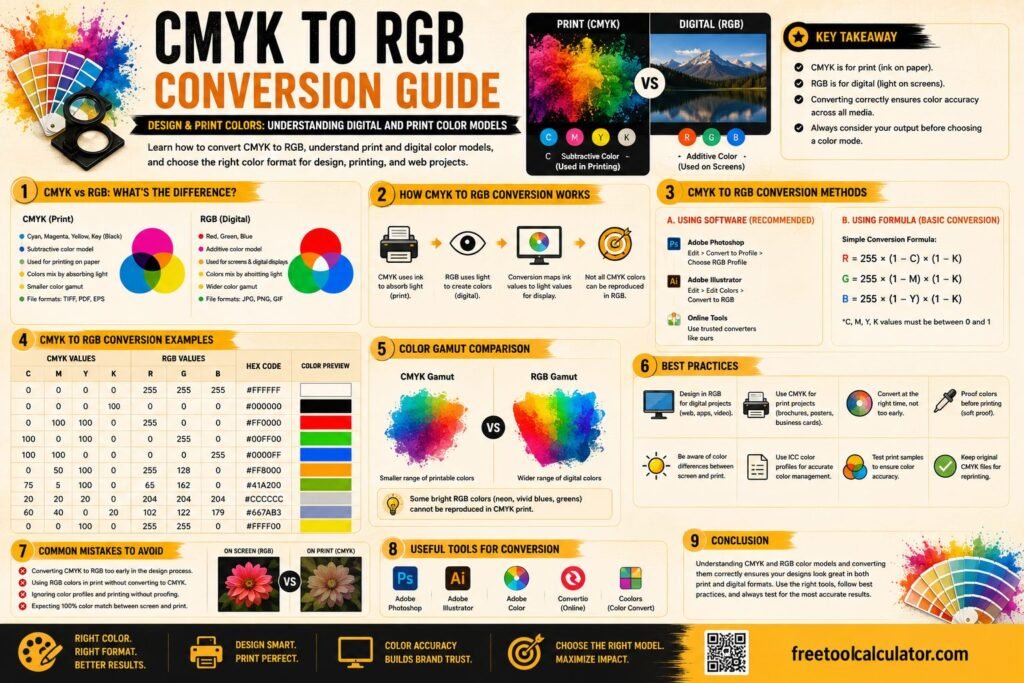
HEX to RGB conversion is a fundamental concept in digital design and web development. It refers to converting hexadecimal color codes into RGB values, which represent colors using red, green, and blue components. Understanding hex to rgb is essential for designers, developers, and anyone working with digital colors because it ensures consistency across platforms and devices.
Hexadecimal colors are widely used in web design because they are compact and easy to use in code. However, RGB values provide more flexibility when adjusting color intensity and transparency. This is why converting hexadecimal to rgb color is a common task in design workflows. You can easily perform this conversion using a hex color converter to get instant and accurate results.
Understanding HEX Color Codes
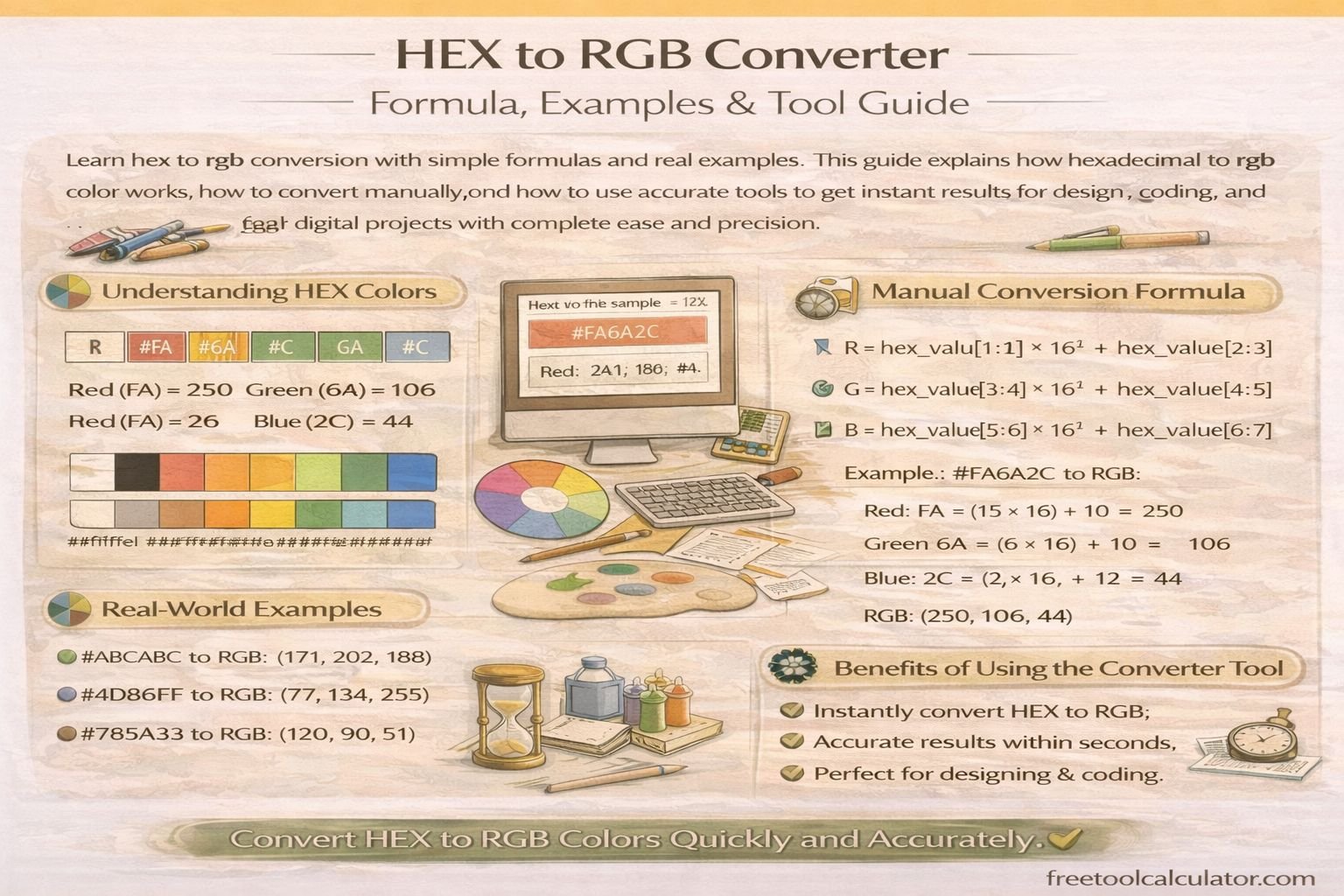
HEX color codes are six digit values that represent colors in digital systems. They start with a hash symbol followed by six characters, which can be numbers or letters from A to F. Each pair of characters represents the intensity of red, green, and blue.
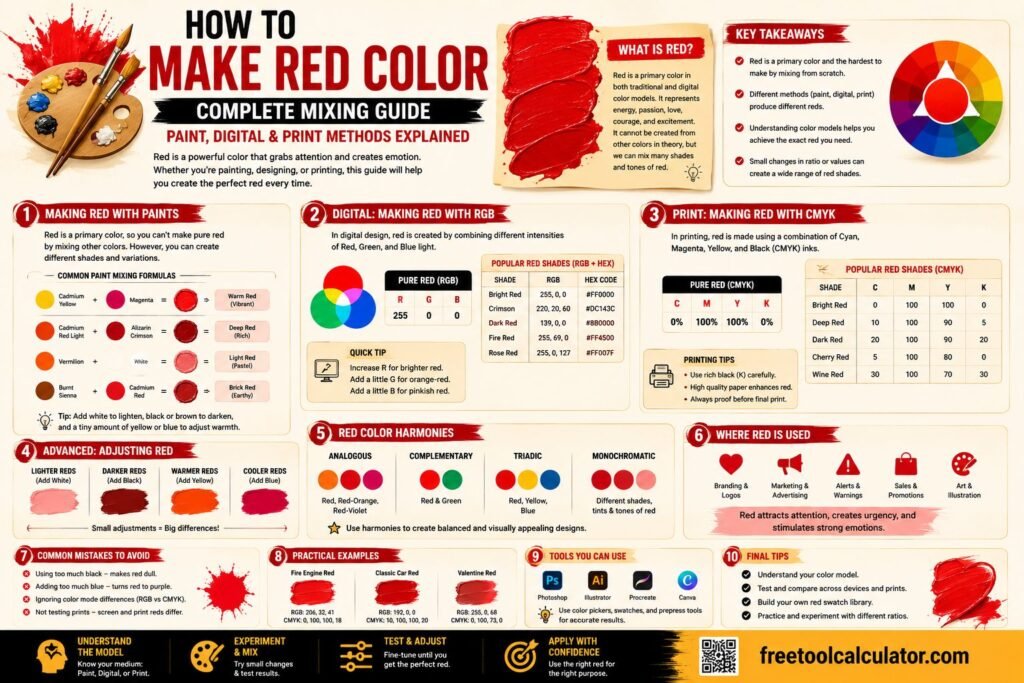
For example, the hex code #FF0000 represents pure red, where FF indicates the highest intensity of red, and the other values are zero. Similarly, #00FF00 represents green, and #0000FF represents blue. Understanding this structure is the first step in mastering hex to rgb conversion.
HEX codes are widely used in HTML and CSS because they are easy to read and implement. However, when more control over color is needed, designers often convert these values into RGB format.
What Is RGB and How It Works
RGB stands for red, green, and blue. It is a color model used in digital displays where colors are created by combining these three primary colors in different intensities. Each component ranges from 0 to 255, allowing for millions of possible color combinations.
For example, RGB 255 0 0 represents red, while RGB 0 255 0 represents green. By adjusting these values, you can create any color needed for your project. Understanding RGB is essential for accurate rgb hex conversion and for working with digital media effectively.
HEX to RGB Formula Explained
The hex to rgb formula involves converting each pair of hexadecimal digits into decimal values. Each pair corresponds to red, green, and blue components.
To convert a hex value to RGB, follow these steps. First, remove the hash symbol. Next, split the remaining six characters into three pairs. Then convert each pair from hexadecimal to decimal.
For example, consider the hex code #FF5733. The pairs are FF, 57, and 33. Converting these to decimal gives 255, 87, and 51. The final RGB value is RGB 255 87 51.
This method ensures accurate conversion and helps you understand how colors are represented in different formats.
Real Examples of HEX to RGB Conversion
Examples make it easier to understand hex to rgb conversion. Take the hex code #000000, which converts to RGB 0 0 0, representing black. Similarly, #FFFFFF converts to RGB 255 255 255, representing white.
Another example is #3498DB, a popular blue shade. When converted, it becomes RGB 52 152 219. These examples show how hexadecimal values translate into RGB components.
Using a tool like a hex to rgb converter allows you to perform these conversions instantly without manual calculations. This saves time and reduces the risk of errors.
How to Convert HEX to RGB Using Online Tools
Manual conversion is useful for learning, but online tools make the process faster and more efficient. You can simply enter a hex code into a converter and get the RGB value instantly.
For example, you can convert hexadecimal to rgb color using this free tool and get accurate results within seconds. These tools are completely free and designed for ease of use, making them accessible to everyone.
Online converters also support additional formats, allowing you to switch between HEX, RGB, and other color systems seamlessly. This flexibility is essential for modern design workflows.
Why HEX to RGB Conversion Is Important in Web Design
Hex to rgb conversion plays a crucial role in web design and development. Different platforms and tools use different color formats, so understanding how to convert between them ensures consistency.
For example, CSS supports both HEX and RGB values. Designers often switch between these formats depending on the requirements of the project. RGB is particularly useful when working with opacity and gradients.
You can also use tools like a color contrast checker to ensure that your color combinations meet accessibility standards. This is especially important for creating user friendly and inclusive designs.
Common Mistakes in RGB HEX Conversion
One common mistake is misinterpreting hexadecimal values. Since HEX uses base 16, it includes letters from A to F, which can confuse beginners. Another mistake is incorrect splitting of the six digit code, which leads to wrong RGB values.
Some users also forget to convert each pair separately, resulting in inaccurate results. Using a reliable hex color converter eliminates these errors and ensures precise conversions every time.
It is also important to double check your values, especially when working on professional projects. Even a small mistake can affect the final design.
Advanced Tips for Working with Colors
Once you understand hex to rgb conversion, you can explore advanced techniques to enhance your designs. Adjusting RGB values allows you to create lighter or darker shades of a color. This is useful for creating depth and contrast in your work.
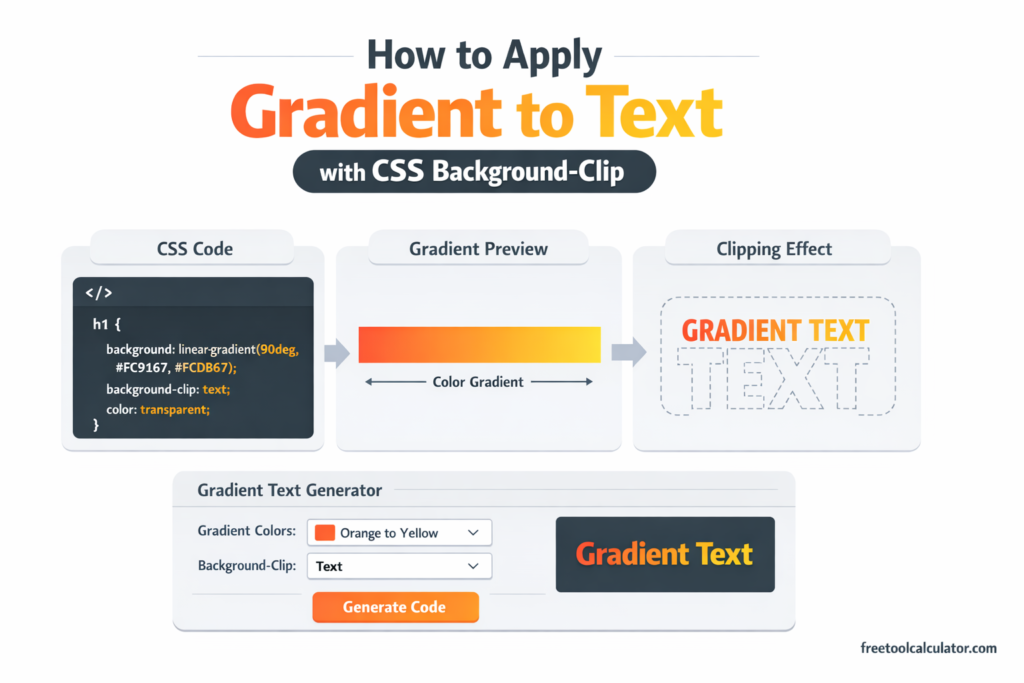
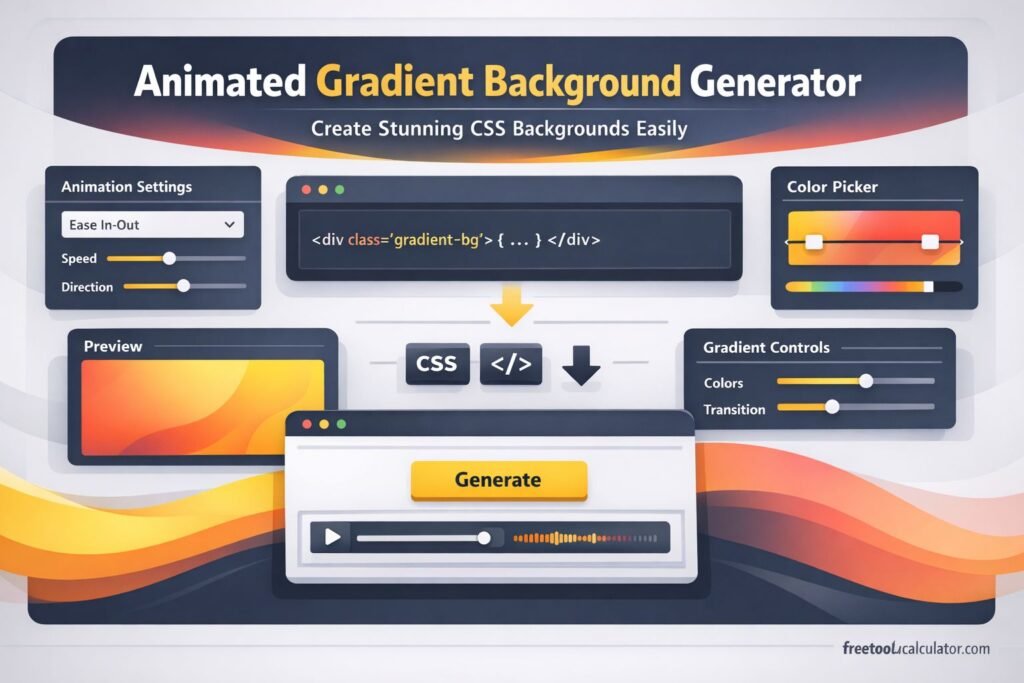
You can also experiment with gradients using tools like a css gradient generator to combine multiple colors smoothly. This adds visual appeal and improves user experience.
Another useful approach is creating color palettes using a color theme generator. This helps you maintain consistency across your projects and ensures that your colors work well together.
Best Practices for Accurate Color Conversion
To achieve accurate results, always use reliable tools and double check your inputs. Keep a record of frequently used colors for consistency across projects.
It is also important to test your colors on different devices and screens. Colors may appear differently depending on display settings, so testing ensures that your design looks as intended.
Using professional tools alongside manual knowledge gives you the best results. This combination allows you to work efficiently while maintaining accuracy.
Conclusion Mastering HEX to RGB Conversion
Understanding hex to rgb conversion is essential for anyone working with digital colors. It helps you switch between formats, maintain consistency, and create visually appealing designs.
If you want a quick and accurate way to convert colors, you can use this free hex color converter and get instant results. Combining this with tools like color contrast checkers and gradient generators ensures a complete solution for all your design needs.