How to Create Favicon for Website and Why It Matters
Learning how to create favicon for website is an essential step in building a professional online presence. A favicon is a small icon that appears in browser tabs, bookmarks, and search results. It helps users quickly identify your website and strengthens your brand identity.
When you create favicon website correctly, it improves user experience and makes your site look more trustworthy. A well designed favicon also enhances recognition, especially when users have multiple tabs open. You can easily create favicon for website using this free favicon generator and get professional results without any design experience.
What Is a Favicon and How It Works
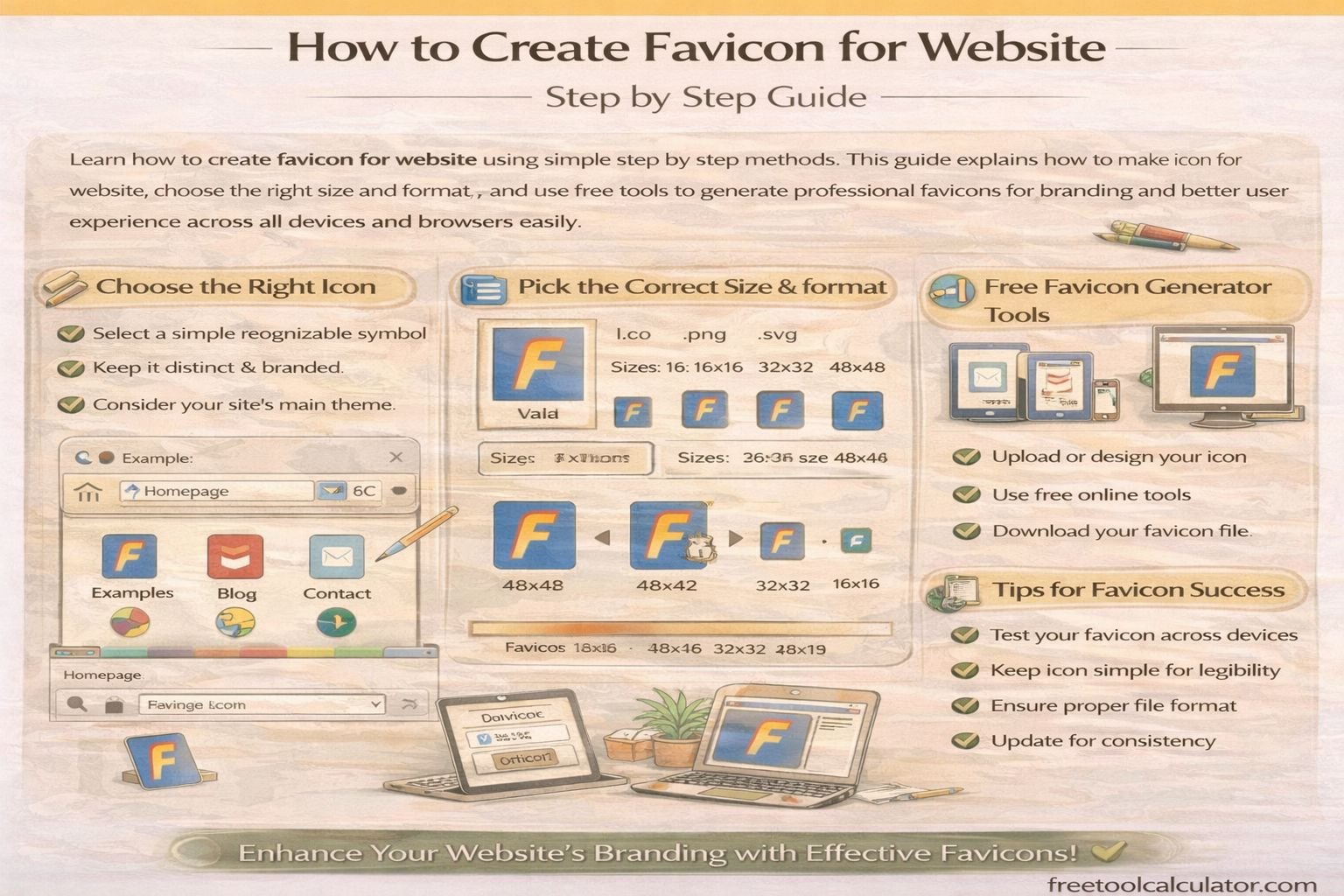
A favicon is a small square image, usually 16 by 16 or 32 by 32 pixels, that represents your website visually. It is displayed in browser tabs, bookmarks, and sometimes in search engine results.
The purpose of a favicon is to create a visual identity for your website. It works as a branding element that helps users recognize your site instantly. When you understand how to make icon for website, you can design a favicon that reflects your brand effectively.
Favicons are typically saved in ICO, PNG, or SVG formats. Modern browsers support multiple formats, but using the correct size and format ensures compatibility across all devices.
How to Make Icon for Website Step by Step
To create favicon website, start by designing a simple and clear icon. Since favicons are small, avoid complex details and focus on recognizable shapes or letters. Use bold colors and high contrast to make the icon visible even at small sizes.
Next, resize your design to standard favicon dimensions. The most common sizes include 16 by 16, 32 by 32, and 48 by 48 pixels. Once your design is ready, upload it to a tool where you can generate favicon files in different formats.
You can make favicon for website instantly using this free tool and download all required sizes for different platforms. This simplifies the process and ensures compatibility with all browsers.
Best Favicon Sizes and Formats for Websites
Choosing the correct size and format is crucial when you create icon for website. Different devices and browsers require different favicon sizes. The most commonly used sizes include 16 by 16 for browser tabs and 32 by 32 for bookmarks.
For mobile devices and modern applications, larger sizes such as 180 by 180 are often required. Using multiple sizes ensures that your favicon looks sharp on all screens.
To maintain quality, it is important to use optimized images. You can use tools like image compressor to reduce file size without losing quality, improving your website performance.
How to Add Favicon to Your Website
After creating your favicon, the next step is adding it to your website. Upload the favicon file to your website’s root directory. Then add a link tag in the HTML head section to connect the favicon to your site.
This process ensures that browsers can detect and display your favicon correctly. Most content management systems like WordPress also provide built in options to upload favicons easily.
Testing your favicon across different browsers is important to ensure it displays correctly everywhere. This step helps avoid compatibility issues and improves user experience.
Common Mistakes When Creating a Website Favicon
Many beginners make mistakes when learning how to create favicon for website. One common issue is using overly complex designs that become unclear at small sizes. Keeping the design simple ensures better visibility.
Another mistake is using incorrect dimensions or formats. This can cause the favicon to appear blurry or not display at all. Always use recommended sizes and formats for best results.
Ignoring optimization is another problem. Large file sizes can slow down your website. Using proper tools ensures your favicon is both high quality and optimized for performance.
Design Tips to Create a Professional Favicon
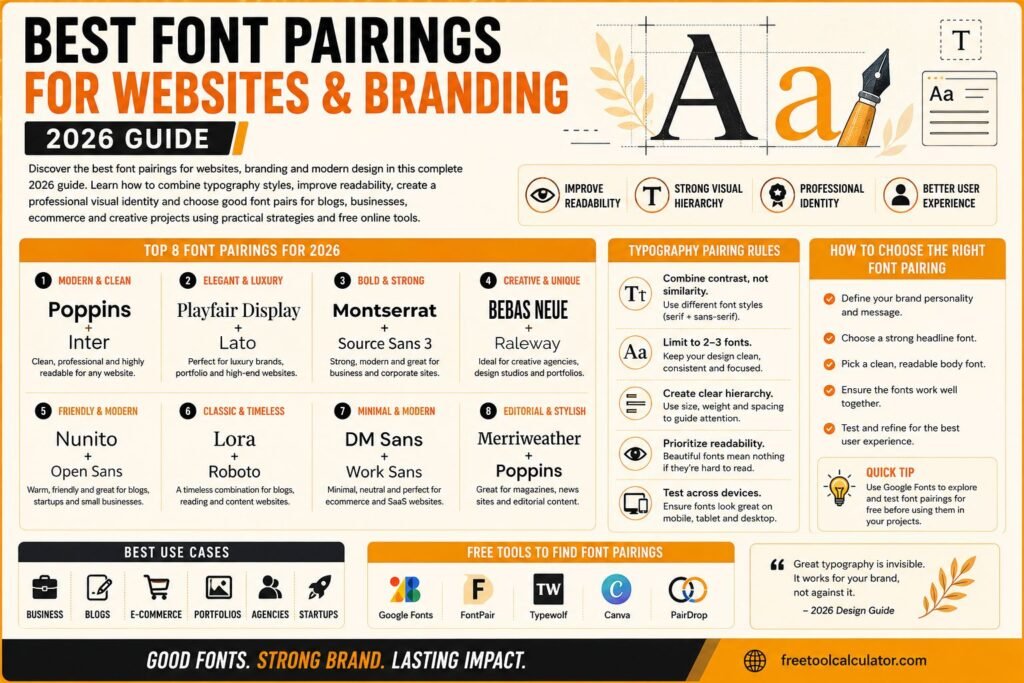
When designing a favicon, focus on simplicity and clarity. Use a single letter, symbol, or icon that represents your brand. Avoid detailed graphics that may not be visible at small sizes.
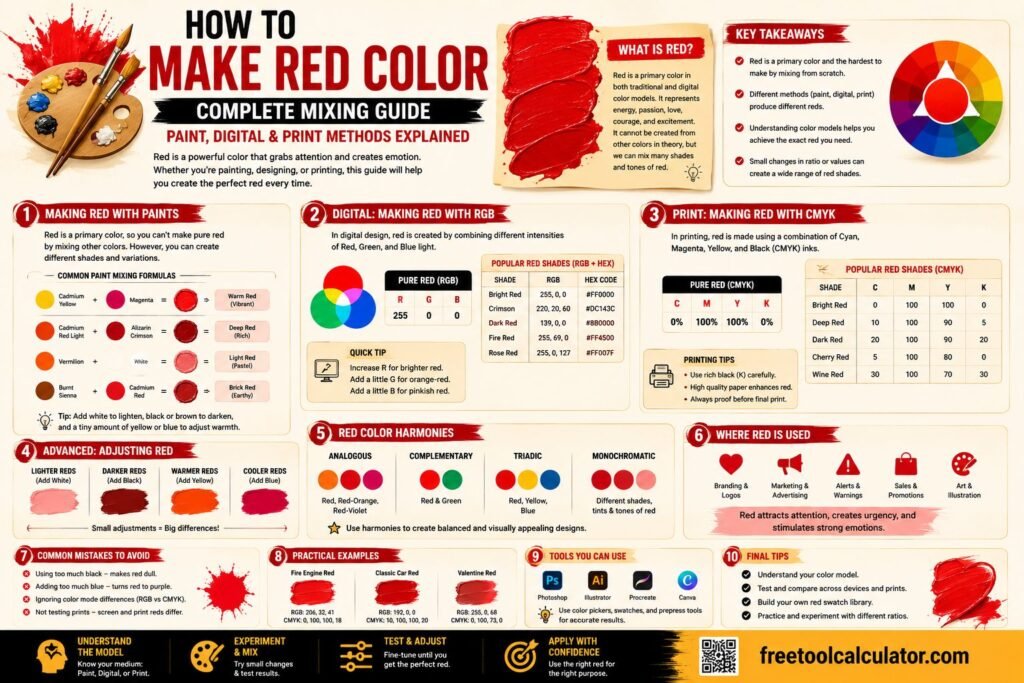
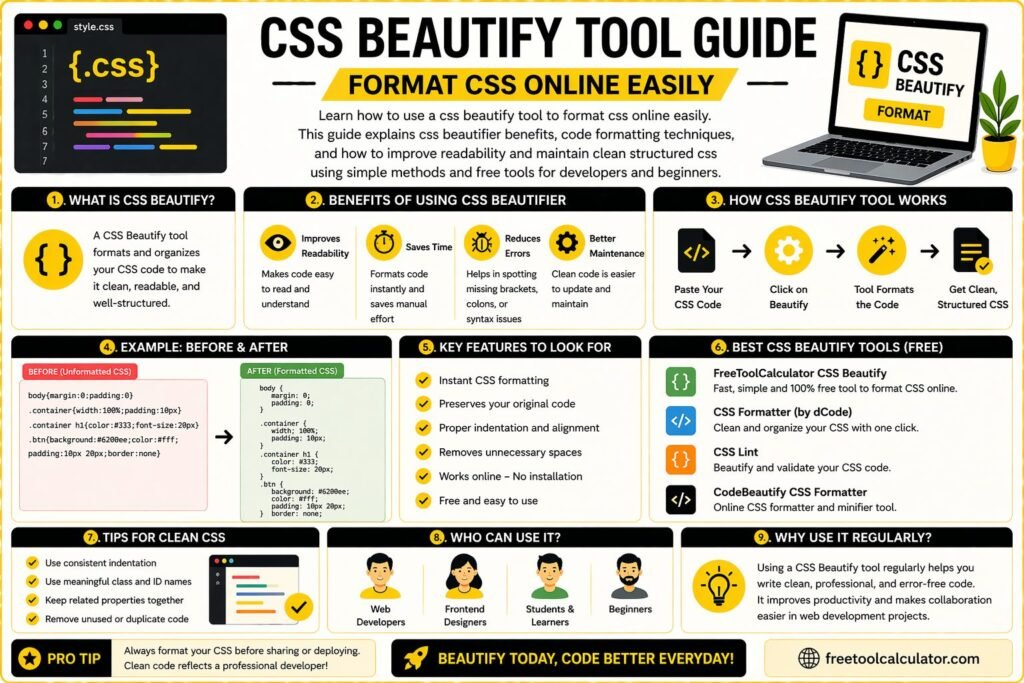
Color selection is also important. High contrast colors make your favicon stand out. You can experiment with color combinations using a color theme generator to find the best match for your brand.
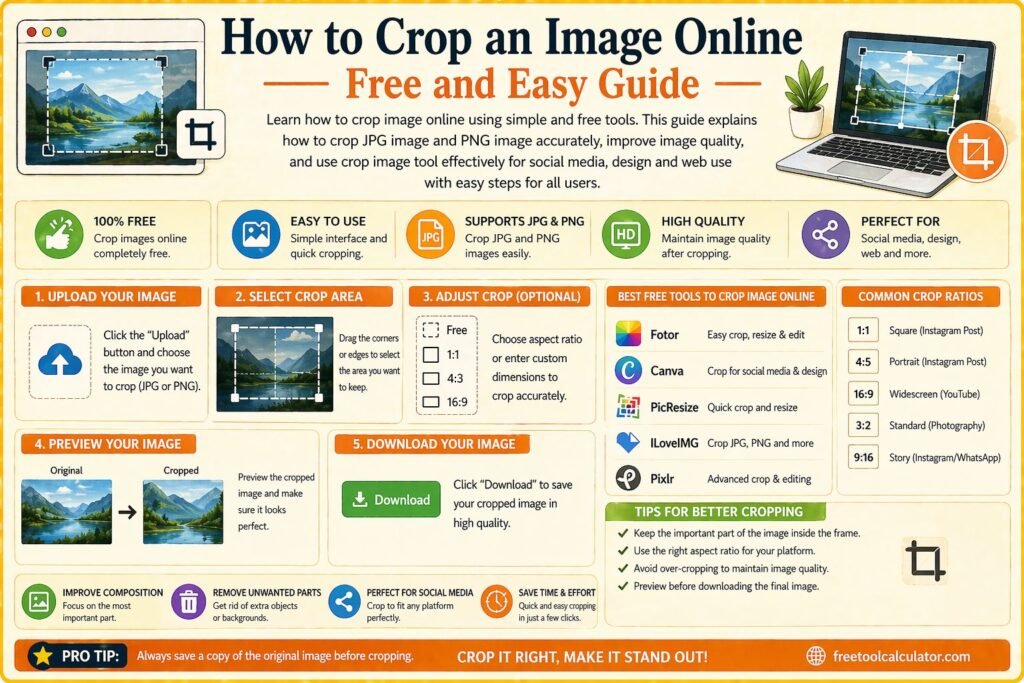
Cropping your image correctly ensures that the important elements are centered. Tools like image cropper tool can help you adjust your design perfectly before generating the favicon.
Why Favicons Improve SEO and User Experience
Favicons play a small but important role in SEO and user experience. They help users identify your website quickly, which can improve click through rates and engagement.
Search engines also use favicons in mobile search results, making them part of your overall branding strategy. A well designed favicon can make your website look more professional and trustworthy.
By learning how to create favicon website properly, you can enhance both usability and visual appeal. This contributes to a better overall user experience and stronger brand recognition.
Advanced Tips for Favicon Optimization
To get the best results, create multiple versions of your favicon for different platforms. This ensures that your icon looks sharp on desktops, tablets, and mobile devices.
Using vector graphics can help maintain quality when resizing. You can also test your favicon on different backgrounds to ensure visibility in all situations.
Another useful approach is combining your favicon with your overall branding strategy. Matching colors and styles across your website creates a consistent and professional appearance.
Conclusion Create Favicon Website Easily with the Right Tools
Learning how to create favicon for website is a simple but powerful step in building a strong online presence. A well designed favicon improves branding, enhances user experience, and adds professionalism to your site.
If you want a fast and easy solution, you can create favicon for website using this free favicon generator and get instant results. Combining this with image optimization and design tools ensures your favicon looks perfect on all devices and platforms.