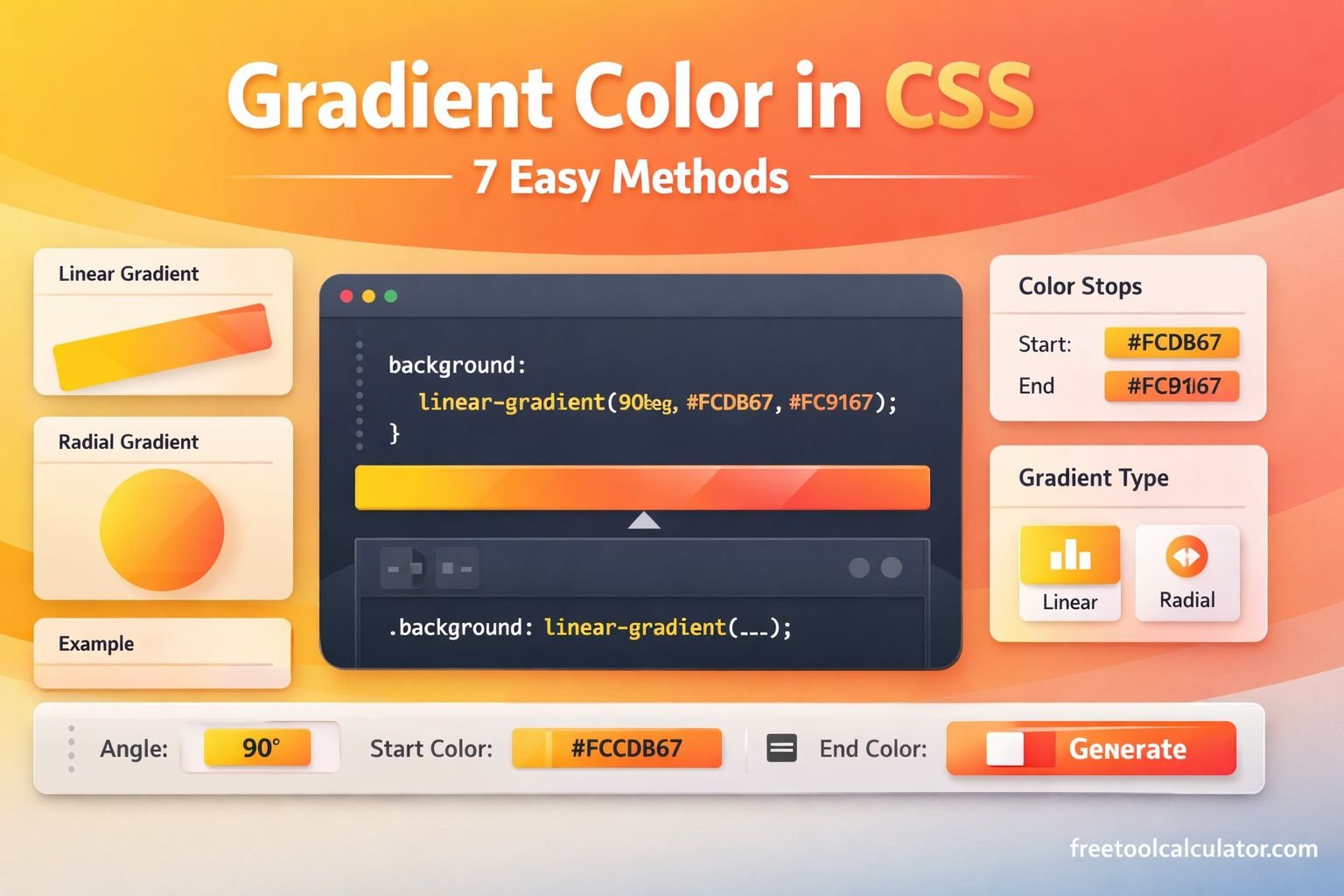
Quick answer: CSS can generate gradients without image files. The three core functions are linear-gradient(), radial-gradient() and conic-gradient(). Gradients are commonly assigned to background or background-image.
1. Linear Gradient
.box {
  background: linear-gradient(90deg, #7c3aed, #06b6d4);
}
A linear gradient changes colors along a straight line. Use an angle such as 90deg or a direction keyword such as to right.
2. Linear Gradient With Color Stops
.banner {
  background: linear-gradient(
    135deg,
    #ef4444 0%,
    #f59e0b 40%,
    #3b82f6 100%
  );
}
Stop positions control where colors occur along the gradient line.
3. Radial Gradient
.spotlight {
  background: radial-gradient(circle at center, #ffffff 0%, #bfdbfe 100%);
}
Radial gradients spread from an origin. Move the origin with values such as at 30% 40%.
4. Conic Gradient
.wheel {
  background: conic-gradient(#ef4444, #f59e0b, #22c55e, #3b82f6, #ef4444);
}
A conic gradient rotates colors around a center point. It is useful for decorative wheels, angle-based effects and some chart-like visuals.
5. Repeating Gradient
.stripes {
  background: repeating-linear-gradient(
    45deg,
    #f8fafc 0 10px,
    #e2e8f0 10px 20px
  );
}
Repeating gradients are useful for stripes and patterns without separate image assets.
6. Gradient Overlay on an Image
.hero {
  background-image:
    linear-gradient(rgba(0,0,0,.55), rgba(0,0,0,.20)),
    url("hero.jpg");
  background-size: cover;
  background-position: center;
}
Multiple backgrounds are painted in layers. Here, the gradient is listed first so it appears above the image.
7. Gradient Text
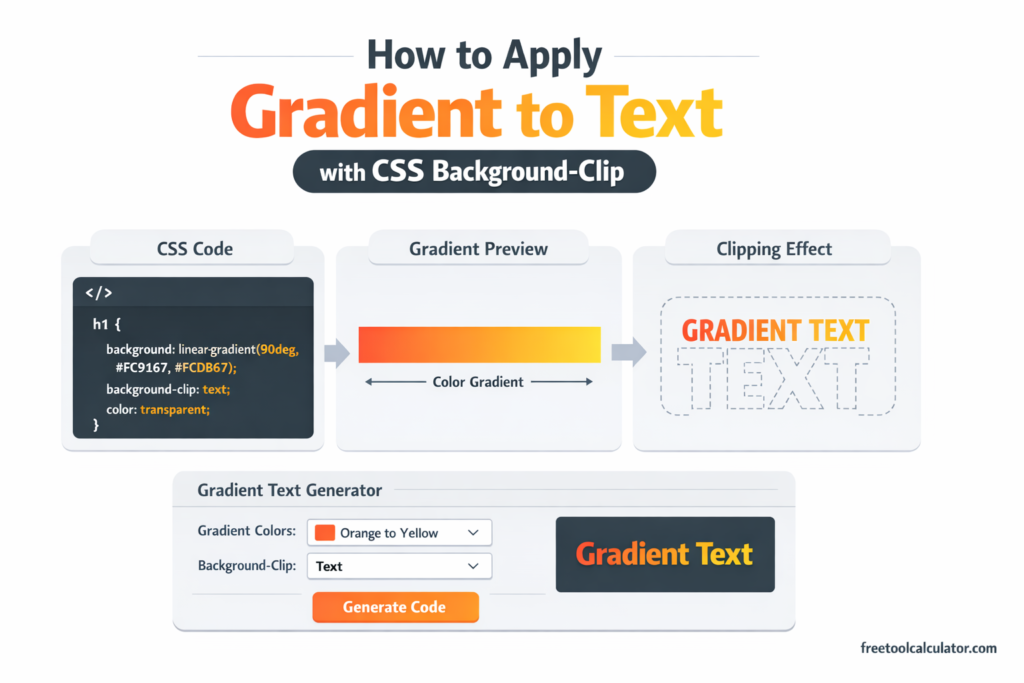
Gradient text requires clipping the background to the glyphs rather than simply setting color. See our CSS Gradient Text guide for the full implementation.
CSS Gradient From Figma
When matching a design file, copy its colors and stop positions, then adjust direction and geometry in the browser. Our Figma Gradient to CSS guide covers that process.
Common Gradient Problems
- No gradient appears: check syntax and make sure another background rule is not overriding it.
- Colors transition in the wrong direction: adjust the angle or direction keyword.
- Gradient does not match Figma: compare stop positions, opacity and element dimensions.
- Text is hard to read: use an overlay or change colors so contrast remains sufficient.
- Banding is visible: test on the target display/browser and consider adjusting stops or reducing extreme transitions.
Frequently Asked Questions
Are CSS gradients images?
CSS gradient functions produce generated images that can be used wherever the property accepts that image type, such as a background image.
Can a CSS gradient use transparency?
Yes. Use colors with alpha transparency, such as rgba() or modern color syntax with an alpha value.
Can I use more than two colors?
Yes. Add as many color stops as the design requires.
Last reviewed: October 2026.