How to Convert Figma Gradient to CSS Code – Complete Developer Guide

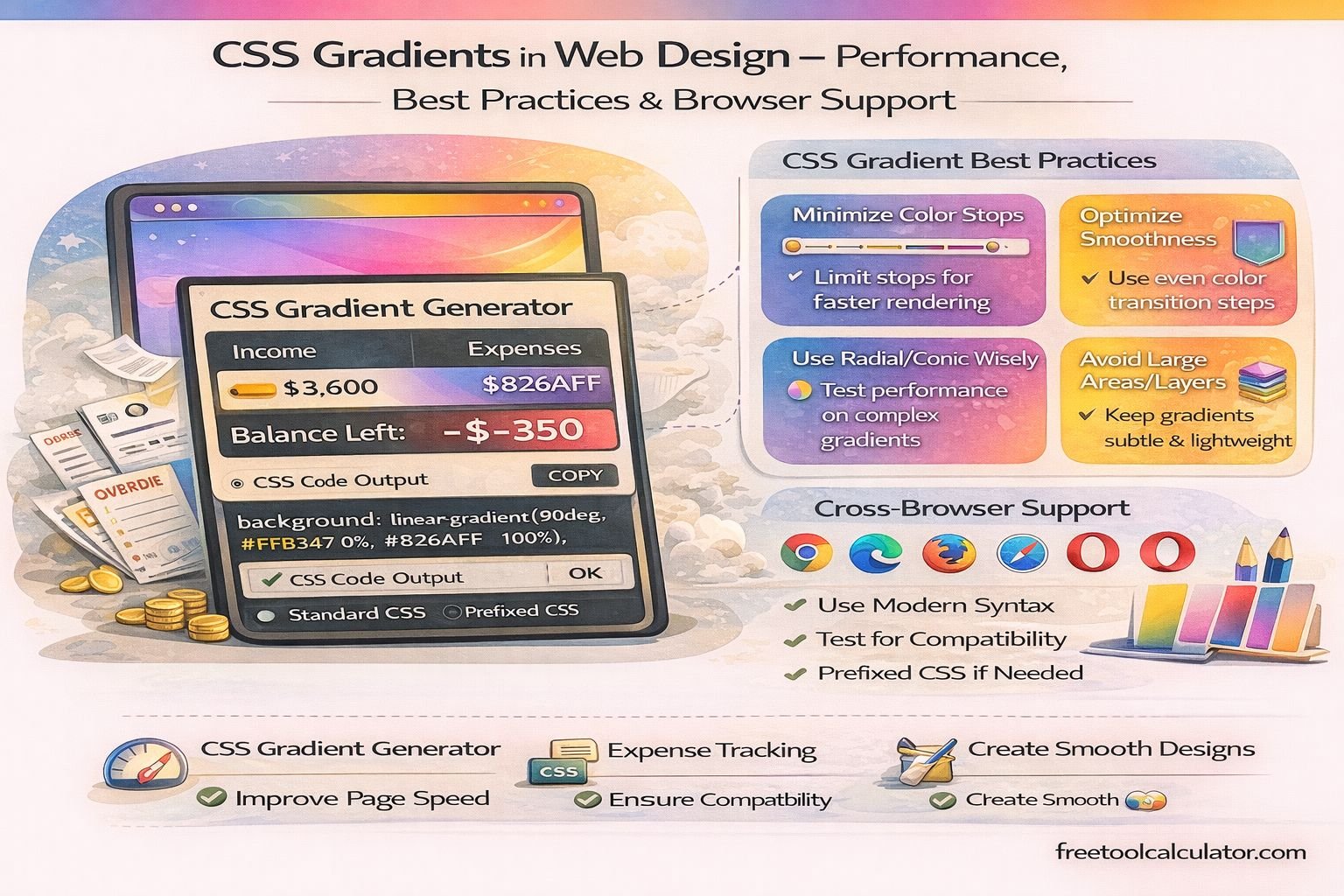
CSS Gradients in Web Design – Performance, Best Practices & Browser Support

How to Convert Figma Gradient to CSS Code

Converting a Figma gradient into CSS code is a common task in modern web development workflows. Designers often create visually rich gradients in Figma, but developers need to translate those designs into accurate CSS gradients for implementation. Using a CSS gradient generator, you can quickly replicate Figma gradients with precise color stops, angles, and gradient types. In this guide, you will learn step-by-step how to extract gradient values from Figma and convert them into clean, optimized CSS code.

Understanding Figma Gradient Types

Before converting, it is important to understand how Figma defines gradients. Figma supports multiple gradient styles that map directly to CSS gradient functions.

Linear Gradient

Figma’s linear gradient corresponds to linear-gradient() in CSS. It transitions colors along a straight line based on an angle.

Radial Gradient

This maps to radial-gradient() in CSS and creates circular or elliptical color transitions.

Angular (Conic) Gradient

Figma’s angular gradients correspond to conic-gradient() in CSS, although support depends on browser compatibility.

Understanding these mappings ensures accurate gradient conversion between design and code.

Step-by-Step: Extract Gradient from Figma

Step 1: Select the Element

Open your Figma file and select the element that contains the gradient background.

Step 2: Open Fill Settings

In the right-hand panel, locate the “Fill” section and identify the gradient type (linear, radial, or angular).

Step 3: Note Color Stops

Each gradient consists of multiple color stops. Record:

– Color values (HEX, RGB, or HSL)
– Position percentages (e.g., 0%, 50%, 100%)

Step 4: Identify Gradient Angle

For linear gradients, Figma provides direction using handles instead of explicit angles. You may need to interpret or convert this into CSS degrees.

Converting Figma Linear Gradient to CSS

Basic CSS Syntax

background: linear-gradient(angle, color-stop1, color-stop2);

Example Conversion

If Figma shows:

– Color 1: #ff7e5f at 0%
– Color 2: #feb47b at 100%

CSS Output:

background: linear-gradient(90deg, #ff7e5f 0%, #feb47b 100%);

You can simplify this process using a CSS gradient generator to match Figma values precisely.

Converting Figma Radial Gradient to CSS

CSS Syntax

background: radial-gradient(shape, color-stops);

Example

background: radial-gradient(circle, #ff7e5f 0%, #feb47b 100%);

Ensure that the shape (circle or ellipse) matches the Figma design.

Handling Gradient Angles Correctly

Figma uses directional handles, while CSS uses degrees.

Common angle conversions:

– Left to right → 90deg
– Top to bottom → 180deg
– Right to left → 270deg
– Bottom to top → 0deg

Accurate angle conversion is critical for visual consistency between design and implementation.

Using Multiple Color Stops

Modern gradients often include multiple color stops for smoother transitions.

Example

background: linear-gradient(90deg, #ff7e5f 0%, #feb47b 50%, #ff7e5f 100%);

Ensure all stops are included to match the Figma design exactly.

Best Practices for Accurate Conversion

Match Units Precisely

Always use percentage values for color stops to maintain consistency.

Use HEX or RGBA Carefully

If transparency is involved, use RGBA instead of HEX.

Test in Browser

After conversion, test the gradient in a browser to verify visual accuracy.

Optimize Code

Remove unnecessary color stops and simplify gradients where possible.

A reliable gradient generator tool helps streamline this process and ensures optimized CSS output.

Common Mistakes to Avoid

– Incorrect angle conversion
– Missing color stops
– Using wrong gradient type
– Ignoring transparency values
– Not testing across devices

Why Use a CSS Gradient Generator?

Manual conversion can be time-consuming and error-prone. A tool simplifies the process and improves accuracy.

Benefits include:

– Instant CSS output
– Accurate angle and color mapping
– Easy customization
– Time-saving workflow
– Cleaner, optimized code

A professional CSS gradient generator ensures your gradients are consistent with design and ready for production.

Conclusion

Converting Figma gradients into CSS code is a straightforward process once you understand gradient types, angles, and color stops. By following structured steps and best practices, you can achieve pixel-perfect results that match your design.

Using the right tools and techniques ensures efficiency, accuracy, and high-quality front-end implementation in modern web development.

Share this article:

On This Page

Subscribe to our newsletter

Read the latest articles from our experts

Related Posts

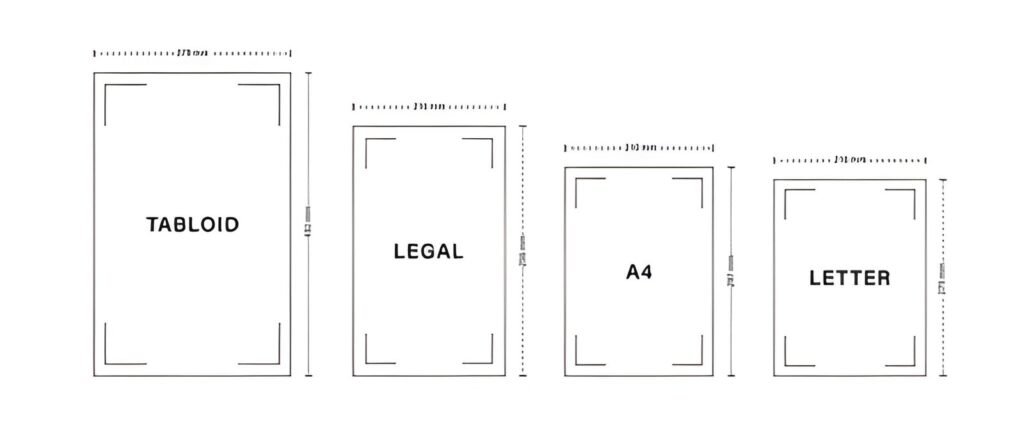
legal paper size measurement in inches and cm

What Is Standard Printer Paper Size? Letter Dimensions Explained (8.5×11 Guide)

Standard printer paper size in the United States is Letter size, which measures 8.5 × 11 inches. This guide explains normal printer paper dimensions, compares Letter with A4 and Legal paper, and helps you understand paper sizes for home printing, office documents, school assignments, and design projects.

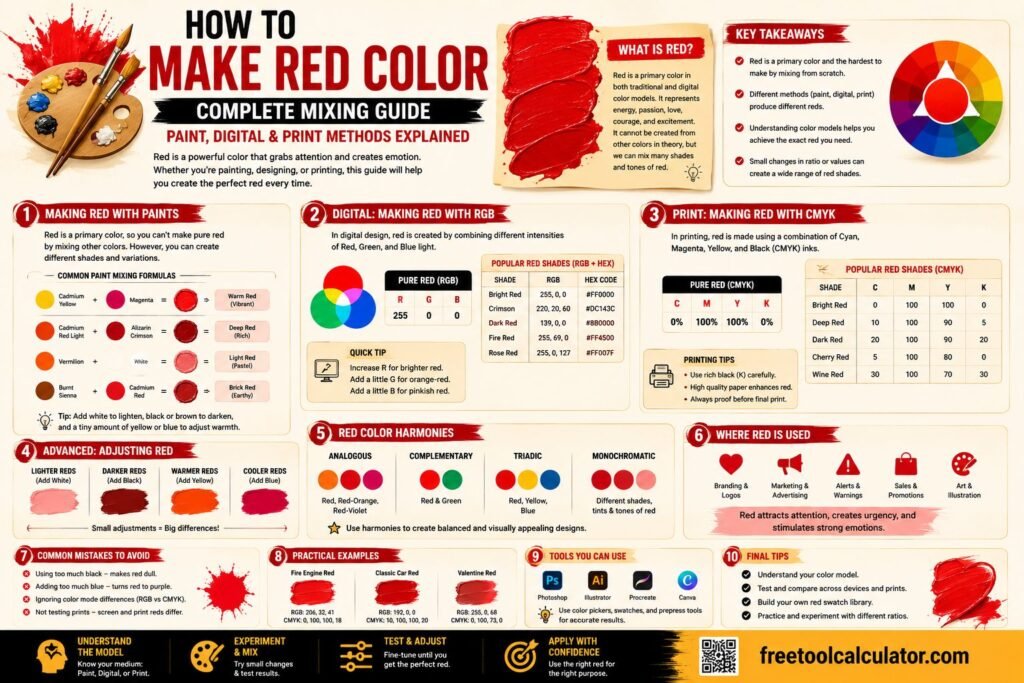
How to Make Red Color (Complete Mixing Guide) Paint, Digital & Print Methods Explained

How to Make Red Color (Complete Mixing Guide): Paint, Digital & Print Methods Explained

Red is one of the most recognizable primary colors, but many people wonder whether it can be mixed or recreated using other colors. This guide explains how red works in traditional color theory, digital design, and printing while covering paint mixing, RGB, CMYK, and practical color applications for artists and designers.

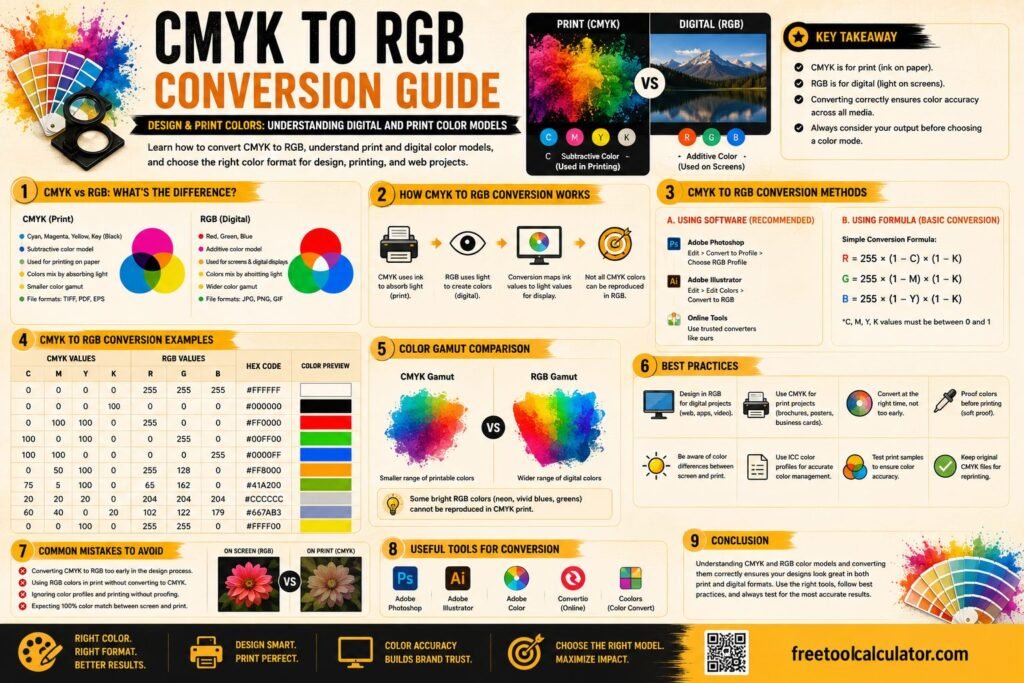
CMYK to RGB Conversion Guide (Design & Print Colors) Understanding Digital and Print Color Models

CMYK to RGB Conversion Guide (Design & Print Colors): Understanding Digital and Print Color Models

Understanding the difference between CMYK and RGB is essential for designers, printers, photographers, and marketers. This guide explains how CMYK to RGB conversion works, compares popular color models, provides conversion formulas, and helps you choose the right format for both digital screens and professional printing projects.

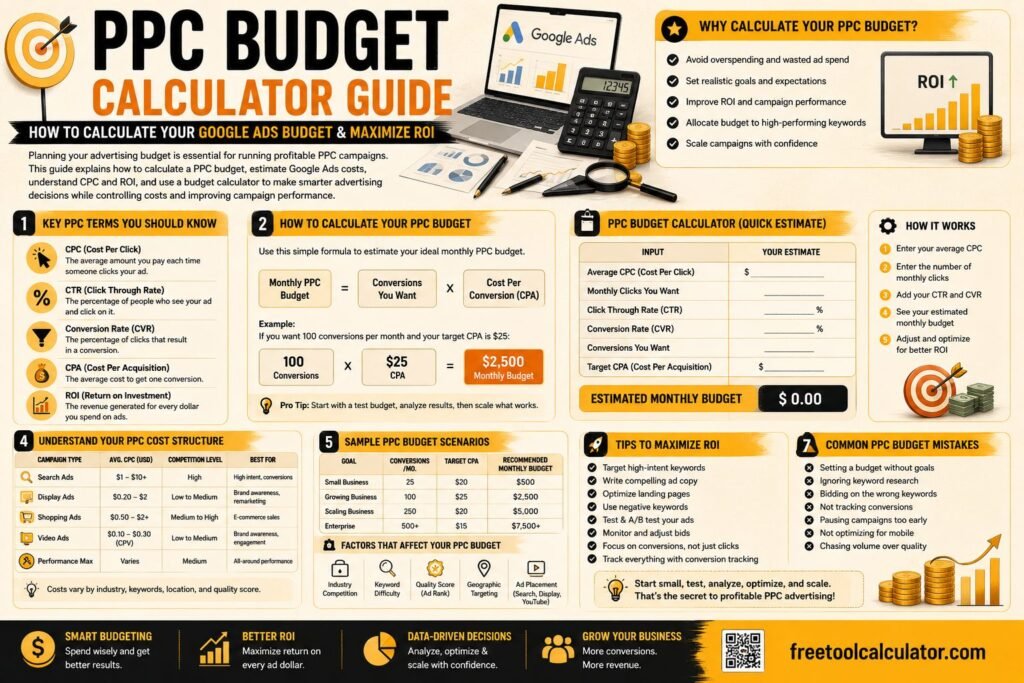
PPC Budget Calculator Guide: How to Calculate Your Google Ads Budget & Maximize ROI

PPC Budget Calculator Guide: How to Calculate Your Google Ads Budget & Maximize ROI

Planning your advertising budget is essential for running profitable PPC campaigns. This guide explains how to calculate a PPC budget, estimate Google Ads costs, understand CPC and ROI, and use a budget calculator to make smarter advertising decisions while controlling costs and improving campaign performance.

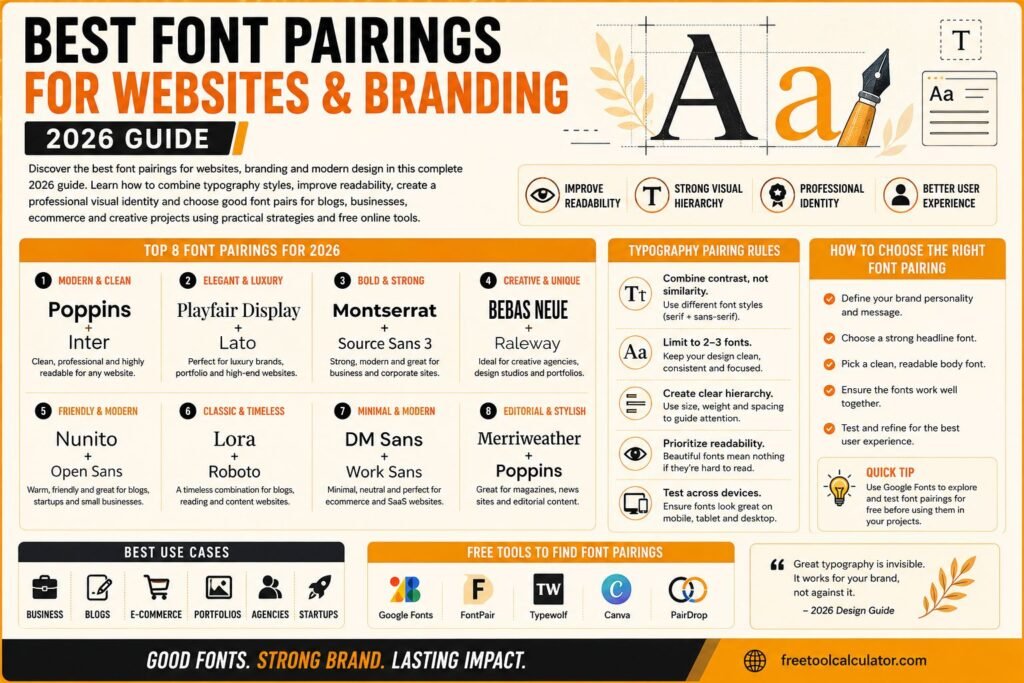
Best Font Pairings for Websites and Branding 2026 Guide

Best Font Pairings for Websites and Branding 2026 Guide

Discover the best font pairings for websites branding and modern design in this complete 2026 guide Learn how to combine typography styles improve readability create professional visual identity and choose good font pairs for blogs businesses ecommerce and creative projects using practical design strategies and free online tools effectively

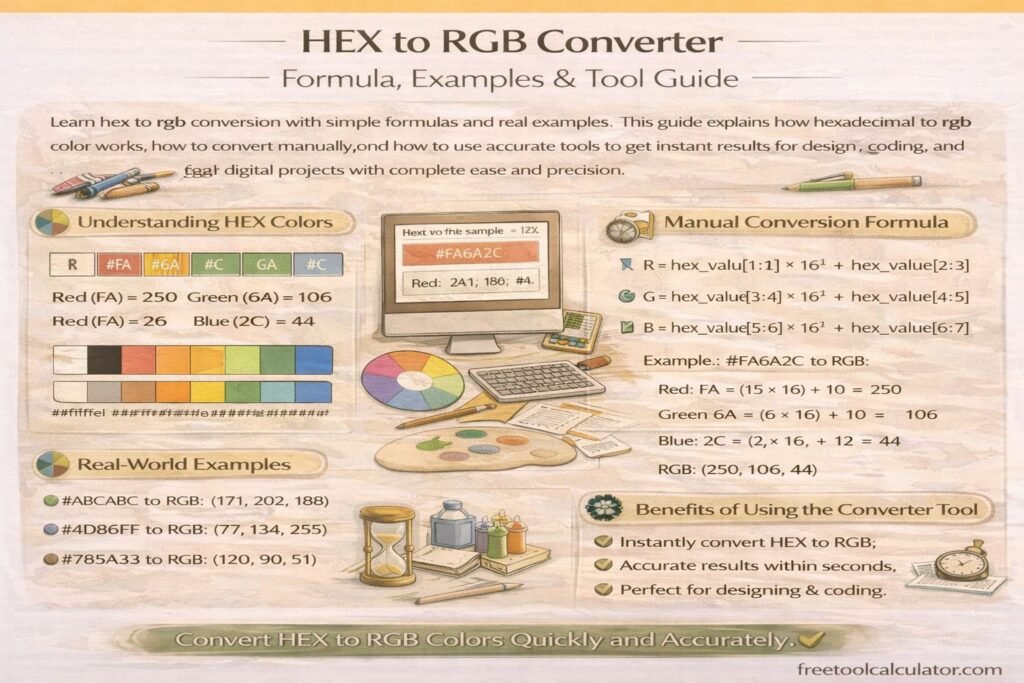
HEX to RGB Converter Formula Examples and Tool Guide

HEX to RGB Converter Formula Examples and Tool Guide

Learn hex to rgb conversion with simple formulas and real examples This guide explains how hexadecimal to rgb color works, how to convert manually, and how to use accurate tools to get instant results for design, coding, and digital projects with complete ease and precision

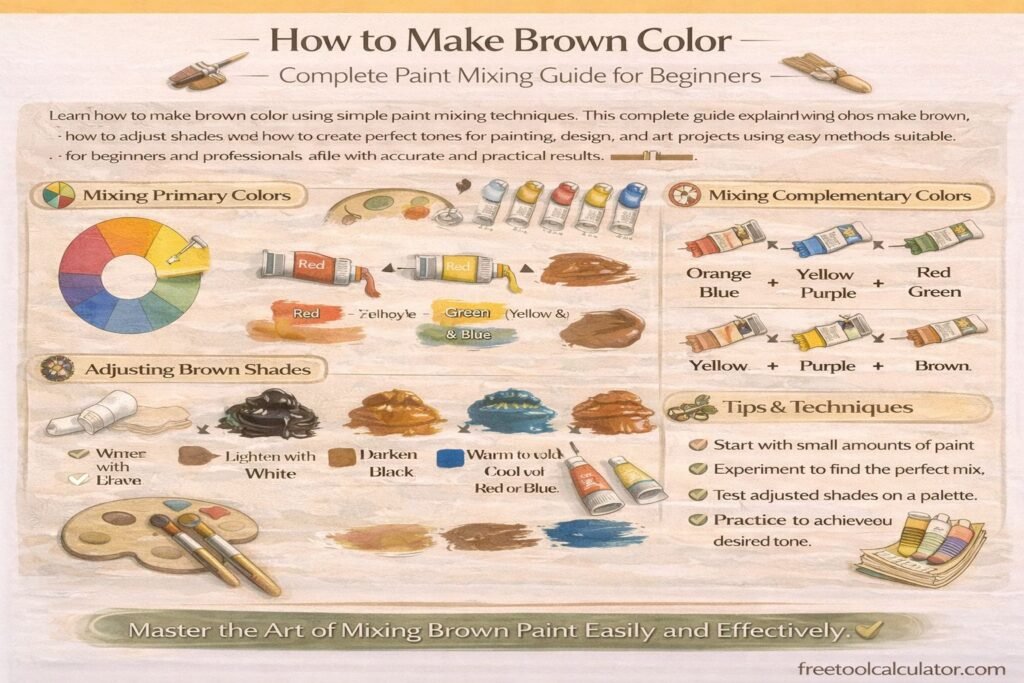
How to Make Brown Color Complete Paint Mixing Guide for Beginners

How to Make Brown Color Complete Paint Mixing Guide for Beginners

Learn how to make brown color using simple paint mixing techniques This complete guide explains what colors make brown, how to adjust shades, and how to create perfect tones for painting, design, and art projects using easy methods suitable for beginners and professionals alike with accurate and practical results

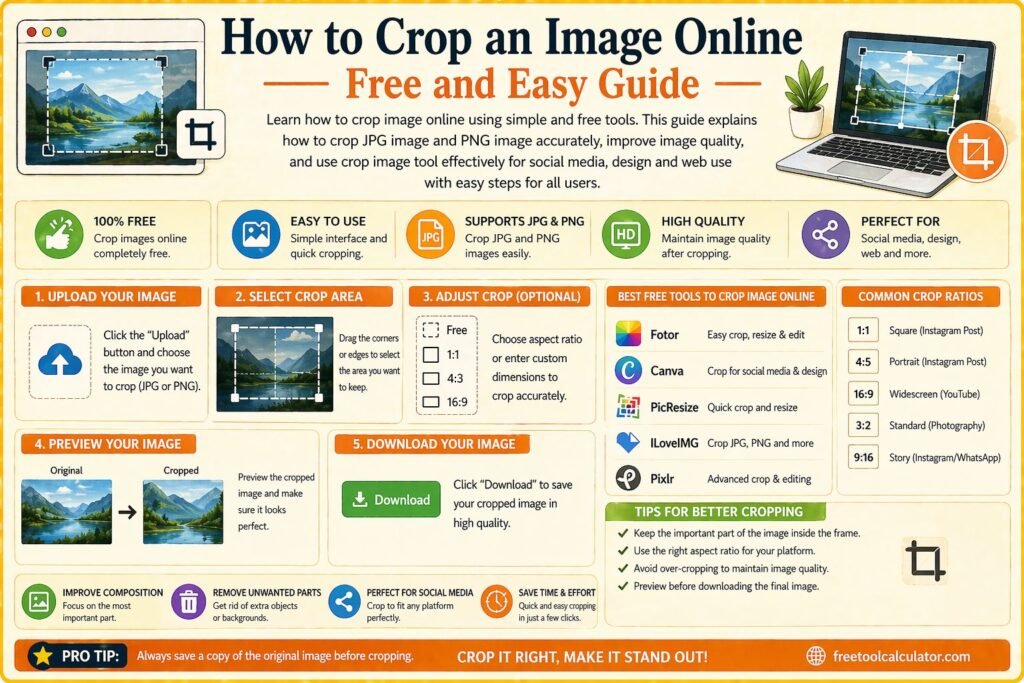
How to Crop an Image Online Free and Easy Guide

How to Crop an Image Online Free and Easy Guide

Learn how to crop image online using simple and free tools This guide explains how to crop jpg image and png image accurately improve image quality and use crop image tool effectively for social media design and web use with easy steps for all users

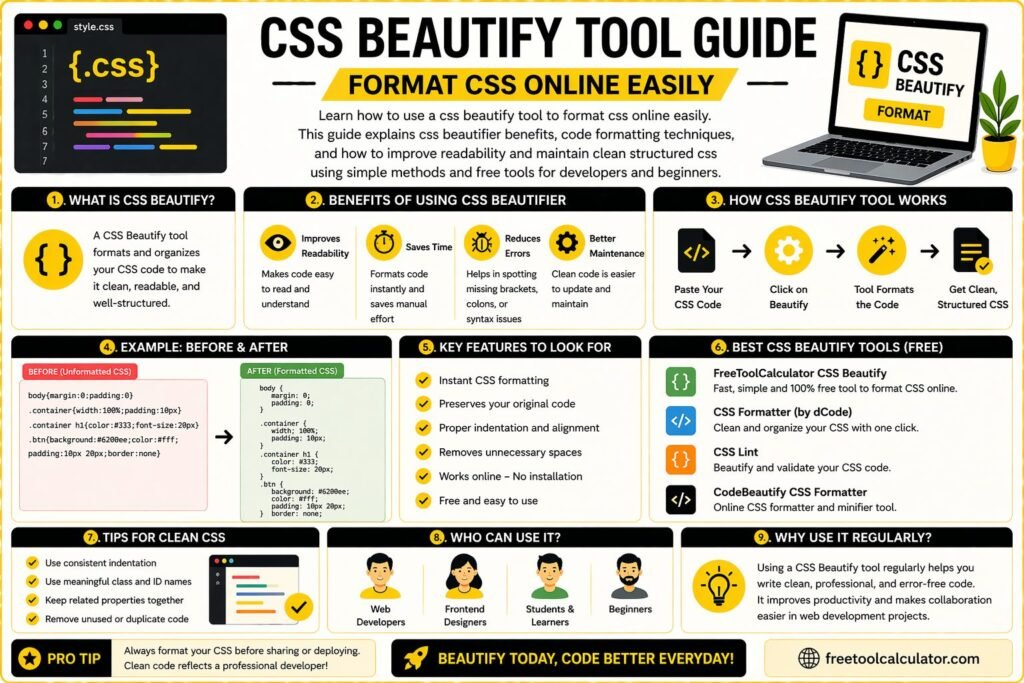
CSS Beautify Tool Guide Format CSS Online Easily

CSS Beautify Tool Guide Format CSS Online Easily

Learn how to use a css beautify tool to format css online easily This guide explains css beautifier benefits, code formatting techniques, and how to improve readability and maintain clean structured css using simple methods and free tools for developers and beginners

Social Media Video Sizes Guide All Platforms 2026

Social Media Video Sizes Guide All Platforms 2026

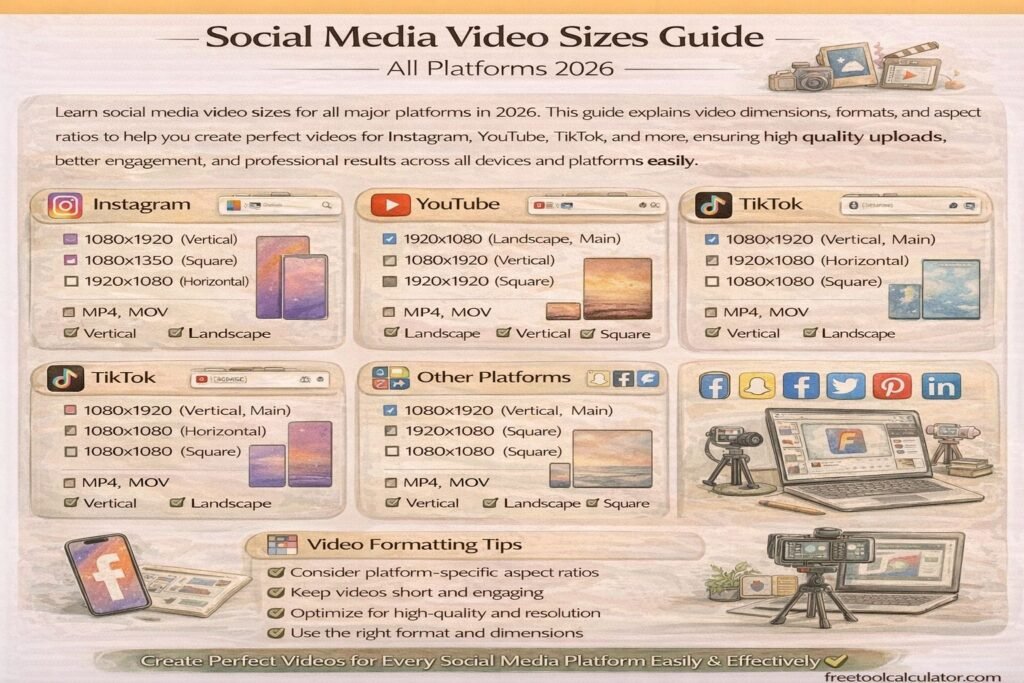
Learn social media video sizes for all major platforms in 2026 This guide explains video dimensions formats and aspect ratios to help you create perfect videos for Instagram YouTube TikTok and more ensuring high quality uploads better engagement and professional results across all devices and platforms easily

How to Create Favicon for Website Step by Step Guide

How to Create Favicon for Website Step by Step Guide

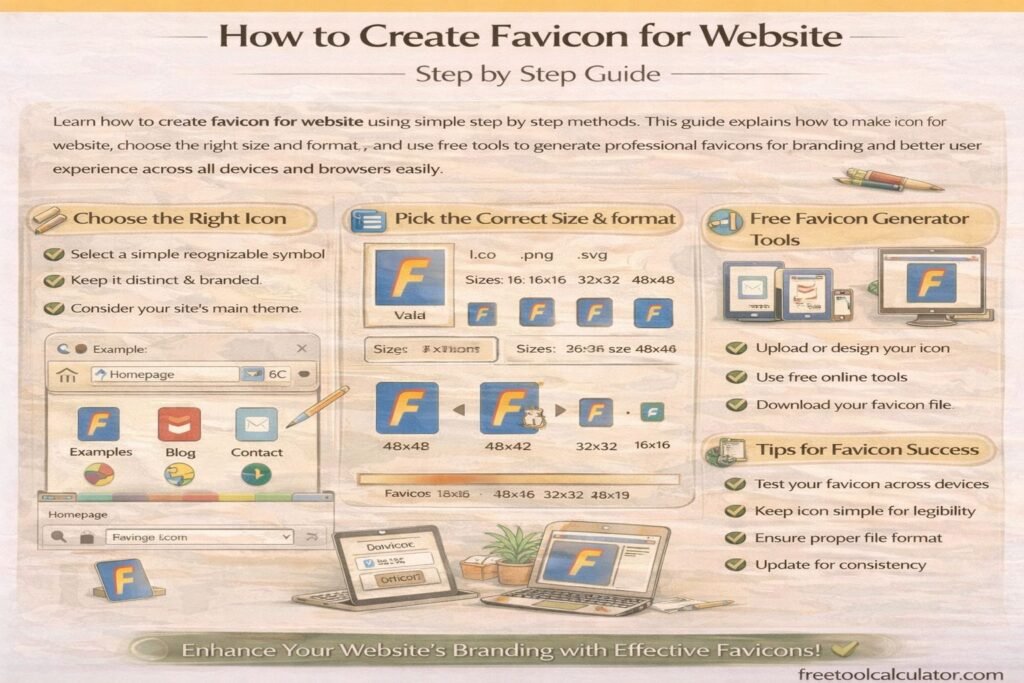
Learn how to create favicon for website using simple step by step methods This guide explains how to make icon for website, choose the right size and format, and use free tools to generate professional favicons for branding and better user experience across all devices and browsers easily

How to Apply Gradient to Text with CSS Background-Clip

How to Apply Gradient to Text with CSS Background-Clip

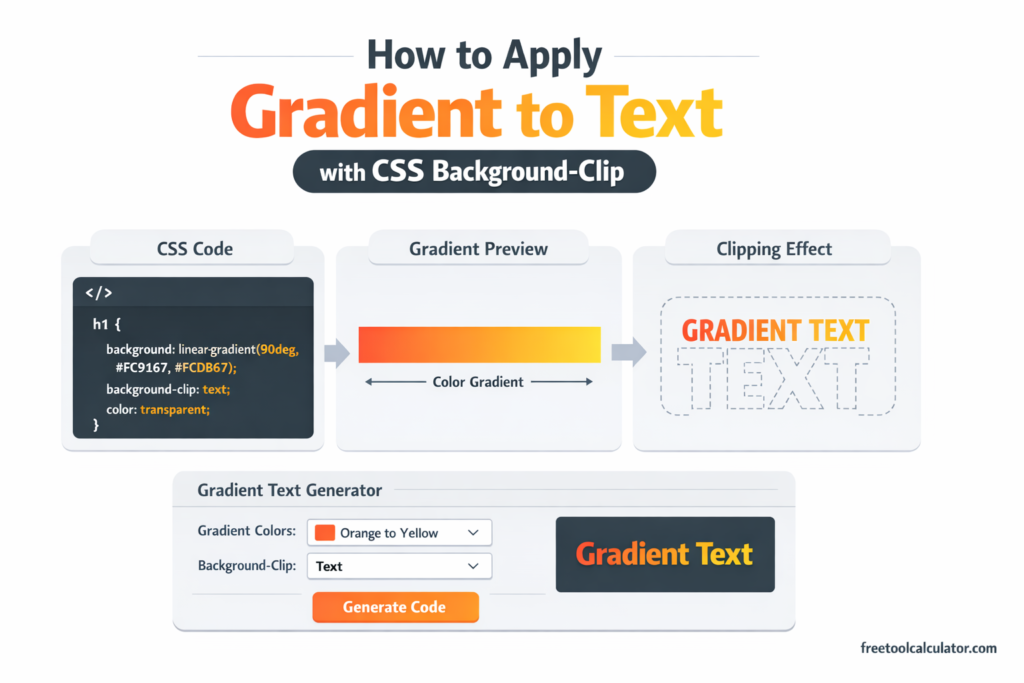
Master the CSS gradient text technique using background-clip: text and transparent text color. Learn how to create stunning typography effects that remain accessible, selectable, and SEO-friendly with practical code examples and browser support guidance.

Animated Gradient Background Generator Create Stunning CSS Backgrounds Easily

Animated Gradient Background Generator: Create Stunning CSS Backgrounds Easily

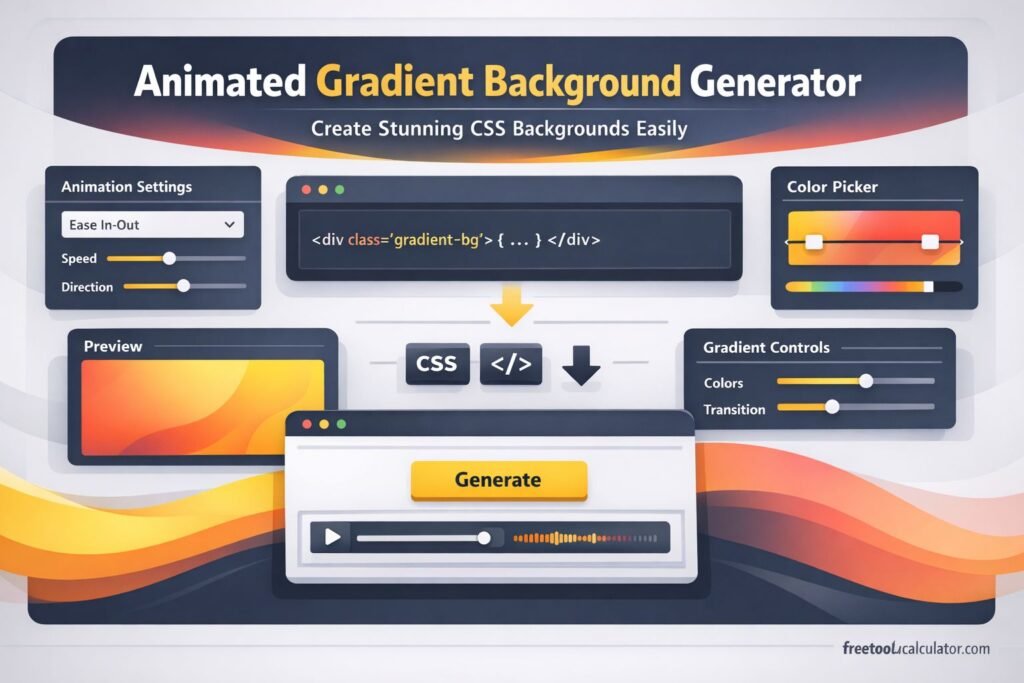
Want to create smooth, modern website backgrounds without writing complex CSS from scratch? This guide explains how an animated gradient background generator works, why designers use it, and how to create eye-catching moving gradients for websites, landing pages, and hero sections. You will also see practical tips and common mistakes.

Font Size Converter Guide – Formulas, Manual Calculations & Unit Conversions

Font Size Converter Guide – Formulas, Manual Calculations & Unit Conversions

This font size converter guide explains how to manually convert font sizes between px, pt, em, rem, percent, vw, vh, cm, mm, inches, and picas. Learn formulas, calculation methods, and practical examples for accurate typography conversions used in responsive web design, print layouts, and modern CSS development workflows across devices and screen sizes.

Optimal Font Size for Website Readability – Complete Typography Guide

Optimal Font Size for Website Readability – Complete Typography Guide

This font size converter guide explains the optimal font size for website readability. Learn recommended typography sizes, accessibility guidelines, and responsive font practices for web design. Discover how to choose body text, headings, and mobile font sizes while converting units like px, em, and rem to maintain consistent, readable typography across devices.

CSS Gradients in Web Design – Performance, Best Practices & Browser Support

CSS Gradients in Web Design – Performance, Best Practices & Browser Support

This CSS gradient generator guide explains performance impacts, best practices, and browser support for modern CSS gradients. Learn how to optimize gradient rendering, improve website speed, ensure cross-browser compatibility, and create visually appealing backgrounds using efficient CSS techniques for responsive and high-performance web design across all devices and screen sizes globally.

Tools & Resources

Explore our collection of professional tools designed to streamline your workflow

Report a Bug