Quick answer: A scientific calculator is designed for calculations beyond basic addition, subtraction, multiplication and division. Typical functions include powers, roots, logarithms, trigonometry, scientific notation, parentheses and memory operations.
What Can a Scientific Calculator Do?
- Powers and roots
- Trigonometric functions such as sine, cosine and tangent
- Logarithms and natural logarithms
- Scientific notation
- Fractions on supported models
- Parentheses and multi-step expressions
- Constants such as π on many calculators
- Statistics and other advanced functions on some models
Common Scientific Calculator Keys
| Key | Typical purpose |
|---|---|
| x² | Square a number |
| xʸ or ^ | Raise a number to a power |
| √ | Square root |
| sin, cos, tan | Trigonometric functions |
| log | Base-10 logarithm |
| ln | Natural logarithm |
| EXP / EE | Enter scientific notation on many models |
| ( ) | Group parts of an expression |
Example: Powers and Roots
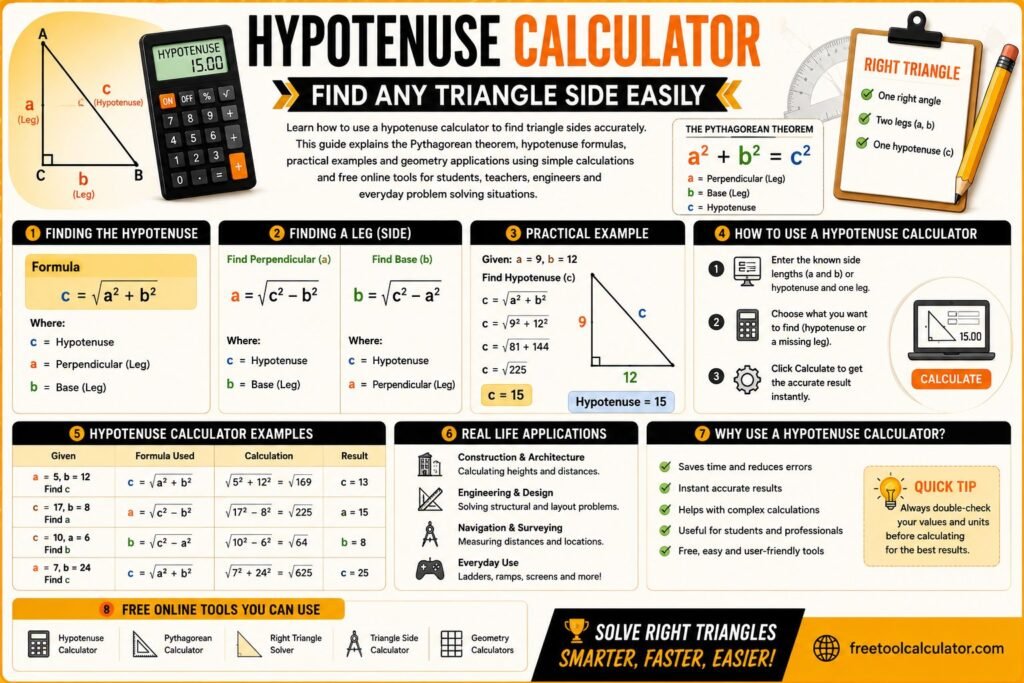
To calculate 5², enter 5 and use the square function to get 25. To calculate √81, use the square-root function to get 9.
Example: Trigonometry
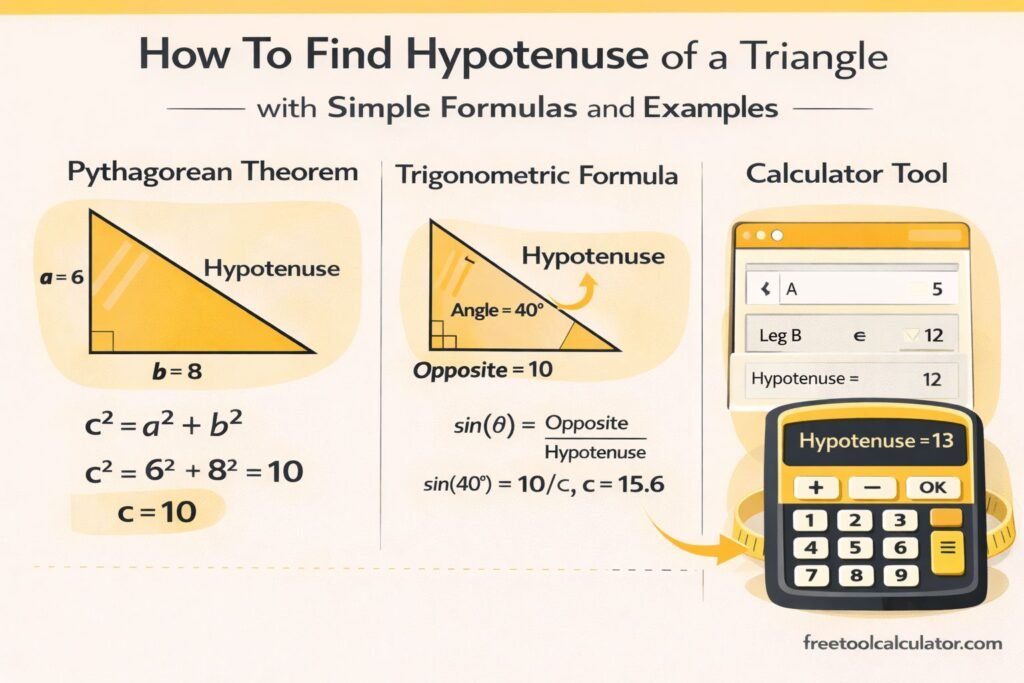
Before calculating sine, cosine or tangent, check the angle mode. For example, sin(30°) = 0.5 in degree mode. Entering the same number while the calculator is in radian mode produces a different result because 30 radians is not 30 degrees.
Degrees vs Radians
Degrees divide a full circle into 360°. Radians express angles in terms of π, with 2π radians equal to 360°. Always match the calculator mode to the units used in the problem.
Log vs ln
On most scientific calculators, log means the base-10 logarithm and ln means the natural logarithm with base e. They are related concepts but are not interchangeable.
Order of Operations
Modern scientific calculators generally evaluate expressions according to mathematical precedence, but entry behavior varies by model. Parentheses make the intended grouping explicit. For example, (8 + 4) ÷ 3 clearly instructs the calculator to add before dividing.
Scientific Notation
Scientific notation writes very large or small values as a coefficient multiplied by a power of ten. For example, 6.02 × 10²³ can often be entered using an EXP or EE key. Do not confuse that key with the mathematical constant e.
Scientific vs Basic Calculator
A basic calculator is enough for ordinary arithmetic. A scientific calculator is more suitable when a problem uses exponents, roots, logarithms, trigonometry or multi-step mathematical expressions.
Common Beginner Mistakes
- Using radian mode for a degree-based problem.
- Forgetting parentheses in a multi-step expression.
- Confusing the negative sign with subtraction on calculators that distinguish them.
- Entering scientific notation incorrectly.
- Rounding intermediate results too early.
Frequently Asked Questions
Do I need a scientific calculator for algebra?
It depends on the problem and course rules. Many algebra calculations can be done manually or with a basic calculator, while powers, roots and more advanced expressions are easier on a scientific calculator.
Is a phone calculator scientific?
Many phone calculator apps expose scientific functions when rotated or switched to an advanced mode, but available features vary.
Why is my trigonometry answer wrong?
Check whether the problem uses degrees or radians and make sure the calculator is set to the same angle unit.
Last reviewed: October 2026. Button names and entry sequences vary by calculator model.