How to Handle Budget Deficits and Surprise Expenses Effectively
Unexpected costs and inaccurate budgeting are among the biggest challenges in personal finance. A reliable budget calculator helps you identify gaps, manage irregular expenses, and maintain financial stability. Whether you are dealing with surprise expenses, a negative budget balance, or inconsistent financial tracking, understanding how to respond is critical. In this guide, you will learn practical strategies to handle one-off expenses, fix budget deficits, ensure accurate calculations, and determine how often you should recalculate your budget for optimal financial control.
How to Handle “Surprise” or One-Off Expenses
Surprise expenses, also known as irregular or unexpected expenses, can disrupt even the most well-planned budget. These may include medical bills, car repairs, emergency travel, or sudden home maintenance costs.
Build an Emergency Fund
The most effective way to handle unexpected expenses is to maintain an emergency fund. Ideally, this fund should cover 3 to 6 months of essential expenses.
Use a Sinking Fund Strategy
A sinking fund is a budgeting method where you set aside small amounts regularly for future irregular expenses such as insurance renewals, annual subscriptions, or repairs.
Adjust Flexible Expenses
When a surprise cost occurs, reduce discretionary spending such as dining out, entertainment, or shopping to balance your budget.
Using a budget calculator allows you to quickly adjust your expenses and see the financial impact of unexpected costs in real time.
Plan for Irregular Costs in Advance
Review your past expenses to identify patterns in irregular spending. This helps you prepare for similar future costs and avoid financial stress.
What If the Calculator Shows a Deficit (Negative Number)?
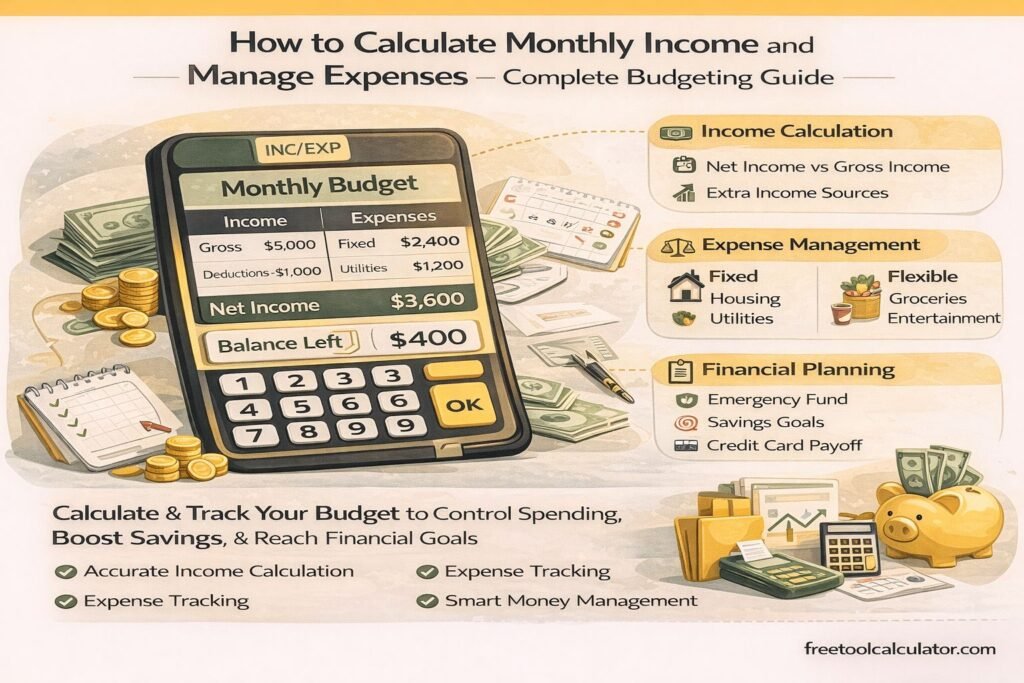
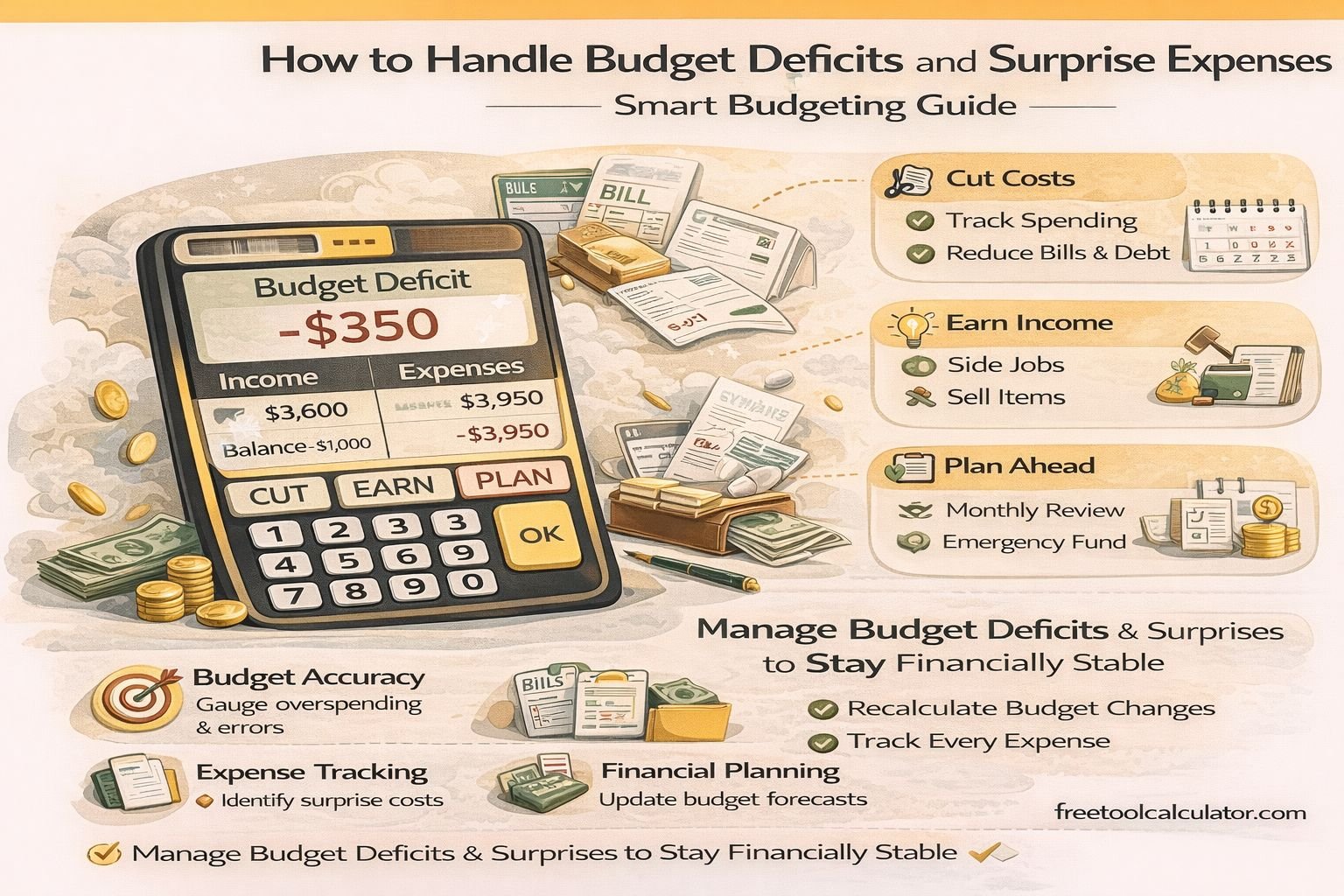
A budget deficit occurs when your total expenses exceed your income. This negative balance indicates that you are spending more than you earn, which is not sustainable in the long term.
Step 1: Identify the Cause
Analyze your spending categories to determine where the overspending is happening. Common causes include high flexible expenses, underestimated costs, or reduced income.
Step 2: Reduce Non-Essential Spending
Focus on cutting flexible expenses such as entertainment, subscriptions, and dining out. These are easier to adjust compared to fixed costs.
Step 3: Optimize Fixed Expenses
Review fixed costs like rent, insurance, or loan payments. Consider renegotiating or refinancing where possible.
Step 4: Increase Income
If reducing expenses is not enough, consider additional income sources such as freelancing, part-time work, or passive income streams.
A structured budget planning tool helps visualize deficits and test different financial scenarios to restore balance.
Step 5: Prioritize Essential Expenses
Ensure that essential costs such as housing, utilities, and food are always covered before discretionary spending.
How Can I Ensure the Results Are Accurate?
Accuracy in budgeting is crucial for making reliable financial decisions. Even small errors can lead to incorrect conclusions and poor planning.
Track Every Expense
Maintain a detailed record of all expenses, including small daily purchases. These often add up and impact your overall budget.
Use Real Data, Not Estimates
Base your calculations on actual bank statements, receipts, or transaction history rather than rough estimates.
Update Data Regularly
Keep your income and expense data up to date. Outdated information can distort your financial picture.
Double-Check Categories
Ensure expenses are correctly categorized into fixed and flexible costs. Misclassification can lead to inaccurate budgeting analysis.
A reliable budget calculator tool minimizes human error by automating calculations and providing structured outputs.
Include Irregular Expenses
Do not ignore occasional costs such as annual subscriptions, maintenance, or medical expenses. Spread them across months for better accuracy.
How Often Should I Recalculate Your Budget?
Budgeting is not a one-time activity. Regular updates are necessary to reflect changes in income, expenses, and financial goals.
Monthly Review
Recalculate your budget at least once a month to stay aligned with your financial situation.
After Major Changes
Update your budget whenever there are significant changes such as a salary increase, job change, new expenses, or lifestyle adjustments.
Quarterly Deep Review
Conduct a detailed review every 3 months to evaluate trends, adjust goals, and improve your budgeting strategy.
Annual Financial Planning
At the end of the year, review your overall financial performance, savings, and spending patterns to plan for the next year.
Regular recalculations using a budget calculator ensure that your financial plan remains accurate and effective.
Pro Tips for Maintaining a Balanced Budget
To maintain long-term financial stability, consider the following strategies:
– Always budget using net income
– Keep an emergency fund ready
– Track and review expenses consistently
– Limit unnecessary spending
– Use digital tools for accuracy and efficiency
Conclusion
Handling surprise expenses, managing budget deficits, ensuring accuracy, and regularly updating your budget are essential components of effective financial planning. By applying these strategies and using structured tools, you can maintain control over your finances and avoid common pitfalls.
Budgeting is not just about tracking numbers—it is about making informed financial decisions that support long-term stability and growth.