CSS Gradients in Web Design – Performance, Best Practices & Browser Support
CSS gradients have become a core part of modern web design, replacing heavy image assets with lightweight, scalable visual effects. Using a CSS gradient generator, developers can create dynamic backgrounds, overlays, and UI elements without relying on external images. However, understanding the performance impact, optimization techniques, and browser compatibility of CSS gradients is essential for building fast, responsive, and visually consistent websites. In this guide, you will learn how CSS gradients affect performance, best practices for implementation, and how to ensure full browser support.
What Are CSS Gradients?
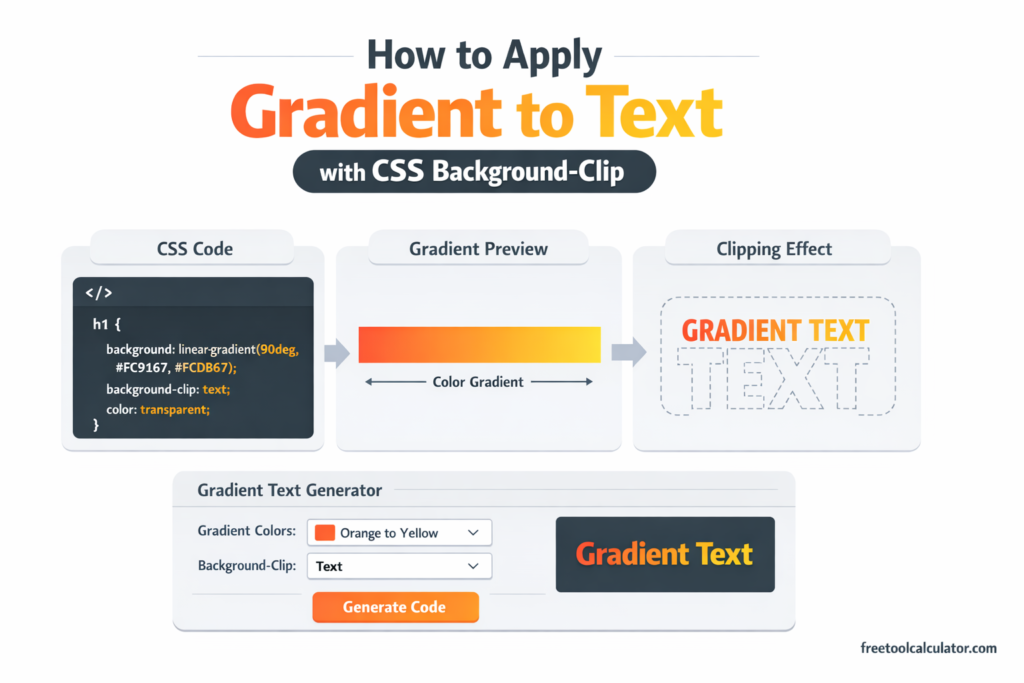
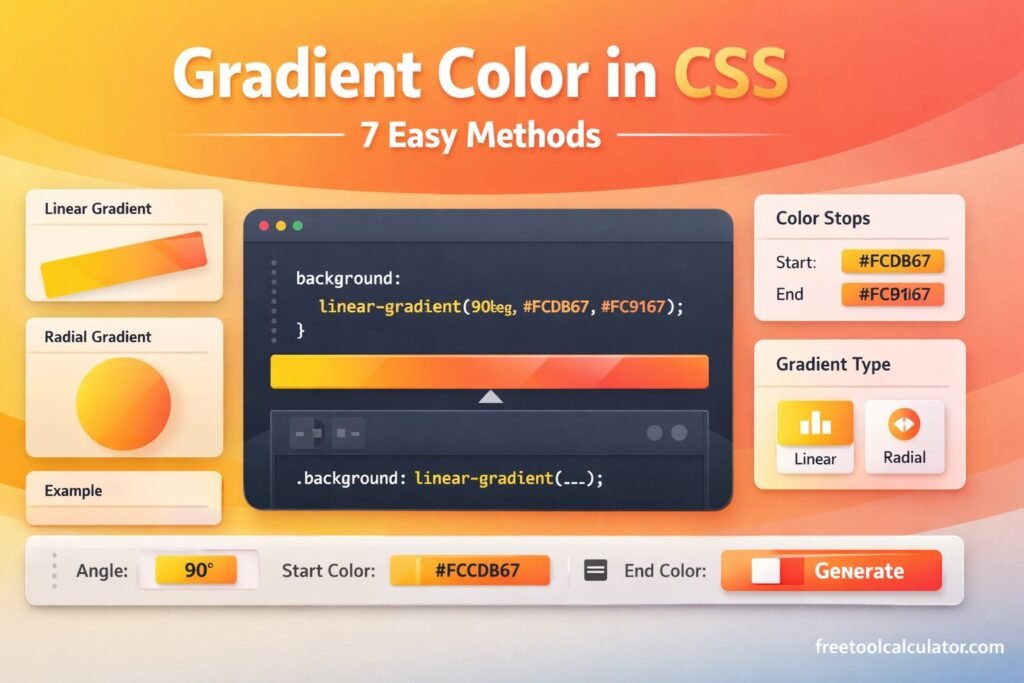
CSS gradients are generated backgrounds defined using CSS functions such as linear-gradient(), radial-gradient(), and conic-gradient(). These gradients allow smooth transitions between colors without using image files.
Common types include:
– Linear gradients (top to bottom, left to right, diagonal)
– Radial gradients (circular or elliptical)
– Conic gradients (angle-based color transitions)
Using tools like a CSS gradient generator simplifies creating complex gradient combinations and ensures accurate CSS output.
Performance Impacts of CSS Gradients
1. Lightweight Compared to Images
CSS gradients are rendered by the browser using code instead of loading image files. This reduces HTTP requests and improves page load speed.
2. GPU Acceleration
Modern browsers often render gradients using GPU acceleration, making them efficient for static backgrounds and UI elements.
3. Repaint and Rendering Costs
Complex gradients with multiple color stops or animations can increase repaint costs, especially on low-end devices.
4. Impact of Animations
Animating gradients (e.g., changing colors or positions) can be performance-intensive and may cause frame drops if not optimized properly.
5. Layering and Overuse
Using multiple layered gradients or combining them with heavy effects like blur and shadows can impact rendering performance.
In general, CSS gradients are more efficient than images, but excessive complexity can affect performance.
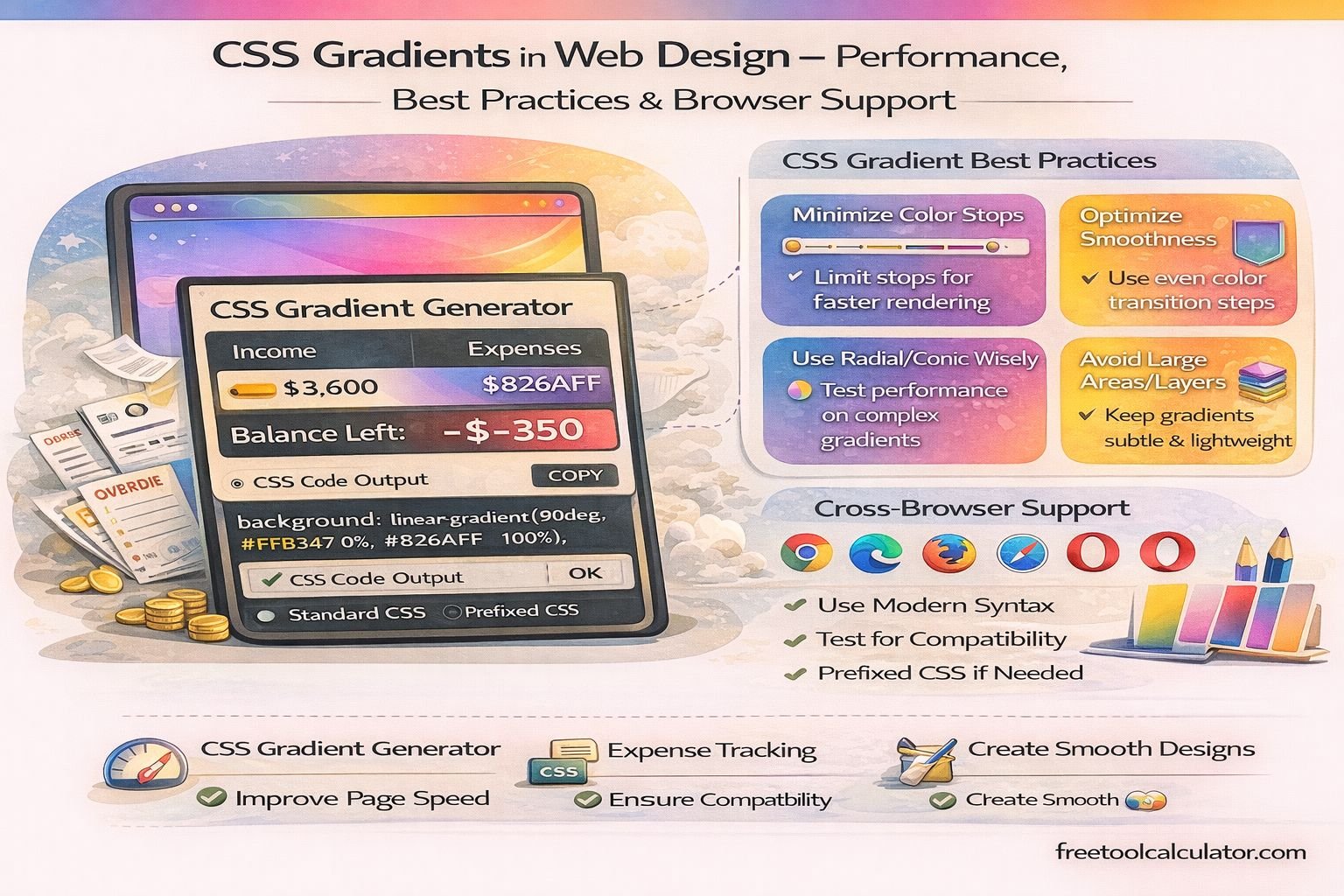
Best Practices for Using CSS Gradients
Keep Gradients Simple
Use minimal color stops and avoid overly complex gradient combinations unless necessary. Simpler gradients render faster and are easier to maintain.
Use Gradients Instead of Images
Whenever possible, replace background images with CSS gradients to reduce page size and improve load times.
Optimize for Performance
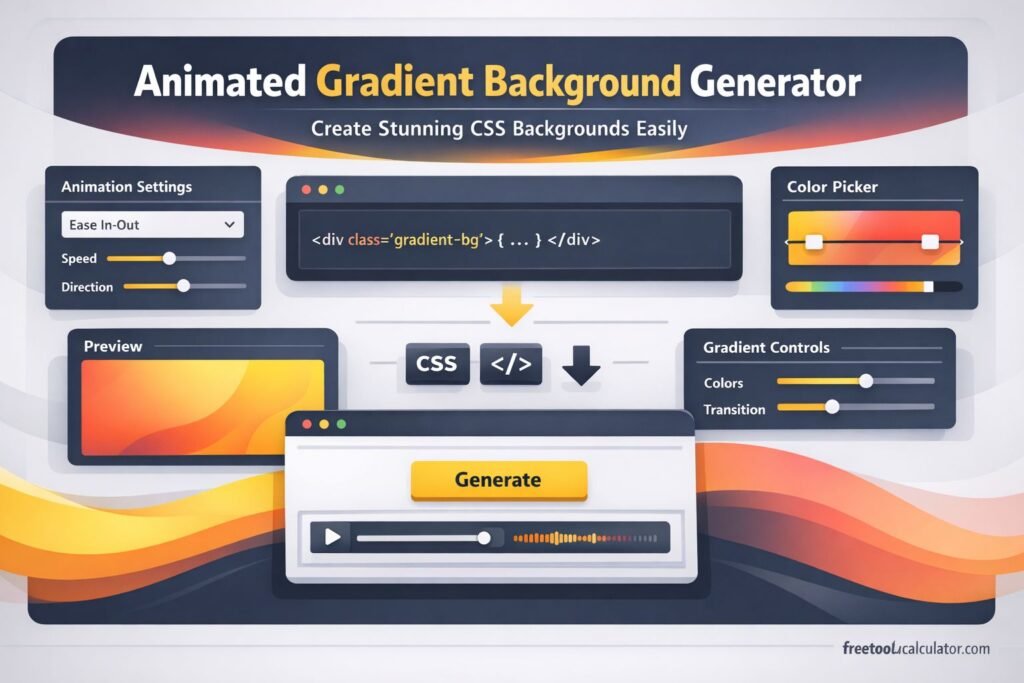
Avoid animating gradients unless required. If animations are needed, use subtle transitions and test performance across devices.
Combine with Solid Colors
Use fallback solid colors along with gradients to ensure graceful degradation on older browsers.
Use Reusable CSS Classes
Create reusable gradient classes instead of duplicating code. This improves maintainability and reduces CSS size.
Test Across Devices
Always test gradients on mobile, tablet, and desktop to ensure consistent rendering and performance.
A professional gradient generator tool helps create optimized gradients that follow best practices automatically.
Browser Support for Modern CSS Gradient Properties
Linear and Radial Gradients
Supported in all modern browsers including Chrome, Firefox, Safari, Edge, and Opera. These are safe to use without prefixes in most cases.
Conic Gradients
Supported in modern browsers such as Chrome, Edge, and Firefox. Older browsers may have limited or no support.
Vendor Prefixes
Older browsers required prefixes like -webkit- or -moz-, but modern environments generally no longer need them.
Fallback Strategies
To ensure compatibility:
– Provide a solid background color fallback
– Use progressive enhancement
– Avoid relying solely on advanced gradient types for critical UI elements
Mobile Browser Support
Most modern mobile browsers fully support CSS gradients, but performance may vary depending on device capabilities.
Common Mistakes to Avoid
When using CSS gradients, avoid the following issues:
– Overusing multiple gradients in one element
– Using too many color stops unnecessarily
– Animating gradients without performance testing
– Ignoring fallback support
– Not testing on different browsers and devices
When to Use CSS Gradients
CSS gradients are ideal for:
– Backgrounds and hero sections
– Buttons and UI components
– Overlays and transitions
– Modern design aesthetics
They are especially useful in responsive design because they scale perfectly across screen sizes without losing quality.
Conclusion
CSS gradients are a powerful and efficient tool for modern web design. They reduce dependency on images, improve performance, and offer flexible design possibilities. By following best practices and understanding browser support, developers can use gradients effectively without compromising speed or compatibility.
Using a reliable CSS gradient generator ensures clean, optimized code and helps create visually appealing designs with minimal effort.