Quick answer: There is no single “perfect” website font size. For ordinary desktop and mobile body copy, 16px is a practical starting point, but readability also depends on the typeface, x-height, line height, line length, contrast, device and user zoom settings.
The goal is not to force every website into one size. It is to make text comfortably readable and resilient when users zoom, enlarge text or view the page on different screens.
A Practical Typography Starting Point
| Element | Practical starting range |
|---|---|
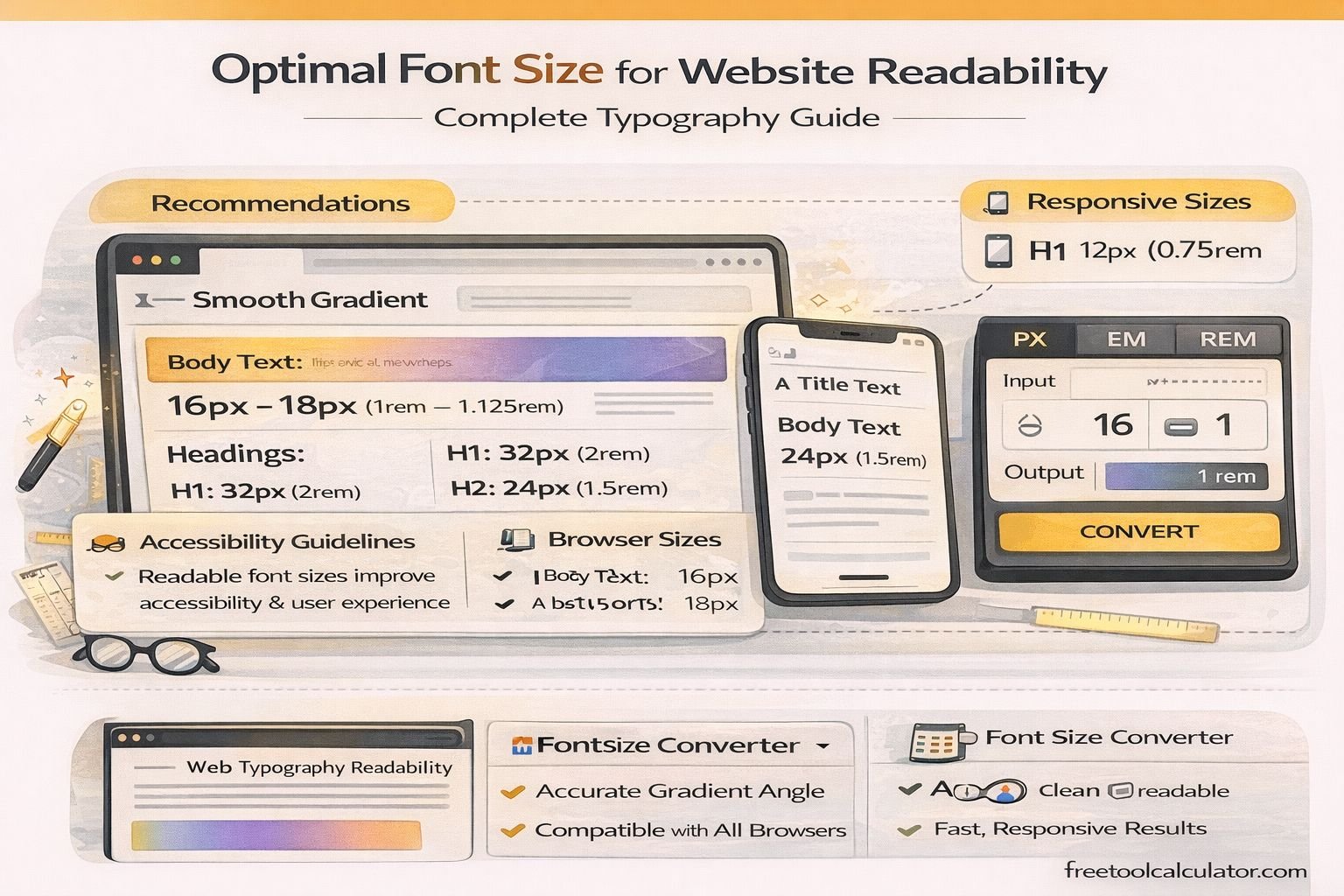
| Body text | 16–18px |
| Small/supporting text | Avoid making essential content unnecessarily small |
| Line height | About 1.4–1.6 for body copy |
| Line length | Roughly 45–80 characters for long-form reading |
These are design starting points, not accessibility laws. Test the actual font in context because two typefaces at 16px can appear noticeably different.
Why 16px Is a Starting Point, Not a Rule
Browser defaults commonly make 1rem equal to 16px when the user has not changed the root font size. Using relative units such as rem can help a design respect user preferences. A site can still be hard to read at 16px if the font is thin, tightly spaced, low contrast or placed in overly long lines.
Line Height Matters as Much as Font Size
Lines packed too closely together make paragraphs difficult to track. For ordinary body copy, a unitless line-height around 1.4 to 1.6 is a useful place to start. WCAG’s text-spacing criterion also requires content to remain usable when users increase line, paragraph, letter and word spacing to specified values.
Keep Long-Form Text From Becoming Too Wide
Very wide paragraphs force the eye to travel a long distance and make it harder to find the next line. Constraining article text to a readable measure is usually better than allowing body copy to span an entire desktop screen.
Use Responsive Typography Carefully
CSS functions such as clamp() can scale headings between sensible minimum and maximum values. Body text generally needs less dramatic scaling. Avoid viewport-only sizing that can become too small on narrow screens or excessively large on wide screens.
Example: font-size: clamp(2rem, 4vw, 4rem); can be useful for a large display heading, while body text might stay closer to a stable rem-based size.
Do Not Disable Zoom
Users may need browser or pinch zoom to read comfortably. Avoid viewport settings or interface choices that unnecessarily prevent text enlargement. WCAG includes requirements related to resizing text without loss of content or functionality.
Font Size Is Only One Readability Factor
- Choose sufficient text/background contrast.
- Avoid overly thin font weights for long passages.
- Use clear paragraph spacing and hierarchy.
- Keep tap targets and controls usable on touch devices.
- Test at 200% zoom and with browser text enlargement.
- Check real pages on small and large screens rather than relying only on design mockups.
Frequently Asked Questions
Is 16px always the best body font size?
No. It is a useful starting point, but the typeface, audience, device and layout can justify a larger value.
Should mobile text be smaller than desktop text?
Not automatically. Mobile text still needs to be comfortably readable. Responsive design should adapt layout and hierarchy without shrinking essential copy excessively.
Should I use px or rem?
Relative units such as rem are often convenient for scalable typography because they relate to the root font size. What matters most is that the final interface supports resizing and remains usable.
References
Last reviewed: October 2026.