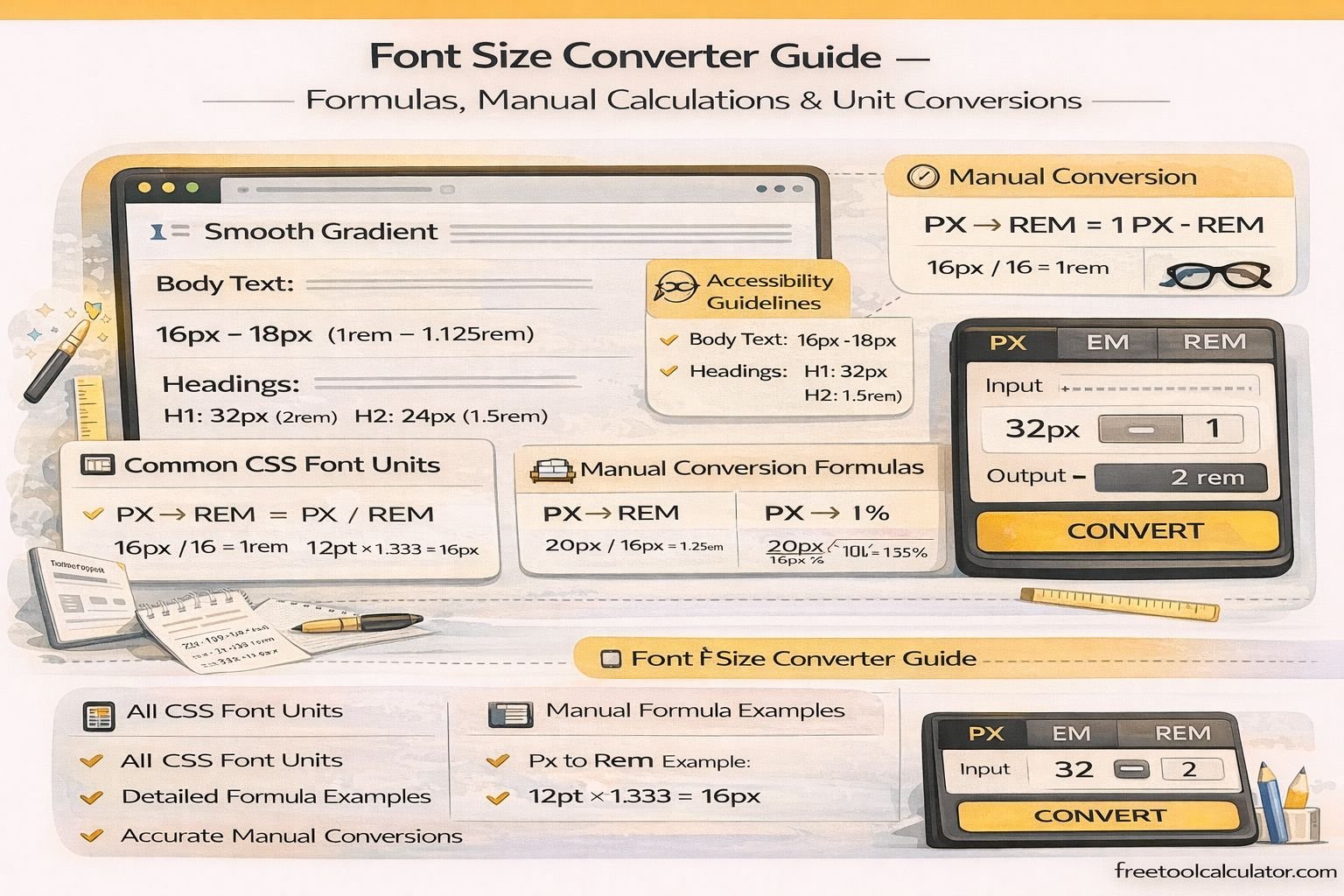
Font Size Converter Guide – Formulas, Manual Calculations & Unit Conversions

Font Size Converter Guide – Formulas, Manual Calculations & Unit Conversions

What Is a Font Size Converter?

The Font Size Converter is an online utility that converts font sizes between different measurement units such as px, pt, em, rem, percent, vw, vh, cm, mm, in, and pc. It helps designers and developers translate typography measurements from one unit into another without manual calculations.

In modern web development, typography units vary depending on design systems, responsive layouts, and device scaling. A reliable font size converter simplifies this process by instantly converting units used in CSS, print design, and responsive interfaces.

Why Font Size Conversion Is Important

Different platforms and technologies use different measurement systems. For example, web typography often uses px, rem, or em, while print design commonly uses pt, cm, or inches. Converting between these units ensures consistency across devices, layouts, and display resolutions.

Developers frequently convert between font units when building responsive designs or implementing design systems created in tools like Figma or Adobe XD.

Common Font Size Units Explained

Pixels (px)

Pixels are the most commonly used unit in CSS for defining font size. They represent fixed screen units and provide precise control over typography.

Points (pt)

Points are commonly used in print design. One point equals 1/72 of an inch.

em

The em unit is relative to the font size of the parent element.

rem

rem stands for root em and is relative to the root HTML font size.

Percent (%)

Percentage values scale fonts relative to the parent element’s size.

Viewport Units (vw and vh)

Viewport width (vw) and viewport height (vh) units scale text relative to screen dimensions, enabling responsive typography.

Physical Units

Physical measurement units include cm (centimeters), mm (millimeters), in (inches), and pc (picas), which are mostly used in print layouts.

Manual Font Size Conversion Formulas

PX to REM Conversion

Formula:

rem = px ÷ root font size

Example:

If root font size = 16px

32px ÷ 16 = 2rem

Result:

32px = 2rem

REM to PX Conversion

Formula:

px = rem × root font size

Example:

1.5rem × 16px = 24px

PX to EM Conversion

Formula:

em = px ÷ parent font size

Example:

If parent size = 18px

27px ÷ 18 = 1.5em

EM to PX Conversion

Formula:

px = em × parent font size

Example:

1.25em × 16px = 20px

PX to PT Conversion

Since 1pt = 1/72 inch and 1px ≈ 1/96 inch, the common conversion ratio is:

pt = px × 0.75

Example:

16px × 0.75 = 12pt

Result:

16px = 12pt

PT to PX Conversion

Formula:

px = pt × 1.333

Example:

12pt × 1.333 ≈ 16px

PX to Percentage Conversion

Formula:

% = (px ÷ parent size) × 100

Example:

24px ÷ 16px × 100 = 150%

PX to Viewport Units

Viewport units depend on screen size.

1vw = 1% of viewport width

1vh = 1% of viewport height

Example:

If viewport width = 1200px

1vw = 12px

So:

24px = 2vw

PX to Physical Units

Since 1 inch = 96px:

PX to Inches

in = px ÷ 96

Example:

96px ÷ 96 = 1 inch

PX to Centimeters

1 inch = 2.54 cm

cm = px ÷ 37.795

PX to Millimeters

mm = px ÷ 3.7795

PX to Picas

1 pica = 12 points

pc = px ÷ 16

Example Manual Conversion Table

16px = 1rem
16px = 12pt
16px = 1em (if parent = 16px)
16px = 100%
16px ≈ 0.42cm

Challenges of Manual Conversion

While manual formulas are useful, converting multiple units repeatedly can be time-consuming and error-prone. Responsive design projects often require frequent conversions between px, rem, em, and percentage units.

Instead of calculating each conversion manually, developers often use a font size converter to instantly translate typography values into different measurement systems.

When Developers Use Font Size Conversion

Font size conversions are commonly required when:

– Converting design specs into CSS code
– Building responsive typography systems
– Implementing accessibility scaling
– Translating print typography into web formats
– Standardizing design systems

Best Practices for Using CSS Font Units

Use rem units for scalable typography based on root font size. This ensures consistent scaling across components.

Use em units for components that require relative scaling within containers.

Use viewport units carefully for responsive headings but avoid using them for long body text.

Always test typography across different screen sizes to maintain readability.

Conclusion

Understanding font size conversion formulas helps designers and developers control typography across different devices and design environments. By knowing how to manually convert px, pt, em, rem, percentages, viewport units, and physical measurements, you can maintain consistent typography across web and print projects.

For faster and more accurate results, using a dedicated font size converter simplifies these calculations and ensures precise conversions for modern responsive web design.

Share this article:

On This Page

Subscribe to our newsletter

Read the latest articles from our experts

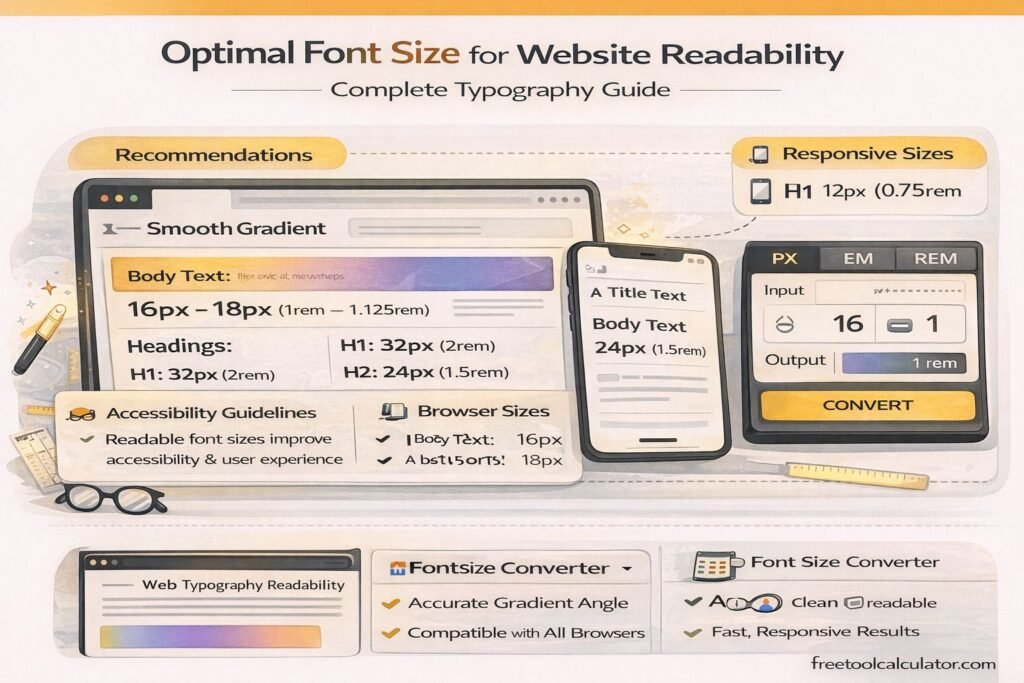
Optimal Font Size for Website Readability – Complete Typography Guide

Optimal Font Size for Website Readability – Complete Typography Guide

This font size converter guide explains the optimal font size for website readability. Learn recommended typography sizes, accessibility guidelines, and responsive font practices for web design. Discover how to choose body text, headings, and mobile font sizes while converting units like px, em, and rem to maintain consistent, readable typography across devices.

CSS Gradients in Web Design – Performance, Best Practices & Browser Support

How to Convert Figma Gradient to CSS Code – Complete Developer Guide

This CSS gradient generator guide explains how to convert Figma gradients into CSS code accurately. Learn how to extract color stops, angles, and gradient types from Figma, convert them into linear or radial CSS gradients, and optimize them for responsive web design, browser compatibility, and performance using efficient development techniques and tools.

CSS Gradients in Web Design – Performance, Best Practices & Browser Support

CSS Gradients in Web Design – Performance, Best Practices & Browser Support

This CSS gradient generator guide explains performance impacts, best practices, and browser support for modern CSS gradients. Learn how to optimize gradient rendering, improve website speed, ensure cross-browser compatibility, and create visually appealing backgrounds using efficient CSS techniques for responsive and high-performance web design across all devices and screen sizes globally.