Introduction
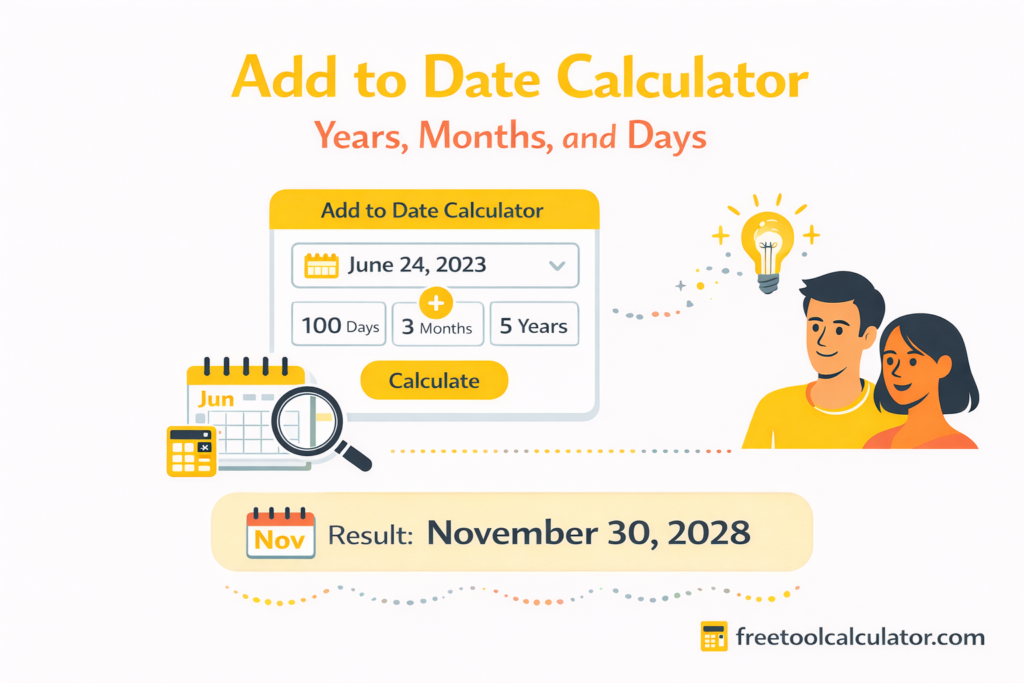
Working with dates may seem simple but real world date calculations often lead to confusion and mistakes. Adding days months or years to a date is not as straightforward as basic arithmetic because calendars include varying month lengths leap years and shifting weekdays. An add to date calculator removes this complexity by providing fast and accurate date results for planning deadlines events schedules and timelines. In this article we explain how an add to date calculator works why date math is challenging common scenarios where date addition is required and how to calculate dates correctly using automated tools such as https://freetoolcalculator.com/add-to-date-calculator/
Why Date Calculations Are Often Miscalculated
Many people assume adding dates is as easy as counting forward on a calendar but this approach quickly breaks down in real scenarios.
Months do not have equal lengths. Some months have thirty days others have thirty one and February varies based on leap years. Adding months to dates near the end of a month often creates invalid calendar dates. Leap years further complicate calculations by adding February 29 every four years.
An add to date calculator is designed to handle all these irregularities automatically ensuring correct results without manual effort.
What an Add to Date Calculator Actually Does
An add to date calculator takes a starting date and applies calendar rules to calculate a new date based on the number of days weeks months or years added. Instead of simply adding numbers it evaluates:
The number of days in each month
Leap year rules
Month rollover and year rollover
Valid end of month adjustments
For example adding one month to January 31 produces different results depending on whether the year is a leap year. A reliable calculator adjusts automatically to return a valid date.
When You Need to Add Dates in Everyday Life
Contract and Legal Deadlines
Legal agreements often specify deadlines such as within thirty days of signing or ninety days from notice. Calculating these dates manually increases the risk of missing compliance deadlines. Using an add to date calculator ensures accuracy.
Business and Project Scheduling
Project milestones payment terms deliverables and follow ups rely on precise date planning. Adding weeks or months incorrectly can delay projects and cause coordination issues.
Personal Planning and Events
From planning travel itineraries to counting down to anniversaries birthdays or exams date addition plays a role in everyday life. A calculator saves time and avoids guesswork.
Adding Days Versus Adding Weeks
Adding days and adding weeks may sound similar but they serve different purposes.
Adding days is useful for exact deadline calculations such as fifteen days from today. Adding weeks is often used for recurring schedules like meetings every two weeks or follow ups after six weeks.
An add to date calculator allows both options so you can choose the unit that matches your planning needs.
Adding Months Without Breaking the Calendar
Adding months is one of the most error prone date calculations. Consider these examples:
Adding one month to January 30
Adding one month to January 31
Adding one month to March 31
Each scenario produces a different result depending on month length and leap year status. An add to date calculator adjusts automatically by moving to the closest valid date when the target month has fewer days.
This prevents invalid results like February 31 which does not exist on the calendar.
Adding Years and Handling Leap Dates
Adding years becomes complex when the starting date is February 29. Since this date exists only in leap years adding one year to February 29 requires adjustment.
Most calculators shift the result to February 28 or March 1 depending on calendar rules. An add to date calculator applies standard date logic so results remain consistent and valid across years.
Using an Add to Date Calculator Step by Step
Using the tool is straightforward:
Select your starting date
Choose whether you want to add days weeks months or years
Enter the number of units
Calculate the result
The calculator instantly displays the correct resulting date without requiring manual corrections. Try it directly at https://freetoolcalculator.com/add-to-date-calculator/
Date Addition Compared to Date Difference
Date math usually involves two different operations.
Date addition calculates a new date based on a starting point and time span. Date difference calculates the amount of time between two dates.
An add to date calculator focuses on the first operation which is essential for planning future or past dates rather than measuring duration.
Spreadsheet Date Math Versus Online Calculators
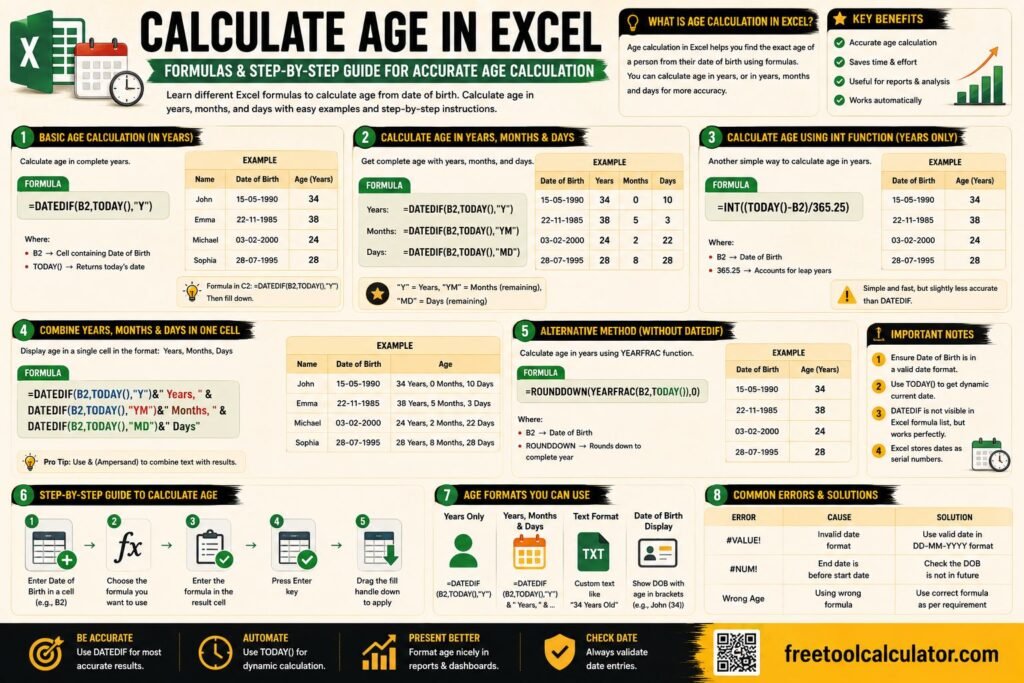
Spreadsheets like Excel and Google Sheets can perform date calculations but they require correct formulas and careful formatting.
Simple date addition works by adding days numerically but adding months and years requires special functions. Errors often occur when users apply incorrect formulas or misinterpret results.
Online calculators simplify the process by offering an intuitive interface and built in calendar logic without formula complexity.
Common Date Math Errors People Make
Assuming all months have the same number of days
Ignoring leap year rules
Adding weeks when days were intended
Miscounting days across month boundaries
Forgetting to adjust end of month dates
An add to date calculator eliminates these mistakes by applying standardized calendar rules consistently.
Who Benefits Most From an Add to Date Calculator
Students planning academic schedules
Professionals managing deadlines and contracts
HR teams handling probation and notice periods
Legal professionals calculating compliance timelines
Individuals organizing events and personal plans
The tool is useful for anyone who needs accurate date planning without manual calculations.
Why Online Date Calculators Improve Accuracy
Online calculators are designed to handle edge cases and calendar exceptions automatically. They are regularly updated to follow standard date logic and eliminate human error.
Using https://freetoolcalculator.com/add-to-date-calculator/ ensures your calculations are fast reliable and accurate every time.
Final Thoughts
Date calculations may appear simple but they are filled with hidden complexity. Month lengths leap years and calendar rules make manual date math unreliable especially for long term planning. An add to date calculator removes this complexity and gives you instant accurate results for adding days weeks months or years. Whether you are managing deadlines planning events or organizing schedules using a dedicated tool saves time and prevents costly mistakes. Use the free add to date calculator at https://freetoolcalculator.com/add-to-date-calculator/ to handle date math with confidence and precision.