Introduction
Knowing how to use an add to date calculator makes date math fast and accurate whether you need to plan events calculate deadlines schedule reminders or manage timelines. Dates can be tricky because months have different lengths leap years add extra days and business calendars may skip weekends or holidays. An add to date calculator helps you quickly add days weeks months or years to any starting date without errors. In this guide we explain how an add to date calculator works common use cases how to do date addition manually and with spreadsheets plus practical examples and tips. You can instantly use the free tool at https://freetoolcalculator.com/add-to-date-calculator/ to calculate future or past dates easily.
What Is an Add to Date Calculator
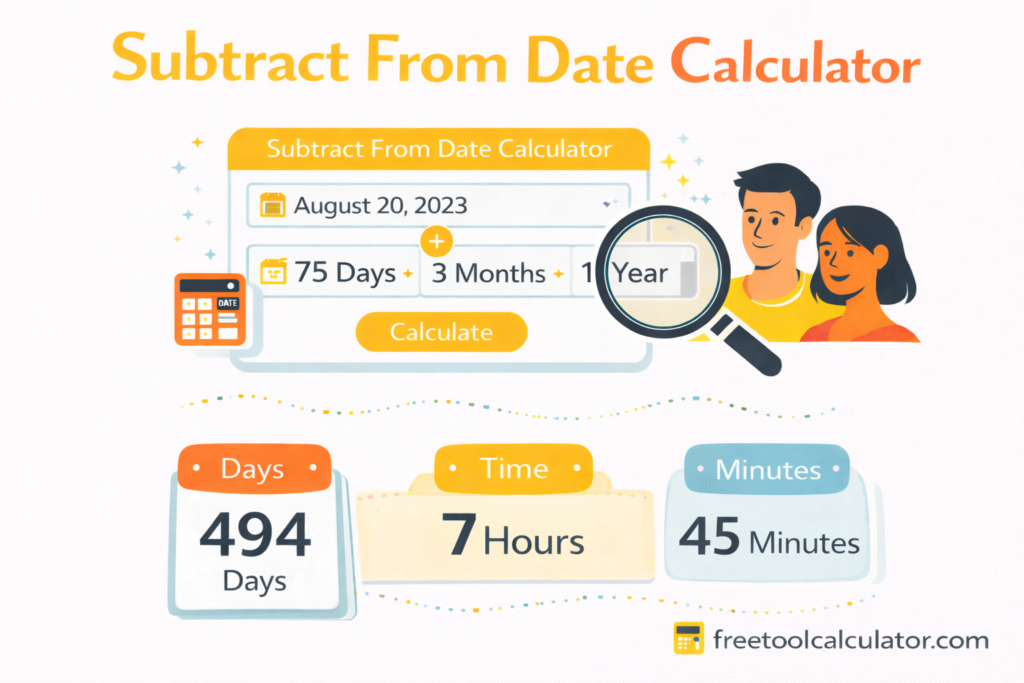
An add to date calculator is an online tool that helps you determine a new date by adding a specific number of days weeks months or years to an existing date. Instead of manually counting dates on a calendar which can be confusing due to varying month lengths and leap years the add to date calculator provides instant accurate results. This tool is useful for planning deadlines schedules anniversaries project timelines and recurring events.
Why Use an Add to Date Calculator
Save Time and Avoid Errors
Calculating dates manually often leads to mistakes especially when dealing with large spans of time or leap years. The add to date calculator eliminates these errors and gives precise results instantly.
Useful for Personal and Professional Planning
Whether you are planning a vacation counting down to an event calculating project deadlines or determining legal timeframes adding dates accurately is essential. This tool helps students professionals and anyone working with dates.
Compatible With Multiple Units
A good add to date calculator allows you to add days weeks months or years depending on your need. This flexibility makes it suitable for both short range and long range date calculations.
How to Use an Add to Date Calculator
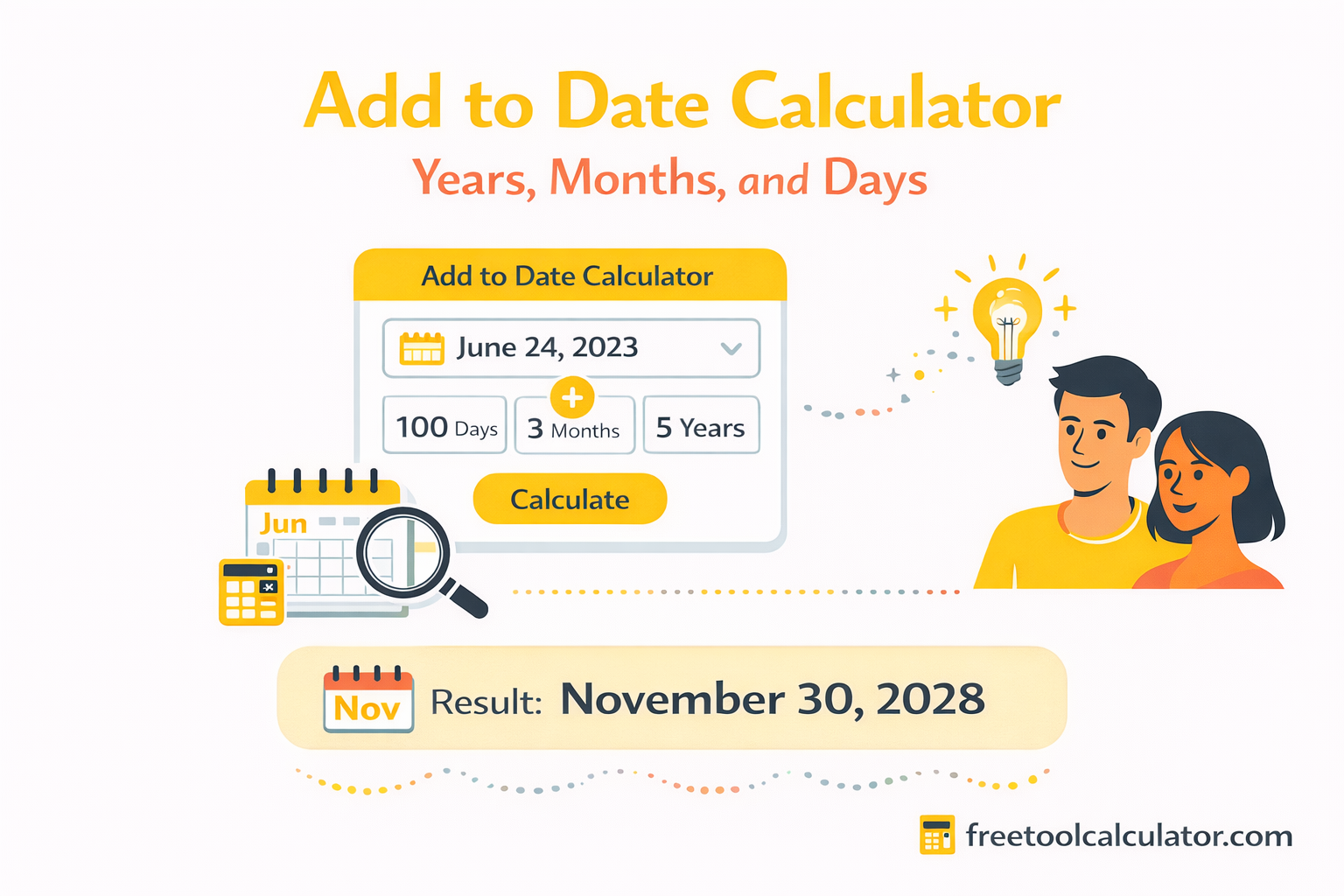
Using an add to date calculator is usually straightforward.
- Enter your starting date in the input field.
- Choose the unit you want to add such as days weeks months or years.
- Enter the number of units you want to add.
- Click calculate to get the new date instantly.
For example if your start date is March 15 2025 and you add 45 days the tool will instantly show the resulting date based on calendar rules including leap years.
Use the free add to date calculator at https://freetoolcalculator.com/add-to-date-calculator/ anytime you need accurate date addition.
When to Add Days to a Date
Planning Deadlines
Many legal and professional tasks require projecting deadlines a specific number of days ahead. For example if a form must be submitted within 21 days of an event adding 21 days accurately ensures compliance.
Scheduling Reminders
Adding days to a date helps you schedule reminders for appointments payments renewals and other recurring tasks.
Project Management
In business project planning adding weeks or months to start dates helps you visualize key milestones and completion dates.
How to Add Months or Years to a Date
Adding months or years to a date is more complex than adding days because months have different lengths and leap years add extra days.
For example adding one month to January 31 will result in February 28 or 29 depending on whether it is a leap year. Similarly adding one year to February 29 in a leap year must be adjusted because not all years have February 29.
The add to date calculator takes care of these variations automatically so you always get accurate results.
Add to Date Examples
Here are practical examples of date addition using an add to date calculator:
Adding Days
Start date July 1 2025 add 100 days result October 9 2025
Adding Weeks
Start date August 10 2025 add 4 weeks result September 7 2025
Adding Months
Start date January 31 2024 add 1 month result February 29 2024 (leap year)
Adding Years
Start date December 25 2020 add 3 years result December 25 2023
These examples show how a good calculator handles the subtleties of calendar math.
How Leap Years Affect Date Addition
Leap years add an extra day on February 29 every four years. When adding large spans of time such as years or months that cross leap day the result must correctly reflect whether February 29 exists in the target year. The add to date calculator automatically handles leap year adjustments based on calendar rules so you do not need to worry about manual corrections.
Date Addition in Spreadsheets
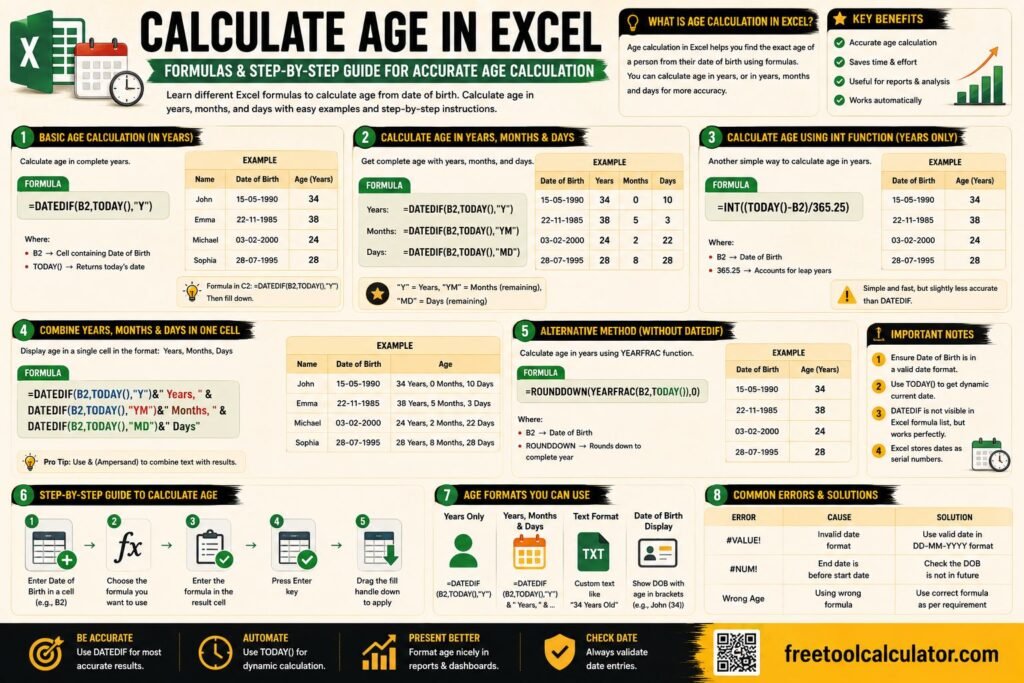
You can also add dates using spreadsheet software like Excel or Google Sheets.
Adding Days in Excel
Simply use a formula like=start_date + number_of_days
Example=A1 + 30 adds 30 days to the date in cell A1.
Adding Months in Excel
Use the EDATE function=EDATE(start_date number_of_months)
Example=EDATE(A1 3) adds three months to the date in cell A1.
Adding Years in Excel
Add years by combining EDATE with multiplication=EDATE(start_date number_of_years*12)
Example=EDATE(A1 5*12) adds five years to the date in cell A1.
These spreadsheet methods help you perform date math for lists of dates and large datasets.
Common Use Cases for an Add to Date Calculator
Legal Timeframes
Many legal deadlines are defined as a specific number of days after an event. Using a date addition tool ensures accuracy which is critical for compliance.
Health Schedules
Medical appointments vaccinations and follow ups often require precise counting of days or weeks between dates.
Academic Planning
Students and educators use date addition to calculate term dates exam deadlines and project due dates.
Event Planning
Weddings reunions festivals and business events often require planning dates far in advance and keeping track of multiple deadlines.
Tips for Accurate Date Addition
Always double check whether you are adding days weeks months or years based on your requirement. For long term planning consider whether the time span crosses leap years or month end dates. When accuracy is crucial use an add to date calculator to avoid manual errors.
Common Mistakes in Date Math
One common mistake is assuming every month has the same number of days which leads to incorrect results. Another is forgetting leap year rules when adding large spans of time. People also mistakenly add weeks but interpret them as days. Automated tools eliminate these errors and improve reliability.
Why Use an Online Add to Date Calculator
Online tools like https://freetoolcalculator.com/add-to-date-calculator/ are designed to save time eliminate errors and provide accurate results for any date calculation scenario. Whether you need to plan legal deadlines business milestones or personal schedules date math becomes effortless with a dedicated calculator.
Conclusion
Understanding how to perform date addition correctly is an essential skill for planning scheduling and time management across personal and professional tasks. An add to date calculator simplifies this process by handling complex calendar rules leap years and unit conversions for you. Use the free add to date calculator at https://freetoolcalculator.com/add-to-date-calculator/ for reliable results every time. Whether you work with days weeks months or years this tool provides fast accurate date calculation so you always stay on schedule.