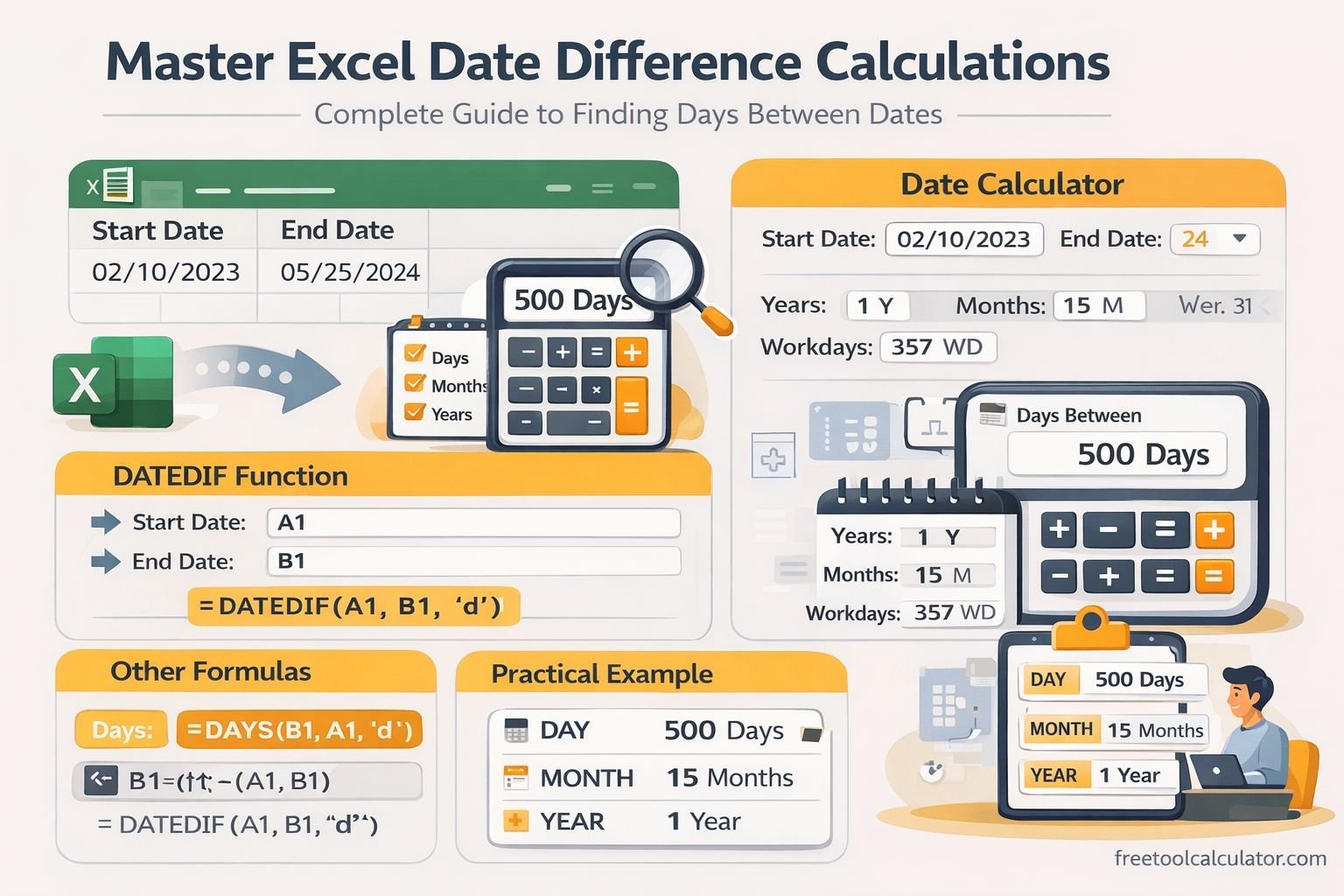
Quick answer: If cell A2 contains the start date and B2 contains the end date, =B2-A2 returns the elapsed number of days in a normal Excel date system. For other needs, use DAYS, DATEDIF or NETWORKDAYS.
If you only need a quick web calculation, use our Date Time Difference Calculator. The methods below are useful when the calculation needs to remain inside an Excel workbook.
Method 1: Subtract One Date From Another
With a start date in A2 and an end date in B2, enter:
=B2-A2
If A2 is October 1, 2026 and B2 is October 11, 2026, the result is 10 elapsed days. If Excel displays another date instead of a number, change the result cell’s format to General or Number.
Method 2: Use the DAYS Function
The DAYS function makes the intent explicit:
=DAYS(B2,A2)
The first argument is the end date and the second is the start date.
Method 3: Calculate Complete Years, Months or Days With DATEDIF
DATEDIF can calculate completed units between two dates:
- =DATEDIF(A2,B2,”Y”) — completed years
- =DATEDIF(A2,B2,”M”) — completed months
- =DATEDIF(A2,B2,”D”) — days
For an age-like display of completed years, remaining months and remaining days, combine separate DATEDIF calculations. Be careful with end-of-month dates because calendar months have different lengths.
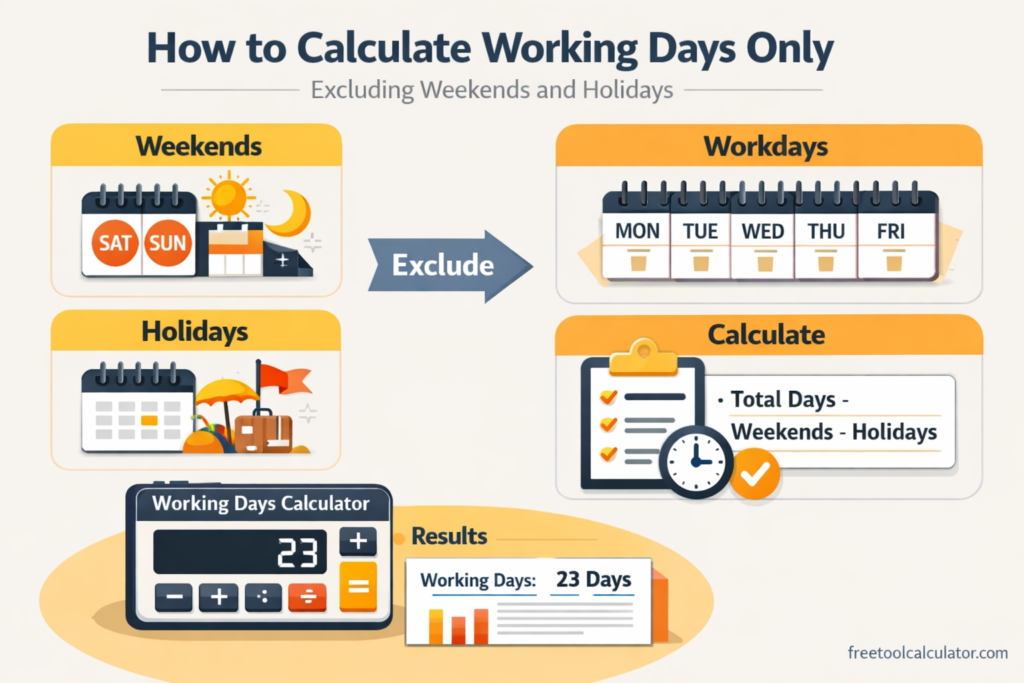
Method 4: Count Working Days
For Monday-Friday working days, use:
=NETWORKDAYS(A2,B2)
To exclude holidays stored in E2:E10:
=NETWORKDAYS(A2,B2,E2:E10)
For a non-standard weekend, use NETWORKDAYS.INTL. See our working-days guide for endpoint, holiday and weekend considerations.
Dates and Times in the Same Cells
Excel stores times as fractions of a day, so subtracting two date-time values can return a decimal. For example, 1.5 means one day and 12 hours. Multiply the difference by 24 for hours, by 1,440 for minutes or by 86,400 for seconds.
Common Excel Date Problems
The formula returns #VALUE!
One or both “dates” may actually be text. Confirm that Excel recognizes the cells as real date values.
The result looks like a date
Format the result as General or Number instead of Date.
The result is negative
The end date may be earlier than the start date. If you intentionally want an unsigned difference, use ABS around a simple subtraction, but first make sure reversing the dates is logically appropriate.
Which Excel Formula Should You Use?
| Goal | Method |
|---|---|
| Elapsed days | =B2-A2 or DAYS |
| Completed years/months | DATEDIF |
| Business days | NETWORKDAYS |
| Custom weekends | NETWORKDAYS.INTL |
| Hours between date-times | =(B2-A2)*24 |
Last reviewed: October 2026. Excel function availability and interface labels can vary by version.