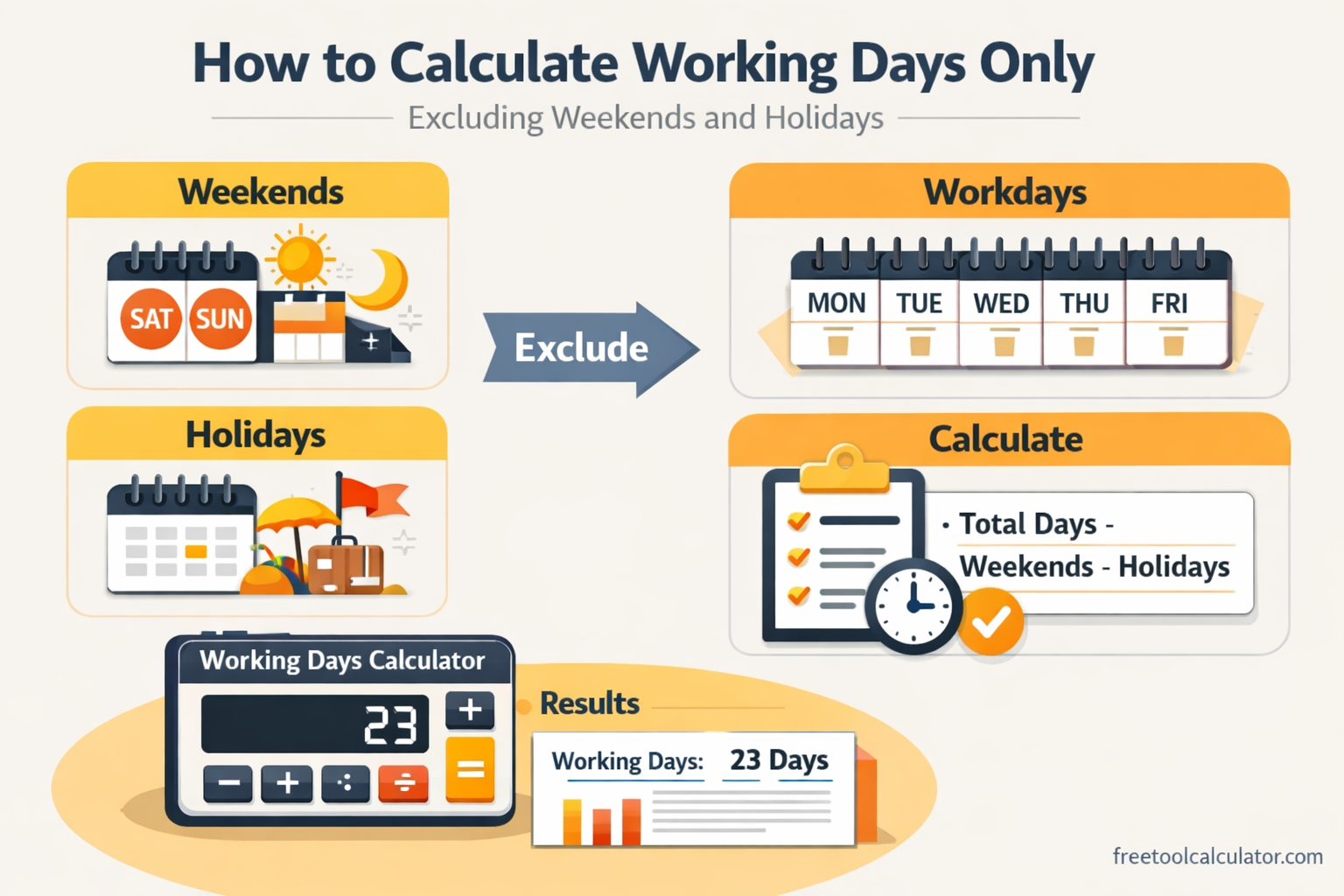
Quick answer: To calculate working days between two dates, count the dates in your chosen range, remove weekend days, then remove applicable public holidays that fall on otherwise-working days. The exact result depends on whether you include the start and end dates and which days your workplace treats as weekends.
For the calendar-day difference first, use our Date Time Difference Calculator. Then apply the business-day rules explained below. This is especially useful for project schedules, invoice terms, leave planning, delivery estimates and contract timelines.
What Counts as a Working Day?
A working day, often called a business day, is a day counted for business or administrative purposes. Monday through Friday is common, but it is not universal. Some organizations use different weekend patterns, and public holidays vary by country, region and employer.
Before calculating, define three things: your start and end date rule, your weekend pattern, and the holiday calendar that applies to the situation. Without those assumptions, two correct calculations can produce different answers.
Working Days Formula
A useful conceptual formula is:
Working days = eligible calendar days − weekend days − qualifying public holidays
Do not subtract the same non-working date twice. For example, if a holiday falls on a Saturday and Saturday is already excluded, whether another observed weekday should be excluded depends on the applicable holiday rules.
Worked Example
Assume a project runs from Monday, March 1 through Friday, March 12 and both dates are included. There are 12 calendar dates in the range. Under a Saturday-Sunday weekend, March 6 and March 7 are excluded, leaving 10 weekdays. If one applicable public holiday falls on a remaining weekday, the result becomes 9 working days.
The important part is not memorizing “9.” It is documenting the counting convention so another person can reproduce the result.
Calculate Working Days in Excel or Google Sheets
NETWORKDAYS
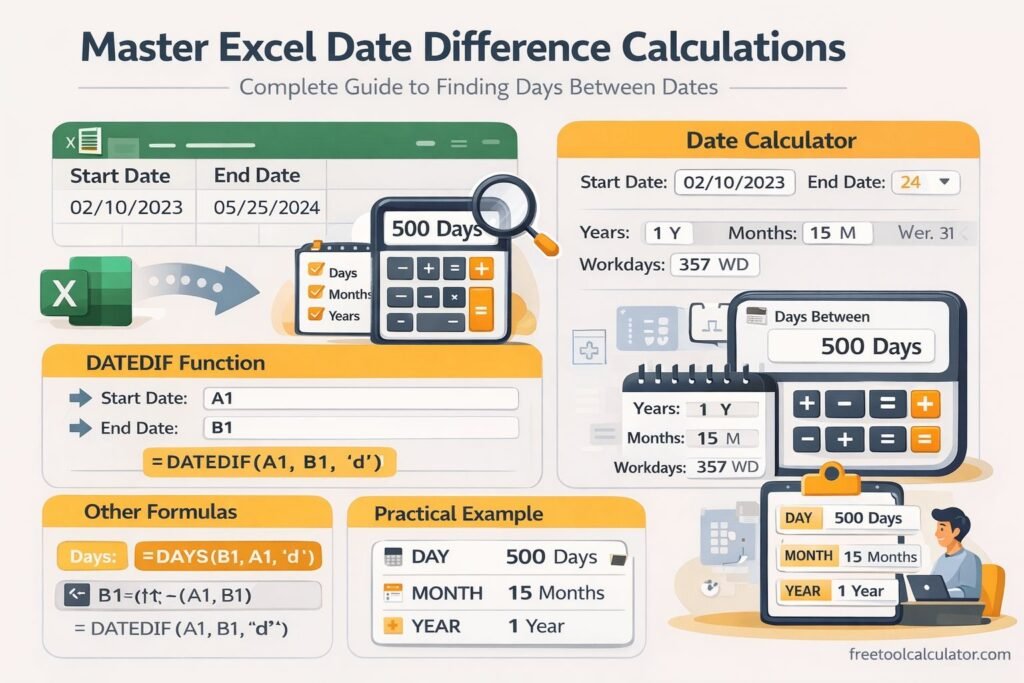
For a standard Saturday-Sunday weekend, Excel and Google Sheets support NETWORKDAYS(start_date, end_date, [holidays]). Put applicable holiday dates in a cell range and supply that range as the optional holidays argument.
NETWORKDAYS.INTL
Use NETWORKDAYS.INTL when your weekend pattern is different. It lets you specify which weekdays are treated as non-working days, making it more suitable for international schedules and organizations with non-standard workweeks.
Common Edge Cases
Should the start date count?
It depends on the rule governing your deadline. Some processes count the start date; others begin counting on the following day. State the convention before calculating.
What if a holiday falls on a weekend?
Do not automatically subtract it again. Check whether your jurisdiction or organization observes a substitute holiday on another date.
What about half-days?
A simple business-day count normally treats a date as either included or excluded. If your calculation involves half-days, shifts or working hours, a day-count formula alone is not precise enough.
Can public holidays be assumed globally?
No. Holiday calendars differ by country and can also vary by state, province, region, industry or employer. Use an authoritative calendar for the jurisdiction relevant to your calculation.
Calendar Days vs Working Days
Calendar days include every date in the range. Working days apply an additional schedule rule. If you only need elapsed time, use the Date Time Difference Calculator. If a deadline specifically says “business days” or “working days,” apply the weekend and holiday rules after confirming how the deadline is defined.
Frequently Asked Questions
Are working days always Monday to Friday?
No. Monday-Friday is common, but workweeks differ internationally and by organization.
Do working-day calculations include holidays?
Usually an applicable public holiday is excluded when it falls on a day that would otherwise be counted as a working day, but the relevant legal or organizational rule should be checked.
Why does my manual count differ from a spreadsheet?
Check whether both methods include the same endpoints, weekend pattern and holiday list. A difference in any one of those assumptions changes the result.
Last reviewed: October 2026. This guide explains general date-counting methods and is not legal, payroll or contractual advice.