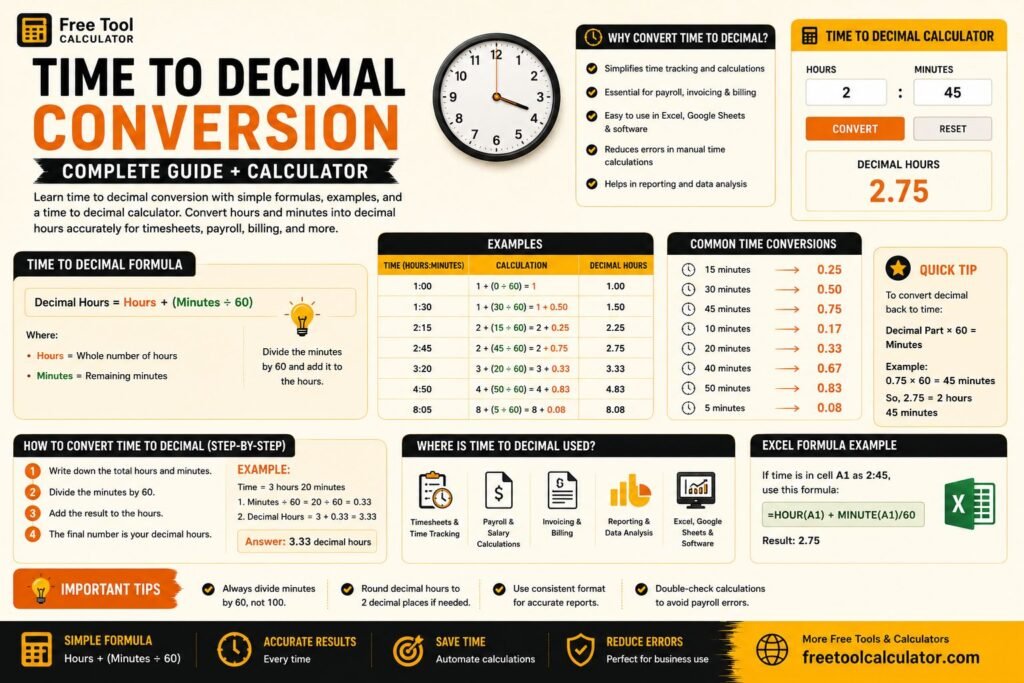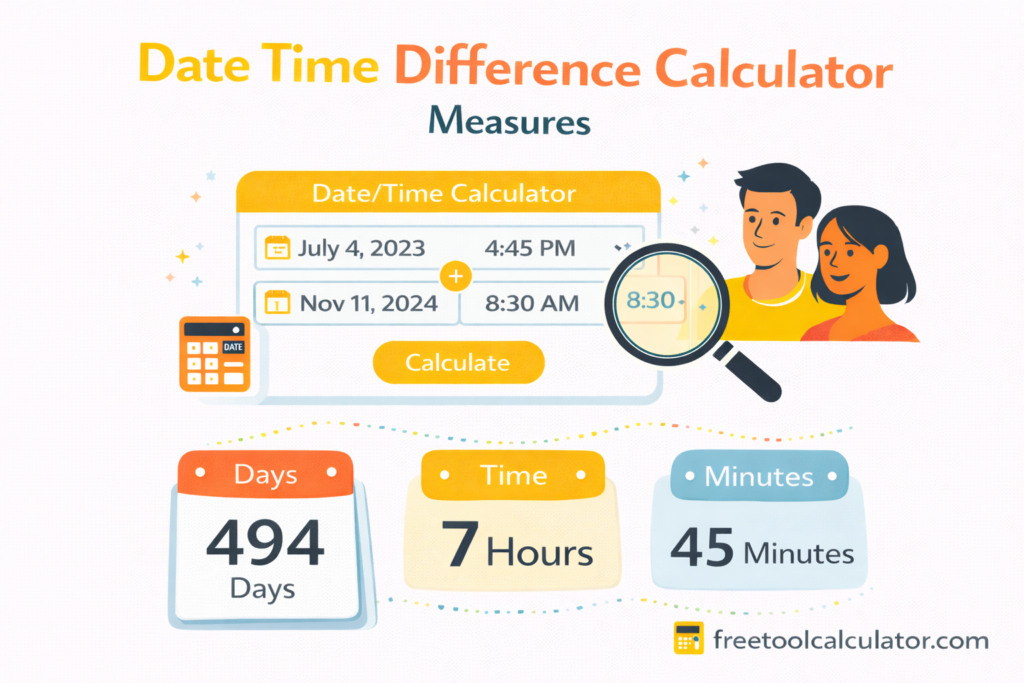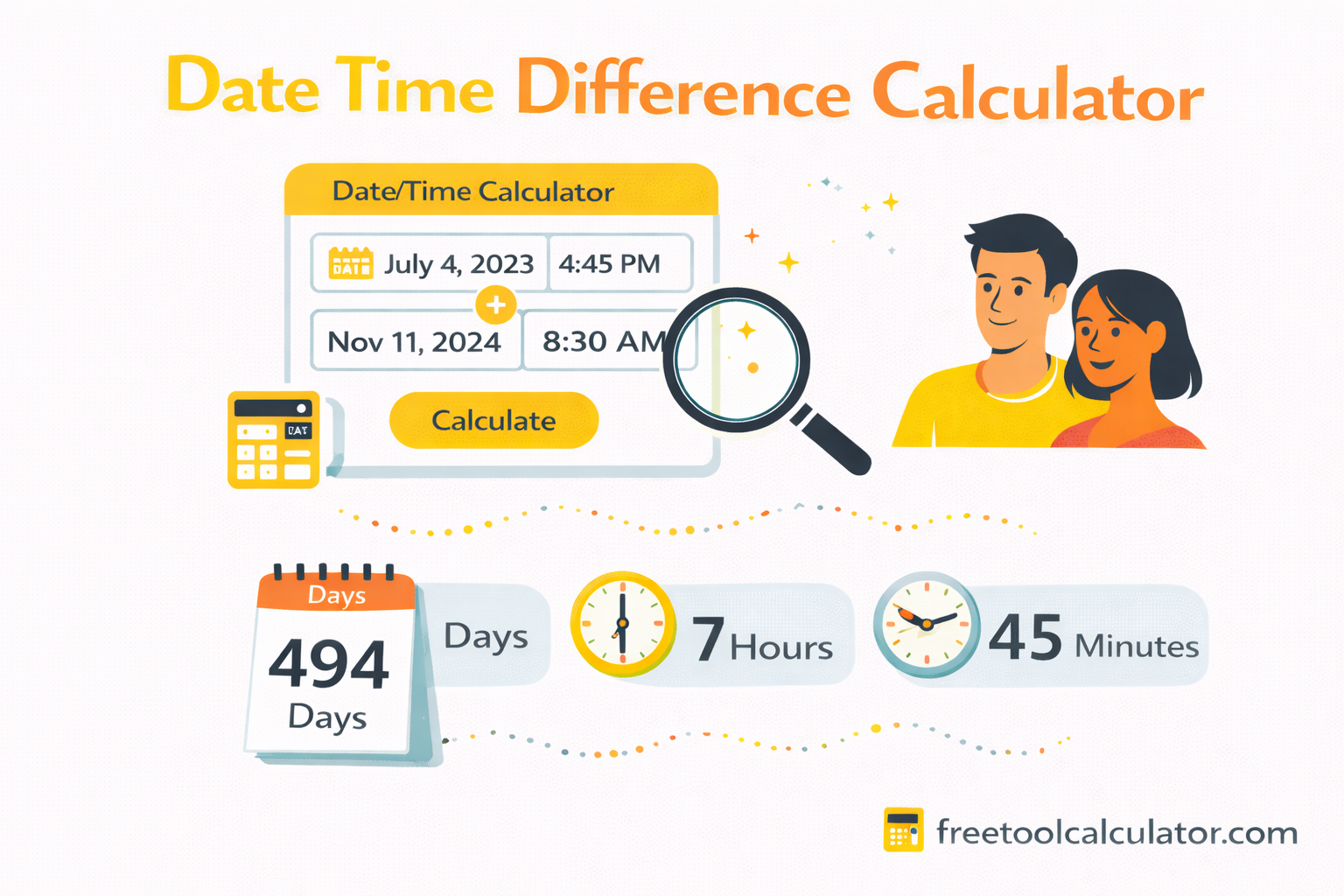
Quick answer: A date-time difference is the elapsed duration between a start timestamp and an end timestamp. For a straightforward calculation, subtract the earlier date and time from the later one. The result can then be expressed as total days, hours, minutes or as a combined duration.
Use our Date Time Difference Calculator when you want to enter the values directly. This guide explains the choices that can change the answer.
Date Difference vs Date-Time Difference
A date-only calculation compares calendar dates. A date-time calculation also includes the clock time. For example, noon on Monday to noon on Tuesday is exactly 24 hours, while 9:00 PM Monday to 9:00 AM Tuesday is 12 hours even though two calendar dates are involved.
Worked Example
Suppose the start is October 1, 2026 at 10:30 AM and the end is October 3, 2026 at 4:00 PM.
- October 1 at 10:30 AM → October 3 at 10:30 AM = 48 hours.
- October 3 at 10:30 AM → 4:00 PM = 5 hours 30 minutes.
- Total elapsed time = 53 hours 30 minutes, or 2 days 5 hours 30 minutes.
Elapsed Days vs Inclusive Calendar Days
These are different questions. From October 1 to October 3 is two elapsed 24-hour intervals when comparing the same clock time, but an inclusive calendar count can refer to October 1, October 2 and October 3 as three calendar dates. Confirm which convention your task requires.
Working Days Are a Different Calculation
If weekends and holidays must be excluded, do not use a simple elapsed-time result. See our Working Days Between Two Dates guide for business-day rules.
Time Zones Can Change the Result
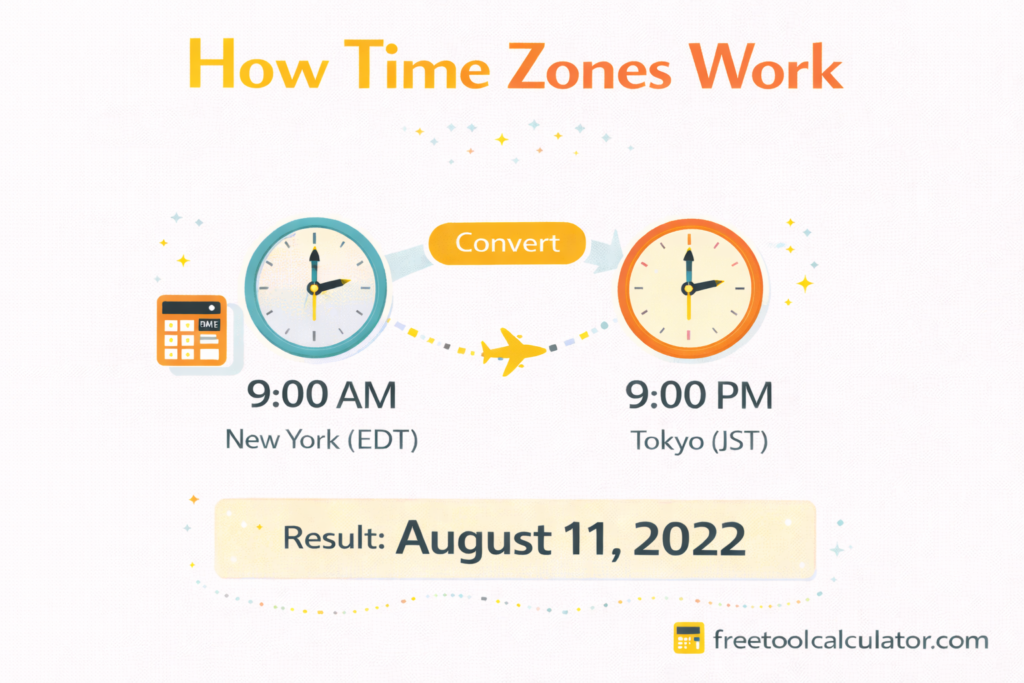
When timestamps come from different time zones, convert both to a common reference such as UTC before subtracting them. A local clock reading alone is not enough if the locations have different UTC offsets.
Daylight Saving Time Edge Cases
In regions that change clocks seasonally, a local-time interval can cross a daylight-saving transition. A calendar day containing a clock change is not necessarily 24 elapsed hours. For precise timestamp calculations, use the relevant time-zone rules rather than assuming every local date transition equals 24 hours.
Useful Ways to Express a Difference
| Output | Useful for |
|---|---|
| Total minutes | Short durations and operational tracking |
| Total hours | Work sessions, travel and events |
| Days + hours + minutes | Human-readable elapsed duration |
| Calendar years/months/days | Age and anniversary-style comparisons |
| Working days | Business deadlines and schedules |
Common Mistakes
- Confusing inclusive calendar counting with elapsed duration.
- Ignoring time zones when locations differ.
- Assuming every local day contains exactly 24 hours across DST transitions.
- Subtracting holidays automatically when the task only asks for elapsed time.
- Entering dates in an ambiguous format such as 03/04/2026 without knowing whether the system expects day/month or month/day.
Frequently Asked Questions
How many hours are in two days?
Two standard 24-hour periods equal 48 hours. A local interval spanning a daylight-saving clock change can be different.
Should I include the start date?
For elapsed time, calculate the duration between timestamps. Inclusive date counting is a separate convention and should be selected only when the use case calls for it.
Can I calculate this in Excel?
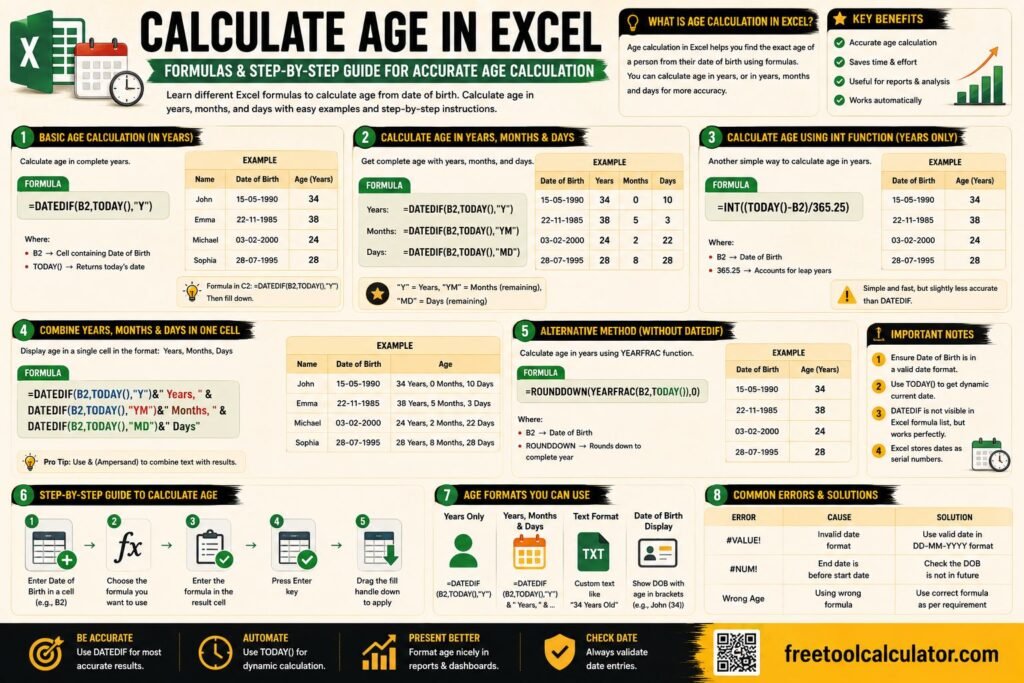
Yes. See our Excel date-difference guide for spreadsheet formulas.
Last reviewed: October 2026.