element-4.png

Sleep Cycle Calculator

Calculate ideal bedtimes or wake-up times using 90-minute sleep cycles and sleep latency for smoother mornings and better rest.

Get ideal bedtimes or wake-up times using 90-minute sleep cycles + sleep latency (time to fall asleep).

Choose what you want

You’ll get multiple recommended times (from 3 to 6 cycles).
minutes
Common range is 10–20 minutes.

Note: Sleep cycles vary by person. Use these times as a helpful guide, not a guarantee.

Your sleep infographic

A simple timeline showing recommended cycle endpoints.

Enter your time and calculate.
Timeline
Best Good Okay
Tip: Waking up at the end of a cycle often feels easier than waking mid-cycle.

Recommended times

What is a sleep cycle calculator

A sleep cycle calculator helps you determine the best times to fall asleep or wake up based on natural sleep cycles. Instead of focusing only on total sleep hours it aligns sleep with biological rhythms. This improves sleep quality and morning alertness. It is commonly used by doctors and sleep specialists.

How sleep cycles work in the human body

Sleep occurs in repeating cycles that last about 90 minutes each. These cycles include light sleep deep sleep and REM sleep. Waking up at the end of a cycle helps you feel refreshed. Waking during deep sleep often causes grogginess.

How a sleep cycle calculator works

The calculator counts backward or forward in 90 minute intervals from your desired wake up or bedtime. It also includes average time needed to fall asleep. This helps predict optimal sleep or wake times. The goal is to wake at the end of a sleep cycle.

What information do I need to use a sleep cycle calculator

You usually need to enter your desired wake up time or the time you plan to go to bed. Some calculators also allow you to select sleep latency time. No personal data is required. The process is simple and quick.

How many sleep cycles should I get per night

Most adults benefit from 4 to 6 full sleep cycles per night. This equals about 6 to 9 hours of sleep. Individual needs vary based on age lifestyle and health. Quality of sleep cycles matters more than quantity alone.

Why waking at the right time matters

Waking at the end of a sleep cycle reduces sleep inertia. This improves mood focus and energy levels. It can also support better productivity throughout the day. Proper timing is key for restful sleep.

Can a sleep cycle calculator help with insomnia

It can support better sleep habits by encouraging consistent sleep timing. While it does not treat insomnia it helps align sleep with natural rhythms. This may improve sleep efficiency over time. Chronic insomnia should be evaluated by a healthcare professional.

Is a sleep cycle calculator useful for shift workers

Yes shift workers often struggle with irregular sleep schedules. A sleep cycle calculator helps optimize sleep windows even during non traditional hours. This can reduce fatigue and improve alertness. Consistency remains important.

Does age affect sleep cycles

Yes sleep patterns change with age. Children experience longer deep sleep while adults spend more time in lighter sleep stages. Older adults may have shorter cycles. The calculator still provides helpful guidance across age groups.

How often should I use a sleep cycle calculator

You can use it daily or whenever your schedule changes. It is especially useful before early mornings or travel. Regular use helps establish healthy sleep routines. Flexibility allows better long term sleep quality.

Is this sleep cycle calculator free to use

Yes this sleep cycle calculator is completely free to use. No signup or payment is required. Results are instant and private. It is designed for everyday sleep optimization.

Complete Guide to the Sleep Cycle Calculator

The sleep cycle calculator is designed to estimate bedtimes or wake times around sleep-cycle intervals. It is most useful for people planning a consistent bedtime or wake-up routine. A good calculator or online utility should do more than return an output: it should make the inputs understandable, show what the result represents, and help you recognize when the result needs additional context.

This guide explains how to use the tool carefully, how to check your inputs, how to interpret the result, and what limitations matter. The goal is to make the page useful even if you are new to the subject rather than presenting a calculator with little explanation.

How to Use This Tool Step by Step

  1. Start with the source information. Gather the values, text or settings you actually want to work with instead of guessing.
  2. Choose the correct options. Pay attention to units, formats, modes and labels because a correct calculation with the wrong setting can still produce an unusable answer.
  3. Enter the information carefully. Check decimal points, signs, spacing and copied text before running the tool.
  4. Generate the result. Use the calculate, convert, format or generate control provided by the tool.
  5. Review the output. Ask whether the result is reasonable for the information entered. If it looks surprising, recheck the inputs before relying on it.
  6. Use the result in context. Copy, download or apply the output only after checking any assumptions described on this page.

What the Result Means

The output is based on the information you provide and the logic built into the tool. It should be treated as a transparent aid to a task, not as proof that the underlying input was correct. For numerical tools, keep units consistent and avoid rounding important intermediate values too early. For text and developer tools, review the transformed output before putting it into production. For generators, treat the result as a starting point that can be edited for your actual purpose.

When This Tool Is Useful

  • Getting a quick result without building a spreadsheet or writing code.
  • Checking a manual calculation or transformation.
  • Exploring how changing an input affects the output.
  • Preparing examples for study, documentation or planning.
  • Reducing repetitive work when the same type of task occurs frequently.

Accuracy, Assumptions and Limitations

Sleep cycles vary between people and across the night, so calculator results are planning estimates rather than medical advice or a guarantee of waking during a particular sleep stage.

For the most reliable result, use current and correctly formatted source data. If the output will affect money, health, safety, legal compliance, academic assessment or production systems, verify it against the authoritative source or professional guidance relevant to that decision.

Common Mistakes to Avoid

  • Using the wrong unit, format, mode or option.
  • Copying incomplete source data into the tool.
  • Assuming every online tool uses exactly the same method.
  • Rounding or editing an input before the calculation is complete.
  • Using an output without checking whether it is realistic.
  • Treating an estimate as an exact measurement.

How to Check Your Result

A simple verification process improves reliability. First, repeat the task with a small example whose answer you already know. Second, change one input and confirm the output changes in the expected direction. Third, compare an important result with an independent method or authoritative reference. These checks can reveal unit mistakes, copied characters, incorrect settings and unrealistic assumptions.

Related Search Questions and Topics

People looking for this tool also commonly search for topics such as sleep calculator, sleep cycle calculator online, best time to sleep, wake up time calculator, bedtime calculator, sleep schedule calculator, 90 minute sleep cycle, sleep timing calculator. Closely related needs include sleep duration calculator, calculate bedtime, calculate wake time, sleep cycle timing, healthy sleep schedule, sleep planning tool, sleep time calculator. These phrases describe related user questions; the page uses them naturally rather than repeating the same keyword unnecessarily.

Frequently Asked Questions

The tool is provided for convenient online use. You can enter your information, generate a result and use the explanatory guidance on this page without needing to perform the process manually.

How accurate is the result?

Accuracy depends on correct inputs and on whether the tool’s method fits your use case. Mathematical transformations can be exact for valid inputs, while estimates and planning tools naturally have more uncertainty.

Why did I get a different result from another website or app?

Different tools may use different defaults, rounding rules, data sources, assumptions or software engines. Compare the inputs and methodology before deciding that either result is wrong.

Can I use the result for professional decisions?

Use the tool as an aid. For decisions with significant financial, health, safety, legal or technical consequences, verify the result using the standards and authoritative sources applicable to your situation.

What should I do if the tool gives an unexpected answer?

Recheck every input, confirm the selected units or mode, remove accidental spaces or symbols where relevant, and test a simple known example. If the issue remains, report the example through the site contact page so it can be reviewed.

Editorial and Quality Approach

FreeToolCalculator aims to pair interactive tools with enough explanation for users to understand what they are doing. Pages are reviewed for clarity, usability and consistency, and important limitations are stated rather than hidden. We avoid presenting estimates as guarantees. If you notice an error, outdated instruction or unclear result, you can report it so the page or tool can be checked.

Last reviewed: October 2026.

Practical Tips for Better Results

  • Keep the original source information available so you can compare it with the processed result instead of relying on memory.
  • When a field accepts a number, distinguish between a missing value and zero. They can have very different meanings in a calculation.
  • If you are comparing several scenarios, change one variable at a time. This makes it easier to understand which input caused the difference.
  • Save or record important inputs together with the result. A number without its assumptions can be difficult to reproduce later.
  • For repeated work, use a consistent input format. Consistency reduces avoidable mistakes and makes comparisons more meaningful.
  • Do not assume more decimal places automatically mean more accuracy. Precision in the displayed result cannot compensate for uncertain source data.
  • On mobile devices, double-check fields after using autofill or copy and paste because formatting characters can sometimes be carried into an input.
  • If a tool has reset or clear controls, use them before starting a completely new scenario so values from the previous calculation are not overlooked.
  • For teaching or learning, work through one example manually before using the automated result. This helps you understand the relationship between inputs and output.
  • For business or technical documentation, note the date of the calculation and the method used so another person can reproduce the result later.

The Sleep Cycle Calculator is most useful when you understand what the input represents and how the output should be interpreted. This guide supports the existing interactive tool with practical instructions, examples, limitations and verification steps while preserving the original functionality.

What to Know About Using The Sleep Cycle Calculator

The Sleep Cycle Calculator is an online utility whose result depends on the supplied input and selected options. Users should keep units, formats and source information consistent and verify important outputs independently.

Keep the original source information available while testing the result. If something looks unexpected, recheck the format and selected options before assuming the tool is incorrect. A small independently verifiable example is often the fastest way to understand how an interface handles input.

Input Format Matters

Unexpected spaces, separators, units, capitalization, date formats or unsupported characters can change how an online utility interprets input. If a result looks wrong, simplify the input and test a small known example first.

How to Verify the Result

Use a sample whose expected output you can determine independently. Compare that result with the tool, then repeat the process with the real data. This helps distinguish an input misunderstanding from a calculation or formatting issue.

Accuracy and Precision

A tool can process the information entered, but it cannot make inaccurate source data more reliable. Extra decimal places or detailed output do not necessarily imply greater real-world precision.

Privacy and Sensitive Data

Avoid entering passwords, confidential business data, private personal information or other sensitive material into general online utilities unless the service is specifically appropriate for that information and you understand its data handling.

When to Use an Authoritative Source

For consequential legal, financial, medical, security, engineering or compliance decisions, use the relevant official documentation, standard or qualified professional. A general-purpose web tool is best used for routine calculation, conversion, formatting or learning.
More Tools

Cat Age Calculator

Cat Age Calculator. Calculate your cat’s age in human years using life stages and accurate formulas with this simple free cat age calculator.

Dog Age Calculator

Calculate your dog’s age in human years by breed size and life stage using this simple free dog age calculator.

McDonald Calorie Checker

Check estimated McDonald’s calories for burgers, fries, drinks, desserts, and meals using this simple free calorie checker.

Screen Time Impact

Screen Time Impact Tool, measure how screen time affects sleep, focus, mood, and eye strain. Get an impact score and reduction tips.

Sleep Calculator

Sleep Calculator, find ideal bedtimes or wake-up times using 90-minute sleep cycles and a fall-asleep buffer for better rest.

Stress Level

Calculate your stress score using sleep, workload, mood, anxiety, and energy. Get stress level band and tips.

Daily Wellness Score

Calculate a daily wellness score from sleep, steps, hydration, mood, stress, and exercise. Get a score and tips.

Steps to Calories

Convert steps to estimated calories burned using your weight, walking pace and step length. See estimated walking distance, time and calorie burn.

Strength Level

Strength Level Calculator, Estimate your 1RM and compare against strength standards by bodyweight. See your level for bench, squat, deadlift.

Workout Calorie Burn

Workout Calorie Burn Tool. Log multiple exercises with duration and MET to estimate workout calories burned. Get totals, averages, and shareable summary.

Calories Burned Calculator

Calories Burned Calculator. Estimate exercise calories burned using MET values, your weight, and duration. Compare activities and calculate total burn easily.

Calorie Surplus Calculator

Calorie Surplus Calculator. Calculate maintenance calories and set a daily surplus. See target intake, weekly gain estimate, and balanced macro guidance.

Our Blogs

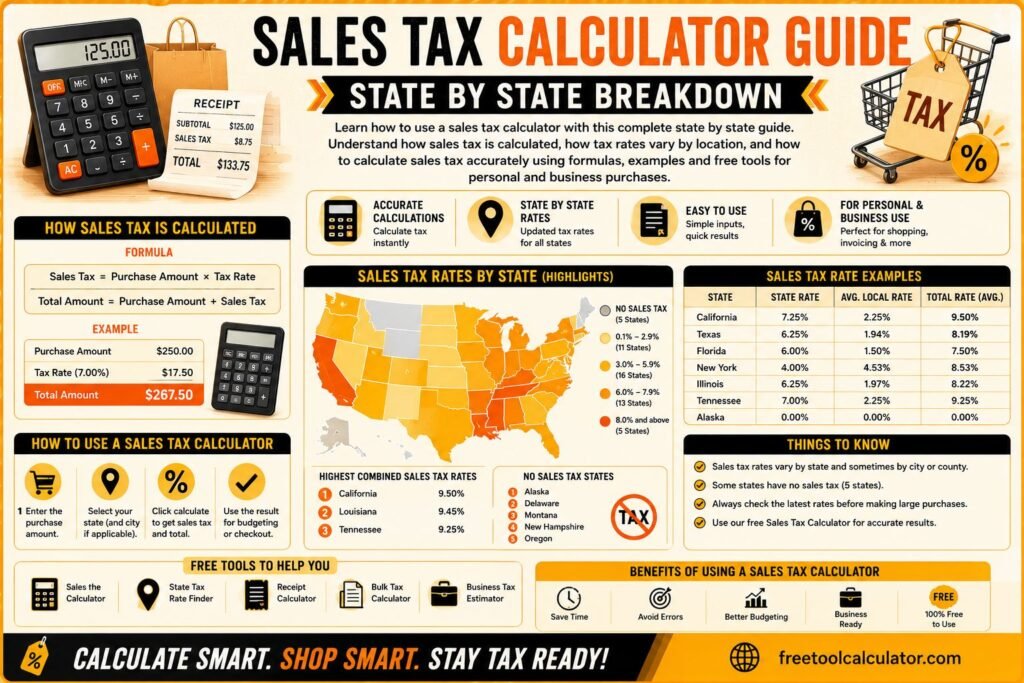
Sales Tax Calculator Guide State by State Breakdown

Sales Tax Calculator Guide State by State Breakdown

Learn how to use a sales tax calculator with this complete state by state guide Understand how sales tax is calculated, how tax rates vary by location, and how to calculate sales tax accurately using formulas examples and free tools for personal and business purchases

Steps to Calories Conversion and Why It Matters Steps to calories conversion is an important concept for anyone tracking fitness, weight loss, or daily activity levels. It helps estimate how many calories you burn based on the number of steps you take. This calculation is widely used in fitness tracking apps and wearable devices to give users a better understanding of their physical activity. Knowing how to convert steps to calories allows you to monitor your progress and adjust your routine accordingly. Whether you are trying to lose weight, maintain fitness, or improve overall health, understanding this conversion provides valuable insights. You can easily convert steps to calories using this free tool and get accurate results instantly. What Is Steps to Calories Conversion Steps to calories conversion refers to estimating the number of calories burned while walking or running based on step count. Since each step requires energy, your body burns calories during movement. The total calories burned depend on factors such as body weight, walking speed, and step length. This method is commonly used because it is simple and accessible. Most people track their steps daily using smartphones or fitness trackers, making it easy to estimate calorie burn without complex calculations. Understanding steps to calories helps you stay motivated and maintain consistency in your fitness journey. It also provides a clear measurement of your daily activity level. Steps to Calories Formula Explained The steps to calories formula is based on average energy expenditure per step. A common estimate is that a person burns approximately 0.04 to 0.06 calories per step. However, this value can vary depending on individual factors. A simple formula is Calories burned equals steps multiplied by calories per step For example, if you take 10000 steps and burn 0.05 calories per step, the total calories burned would be 500. This formula provides a quick estimate but may not be fully accurate for everyone. Using a reliable calculator ensures better precision and personalized results. Factors That Affect Calories Per Step Calories per step are not the same for everyone. Several factors influence how many calories you burn during physical activity. Body weight is one of the most important factors. Heavier individuals tend to burn more calories because their bodies require more energy to move. Walking speed also plays a role. Faster walking or running increases calorie burn compared to slow walking. Step length and terrain also affect energy expenditure. Walking uphill or on uneven surfaces requires more effort and burns more calories. Understanding these factors helps you make more accurate estimates when performing steps to calories conversion. How to Convert Steps to Calories Accurately To convert steps to calories accurately, start by tracking your daily step count. Then use an appropriate calorie per step value based on your body weight and activity level. Multiply the steps by this value to estimate calories burned. For more accurate results, it is recommended to use a tool that considers multiple factors. You can calculate steps to calories using this free calculator and get personalized results instantly. Using a dedicated tool ensures that your calculations are based on reliable data, making your fitness tracking more effective. Real Examples of Steps to Calories Conversion Examples make it easier to understand steps to calories conversion. If a person walks 5000 steps and burns approximately 0.05 calories per step, they would burn around 250 calories. Similarly, walking 10000 steps may burn about 400 to 600 calories depending on factors like weight and speed. These estimates show how increasing your step count can significantly impact calorie burn. Tracking your daily steps and converting them into calories helps you stay consistent and motivated in your fitness routine. Benefits of Tracking Steps to Calories Tracking steps to calories provides several benefits. It helps you understand how active you are throughout the day and encourages you to stay consistent. It also allows you to set realistic fitness goals and measure progress over time. For individuals trying to lose weight, this method provides a simple way to monitor calorie expenditure. It also helps in maintaining a balance between calorie intake and output. Using tools like a calorie calculator can further enhance your understanding of daily energy needs and improve your overall fitness plan. Common Mistakes in Steps to Calories Calculation One common mistake is assuming that calories per step are the same for everyone. This can lead to inaccurate estimates. Another mistake is ignoring factors such as walking speed and terrain, which can significantly affect calorie burn. Relying solely on step count without considering overall activity level is another issue. For example, strength training and other exercises also contribute to calorie burn but are not reflected in step count. Using accurate tools and understanding the limitations of step based calculations helps avoid these mistakes. Advanced Tips to Improve Accuracy To improve accuracy, consider using wearable devices that track additional metrics such as heart rate and distance. These devices provide more precise calorie estimates. Maintaining a consistent walking routine also helps in getting reliable data. Tracking your progress over time allows you to identify patterns and make necessary adjustments. Combining step tracking with other tools like a tdee calculator can give a complete picture of your daily energy expenditure. This approach helps you manage your fitness goals more effectively. How Steps to Calories Helps in Weight Loss Steps to calories conversion is a useful tool for weight loss. By increasing your daily step count, you can burn more calories and create a calorie deficit, which is essential for losing weight. For example, adding an extra 2000 steps to your daily routine can burn additional calories over time. This small change can lead to significant results when combined with a balanced diet. Understanding how to convert steps to calories allows you to set realistic goals and track your progress effectively. It also helps you stay motivated and consistent. Conclusion Steps to Calories Conversion Made Simple Steps to calories conversion is a simple yet powerful way to track your physical activity and improve your health. By understanding the steps to calories formula and using accurate tools, you can estimate your calorie burn effectively. If you want precise and instant results, you can use this free steps to calories calculator and track your daily activity with ease. Combining this with other health tools ensures a complete and effective fitness strategy for long term success.

How to Convert Steps to Calories: Formula, METs and Examples

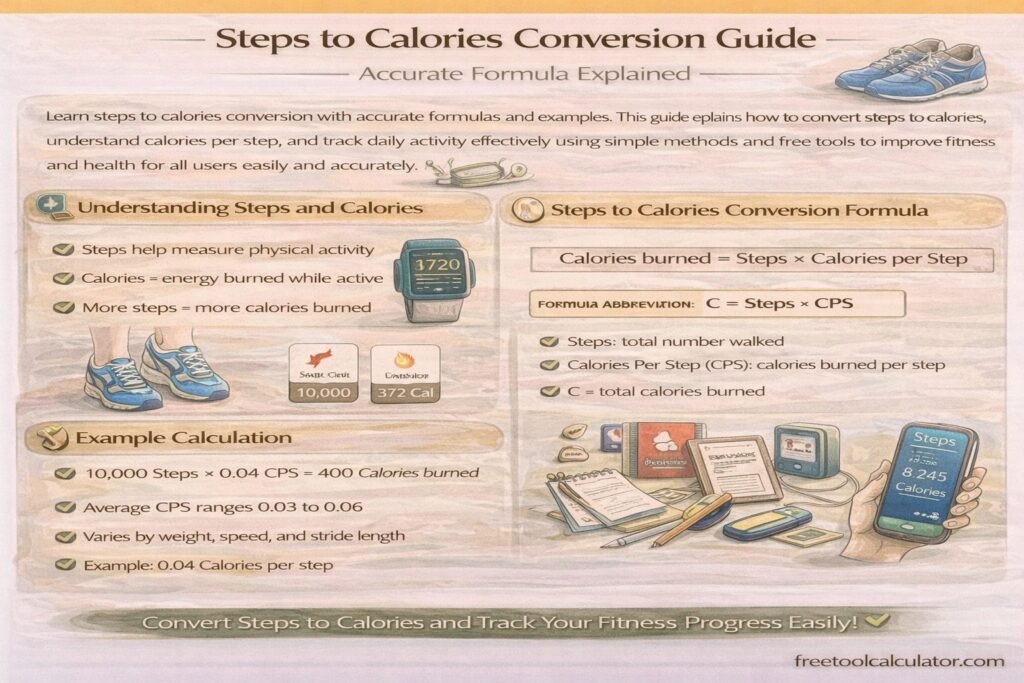
Learn steps to calories conversion with accurate formulas and examples This guide explains how to convert steps to calories, understand calories per step, and track daily activity effectively using simple methods and free tools to improve fitness and health for all users easily and accurately

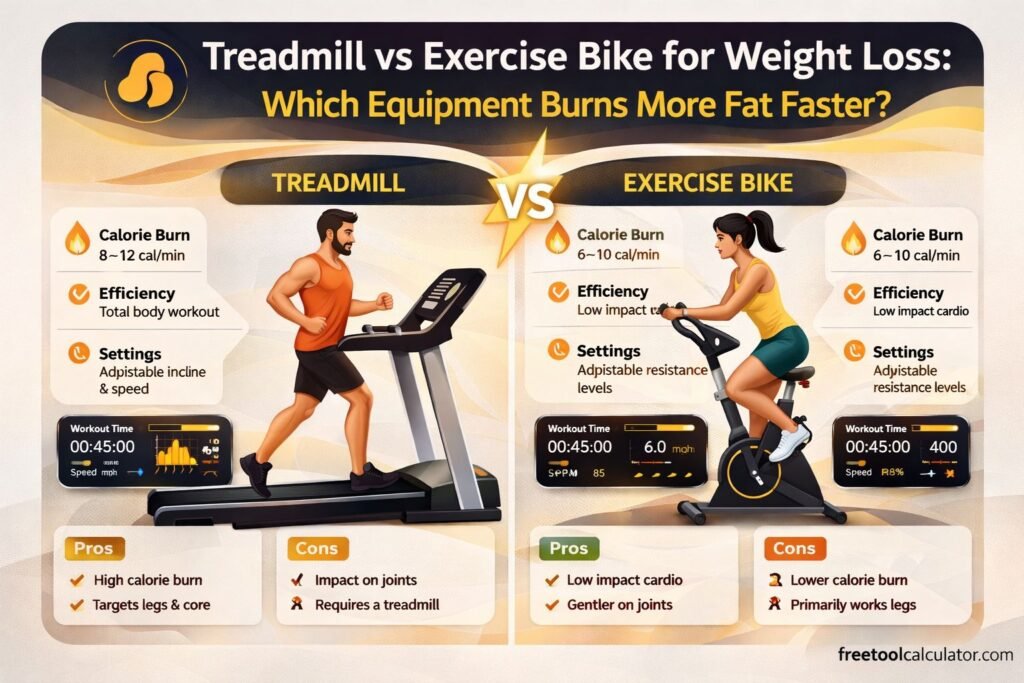
Treadmill or Exercise Bike for Weight Loss The Definitive Guide

Treadmill or Exercise Bike for Weight Loss: The Definitive Guide

Stuck choosing between a treadmill or exercise bike for weight loss? We compare calories burned, injury risk, and sustainability to help you pick the best machine for your goals.

How Much Water Should You Drink Daily Optimal Intake Explained

How Much Water Should You Drink Daily Optimal Intake Explained

Daily water intake is essential for health hydration supports digestion energy metabolism and cognitive performance. This doctor written guide explains how to calculate your optimal daily water intake the factors that influence hydration needs and how to use a free daily water intake calculator to personalize your plan.

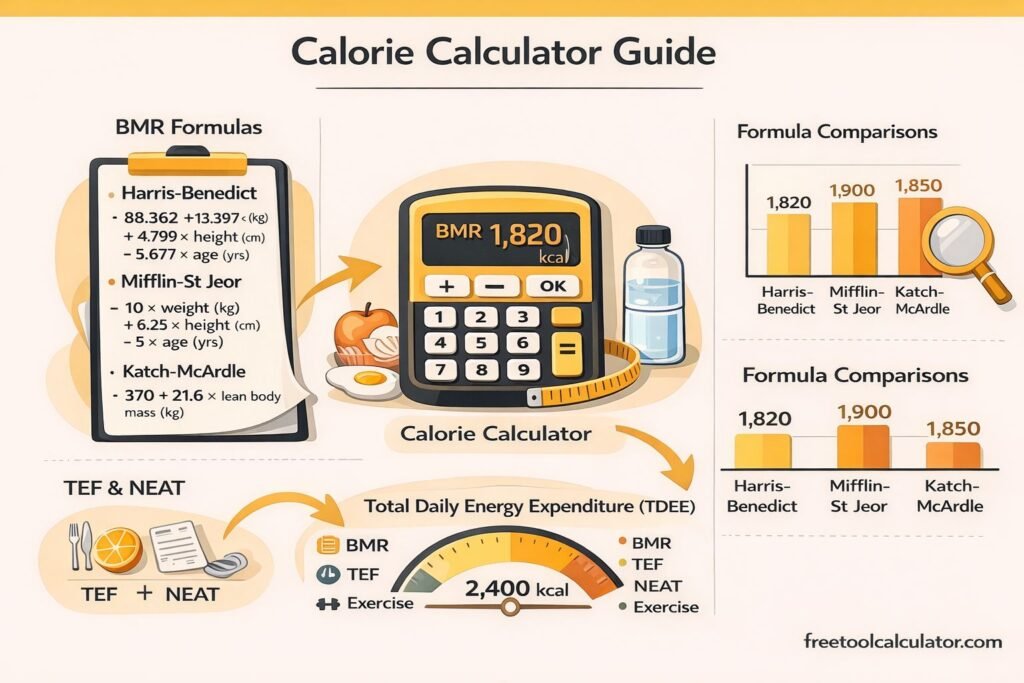
Calorie Calculator Guide with BMR, TDEE, TEF, NEAT, and Formula Comparisons

Calorie Calculator Guide with BMR, TDEE, TEF, NEAT, and Formula Comparisons

This blog explains how a Calorie Calculator estimates Basal Metabolic Rate using different formulas, how Total Daily Energy Expenditure is calculated, and how the Thermic Effect of Food (TEF) and Non-Exercise Activity Thermogenesis (NEAT) influence daily calorie needs for personalized weight and metabolic planning.

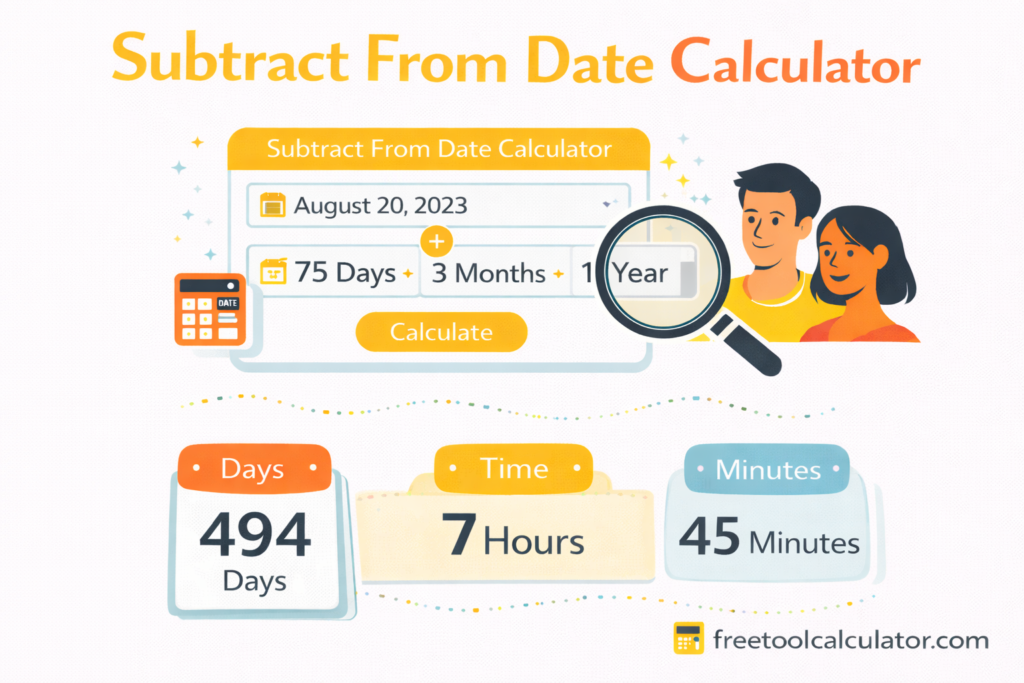
How to Use a Subtract From Date Calculator for Accurate Past Date Results

How to Use a Subtract From Date Calculator for Accurate Past Date Results

Learn how to determine past dates by subtracting days weeks months or years from a given date using a Subtract From Date Calculator. This guide explains practical use cases manual methods step by step instructions and why automated tools ensure accurate results without complex date math.

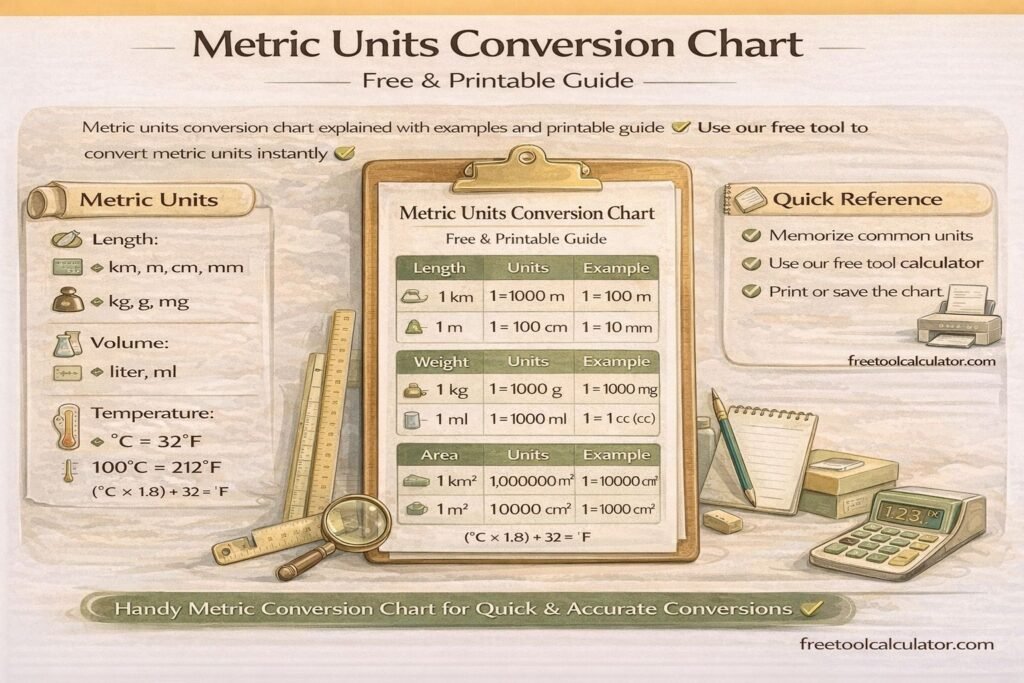
Metric Units Conversion Chart Free and Printable Guide

Metric Conversion Chart: Length, Mass, Volume and Temperature

Metric units conversion chart explained with examples and printable guide Use our free tool to convert metric units instantly

Optimal Font Size for Website Readability – Complete Typography Guide

Website Font Size Guide: Readable Body Text and Responsive Typography

This font size converter guide explains the optimal font size for website readability. Learn recommended typography sizes, accessibility guidelines, and responsive font practices for web design. Discover how to choose body text, headings, and mobile font sizes while converting units like px, em, and rem to maintain consistent, readable typography across devices.

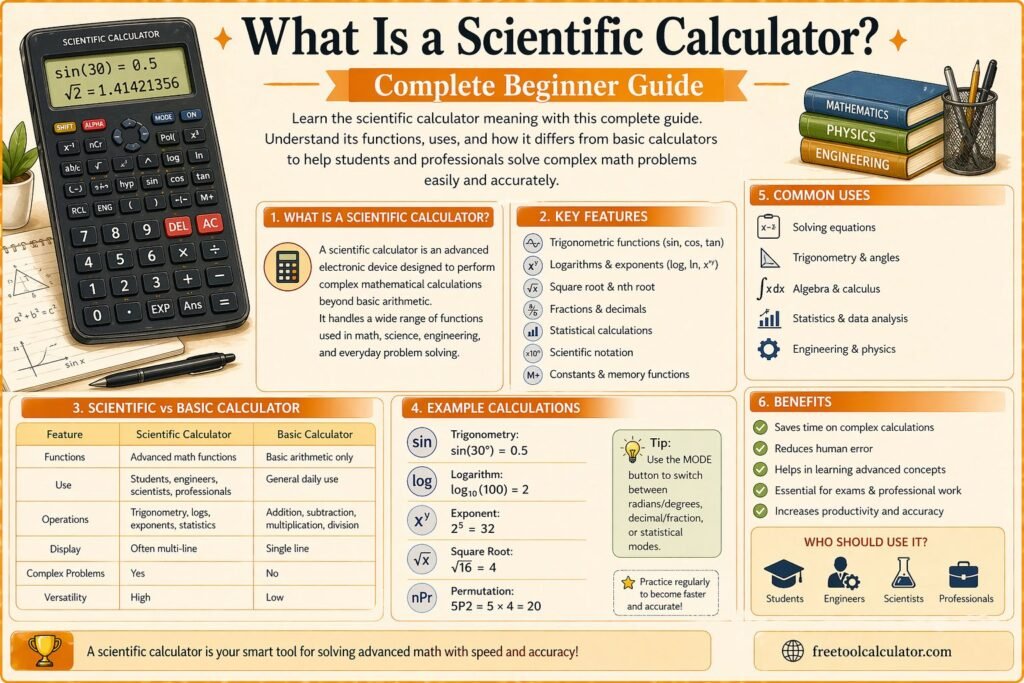
What Is a Scientific Calculator Complete Beginner Guide

What Is a Scientific Calculator? Functions and How to Use One

Learn scientific calculator meaning with this complete beginner guide Understand what is scientific calculator, its functions, uses, and how it differs from basic calculators to help students and professionals solve complex math problems easily and accurately using simple explanations and practical examples

Metric Units Conversion Chart Free and Printable Guide

How to Convert Metric Units Easily (Step-by-Step Guide)

Metric unit conversion becomes simple when you understand prefixes and place values. This guide explains the metric system, step-by-step conversion methods, memory tricks, solved examples, and practice questions to help students and professionals convert metric units quickly and accurately.

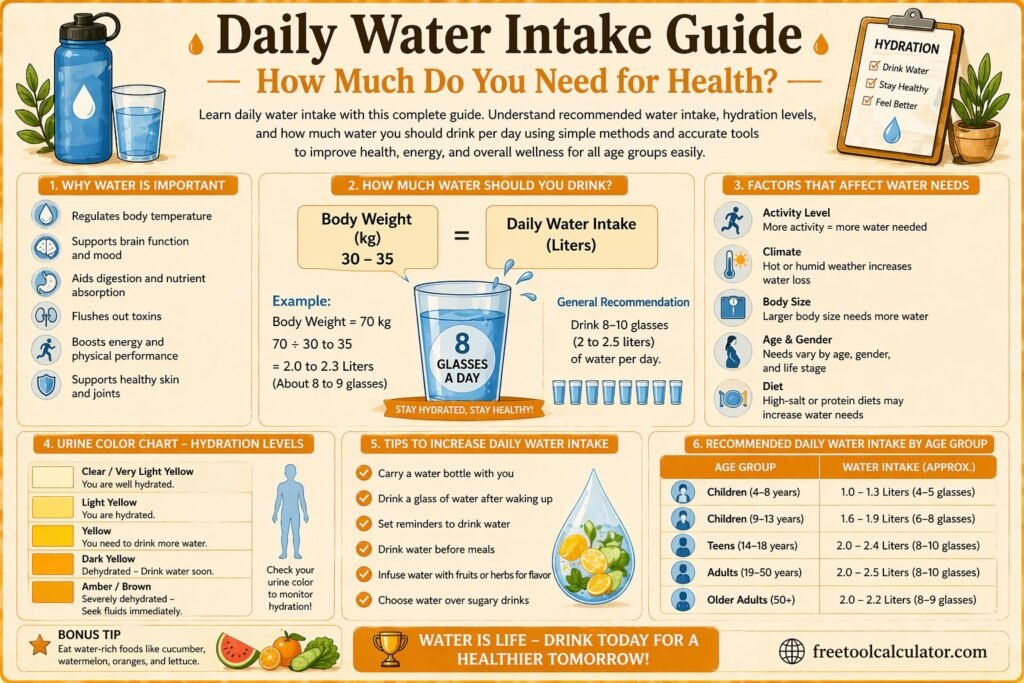
Daily Water Intake Guide How Much Do You Need for Health

Daily Water Intake Guide How Much Do You Need for Health

Learn daily water intake with this complete guide Understand recommended water intake, hydration levels, and how much water you should drink per day using simple methods and accurate tools to improve health, energy, and overall wellness for all age groups easily

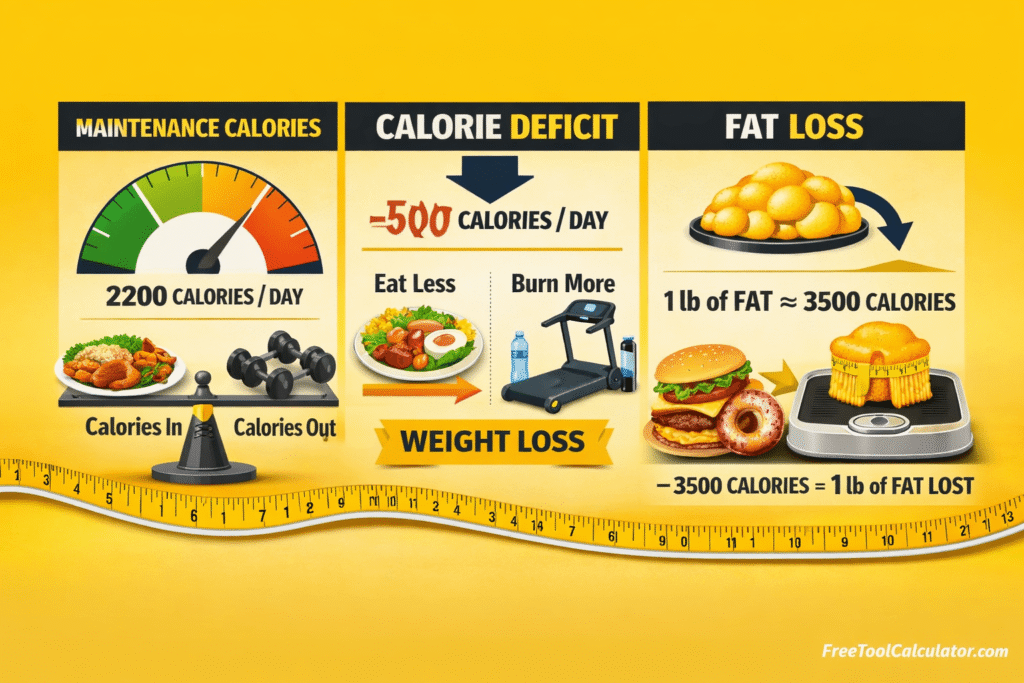
Calories Explained – Daily Needs, Deficit, Food Calories & Fat Loss

Calories Explained Daily Needs Deficit Food Calories and Fat Loss

Discover how many calories you need daily how calorie deficit works and answers to the most searched calorie questions including calorie content of common foods effective burning methods and the role of BMR in weight management with practical expert guidance.

Report a Bug