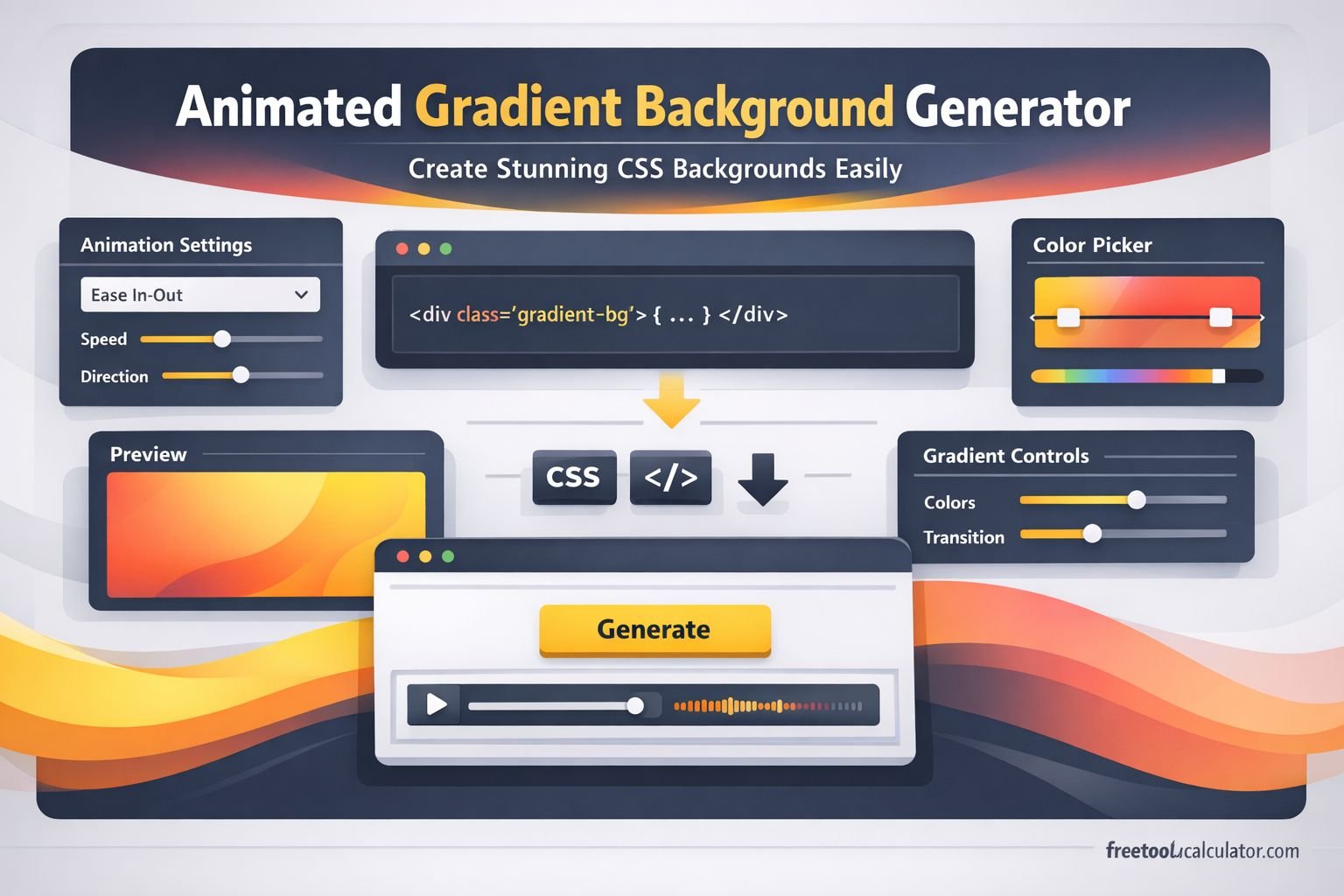
Animated Gradient Background Generator: Create Stunning CSS Backgrounds Easily

Animated Gradient Background Generator Create Stunning CSS Backgrounds Easily

What this article will teach you

An animated gradient background generator lets you make modern moving backgrounds without having to deal with complicated code. This guide will teach you what this tool does, why animated gradients are helpful in modern web design, how to make them step by step, what mistakes to avoid, and how to use a generator to get results faster and with less work. You can use the Animated Gradient Background Generator to make effects quickly and then change the CSS to fit your own layout.

Abstract animated gradient background style for modern website design

What is an animated gradient background generator?

A web tool called an animated gradient background generator makes moving gradient backgrounds with CSS. The tool helps you make a working result visually instead of having to write down every color stop, animation keyframe, and timing rule by hand. This makes things a lot easier for beginners and a lot faster for designers who have been doing it for a while.

In short, it’s a quick way to make beautiful backgrounds that change, blend, and move over time. People often use these backgrounds for landing pages, hero sections, portfolio sites, SaaS homepages, login screens, app showcases, and promotional banners. A good generator cuts down on trial and error and saves time.

Why animated gradients are popular in web design

Static backgrounds can look flat, especially on modern websites that need more life and movement. Animated gradients add depth without making a page feel too heavy. They are attractive, smooth, and flexible enough to match many design styles.

They make a website feel modern

A moving gradient can instantly give a page a more polished look. It feels current, creative, and visually richer than a plain colour block.

They add motion without too much clutter

Not every website needs large video backgrounds or complex motion graphics. Animated gradients offer movement in a lighter and cleaner way.

They work well for many industries

Tech brands, creative portfolios, digital agencies, app landing pages, course websites, and product pages often use gradients because they are flexible and easy to style.

They help guide attention

When used correctly, a gradient background can support the main heading, product image, or call-to-action button instead of distracting from it.

How an animated gradient background works

Most animated gradients are built using a combination of CSS background properties and animation rules. The colours blend together across a large background area, and then the position of that background shifts over time. This creates the effect of moving colours.

The core idea is simple:

PartRole
Gradient coloursDefine the shades used in the background
Background sizeMakes the gradient larger than the visible area for smoother movement
AnimationMoves the background position over time
TimingControls how fast or slow the gradient moves

For example, you might create a linear gradient with three or four colours, set a large background size such as 400% 400%, and then animate the background position from left to right and back again.

Why use a generator instead of writing everything manually?

You can build animated gradients by hand, but that does not always mean you should. Writing CSS manually gives control, but it also takes more time. A generator helps you see results quickly, which is useful when you are testing different design directions.

It saves time

Instead of adjusting code line by line, you can experiment faster with colours, direction, speed, and movement.

It reduces errors

Manual coding can lead to syntax mistakes, poor colour balance, or animation values that feel too sharp. A generator reduces that friction.

It helps beginners learn visually

Many people understand design better when they can see changes in real time. A generator makes the learning process easier.

It supports rapid design testing

When you need several style options for a homepage or landing page, quick generation is much more efficient than building each version from scratch.

How to use an animated gradient background generator step by step

Here is a simple workflow you can follow when using an animated gradient background generator.

Step 1: Choose your colour palette

Pick two to five colours that match your brand or page style. If the colours are too random, the final background may look messy. A clean palette usually gives the best result.

Step 2: Select the gradient type

Many tools let you choose linear, radial, or more advanced blends. Linear gradients are often the easiest choice for hero sections and headers.

Step 3: Adjust animation speed

Slow movement usually feels more professional. Fast movement can look distracting unless you are building something playful or experimental.

Step 4: Test the background size

A larger background size often creates smoother movement because the colour transitions have more space to shift.

Step 5: Preview before exporting

Always preview the background with text on top of it. A gradient may look beautiful on its own but cause readability problems when headings and buttons are added.

Step 6: Copy the generated CSS

Once you are happy with the result, copy the CSS and add it to your website, landing page, or project file.

Step 7: Optimise for readability

Make sure your content still stands out. You may need darker text, a light overlay, or a stronger call-to-action button.

Best places to use animated gradient backgrounds

These backgrounds are not just decorative. They work best when they support the page structure.

Hero sections

This is one of the most common uses. A moving gradient behind the main headline can make the first screen feel more dynamic.

App landing pages

Animated gradients often match digital product branding very well, especially for tech, software, startup, and SaaS websites.

Portfolio websites

Designers and developers use gradients to make personal websites look creative without adding heavy visual effects.

Login and signup screens

A smooth animated background can improve the visual feel of a basic form page.

Call-to-action sections

When used carefully, a gradient can help a signup or contact section feel more alive and memorable.

Example comparison: manual coding vs generator

MethodMain BenefitMain DrawbackBest For
Manual CSS codingFull control over every detailTakes more time and testingAdvanced developers
Using a generatorFast, visual, easy to adjustMay need small edits after exportBeginners, designers, fast workflows

Common mistakes people make

Even a strong tool can produce weak results if it is used without care. These are some common problems to watch out for.

Using too many colours

More colours do not always mean a better design. Too many shades can make the background feel chaotic.

Making the animation too fast

Fast movement can become distracting and reduce the professional feel of the page.

Ignoring text readability

A background should support content, not overpower it. If users cannot read the headline, the design has failed.

Using high contrast in the wrong way

Very harsh colour combinations may look exciting at first, but they often become tiring when viewed for longer.

Forgetting mobile testing

A background that looks smooth on desktop may behave differently on smaller screens. Always test the design on mobile as well.

Practical tips for better results

If you want your gradient background to look polished, follow these simple best practices.

Start with brand colours

Use your main brand shades first, then test nearby tones rather than picking unrelated colours.

Keep motion subtle

Subtle animation usually feels more premium and less distracting.

Use enough contrast for content

Buttons, headings, and body text must stay easy to read. This matters more than decorative effect.

Match the background to the page purpose

A playful gradient may suit a creative site, while a cleaner and softer blend may be better for a business website.

Export and refine if needed

Even after using a generator, you can still improve the final CSS manually for fine control.

Using the tool in a real workflow

Let us say you are designing a homepage for a digital product. Instead of spending a long time adjusting CSS from zero, you can open the animated gradient background generator, test a few colour combinations, preview the movement, copy the code, and place it inside your hero section. This workflow is much faster and helps you move from idea to finished design with less friction.

Web designer working on gradient background design and CSS layout

Who should use an animated gradient background generator?

This type of tool is useful for more people than many expect.

Beginners

It helps beginners create something professional without deep CSS knowledge.

Web designers

Designers can test visual directions quickly and share options with clients or teams.

Developers

Developers can save time during layout work and then fine-tune the CSS later if needed.

Agencies and freelancers

Fast tools support faster project delivery, especially when building multiple pages in a short time.

Content creators and marketers

Landing pages, waitlists, product launches, and campaign pages often need backgrounds that feel modern without becoming too heavy.

Is an animated gradient background good for every website?

Not always. A moving gradient is useful when it improves the visual experience, but it should not be used just because it looks trendy. Some websites need a quieter and more minimal approach. For example, a legal or finance page may benefit from subtle gradients, while a creative portfolio can handle stronger visual motion.

The best choice depends on the brand, the audience, the message, and how much movement fits the page. Good design is not about using every effect. It is about choosing the right effect for the job.

Final thoughts

An animated gradient background generator is one of the easiest ways to create eye-catching CSS backgrounds without wasting time on complex manual setup. It helps you experiment with colour, motion, and style much faster while still giving you useful code for real projects. When used well, animated gradients can make websites feel more modern, polished, and engaging.

The key is balance. Choose clean colours, keep the motion smooth, make text readable, and use the background to support the content rather than distract from it. With the right settings and a thoughtful design approach, animated gradients can become a strong part of your visual toolkit.

Share this article:

On This Page

Subscribe to our newsletter

Read the latest articles from our experts

How to Calculate Working Days Only: Excluding Weekends and Holidays

How to Calculate Working Days Only: Excluding Weekends and Holidays

Calculating working days requires subtracting two dates and then removing Saturdays, Sundays, and public holidays. This guide explains the exact method, from basic date difference to full business day calculation, with practical examples for project planning, invoicing, and deadline management.

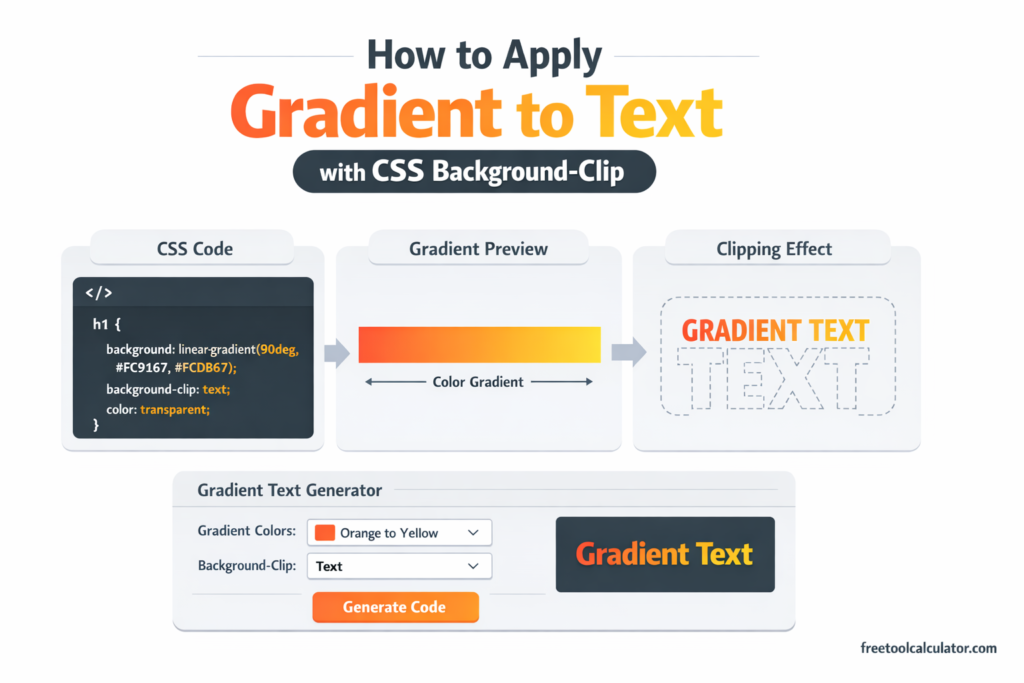
How to Apply Gradient to Text with CSS Background-Clip

How to Apply Gradient to Text with CSS Background-Clip

Master the CSS gradient text technique using background-clip: text and transparent text color. Learn how to create stunning typography effects that remain accessible, selectable, and SEO-friendly with practical code examples and browser support guidance.

Boost Muscle Mass and Cut Fat Your Ultimate Guide

Boost Muscle Mass and Cut Fat: Your Ultimate Guide

Transform your body with our ultimate guide to boosting muscle mass while cutting fat. Discover essential tips and strategies for your fitness journey.