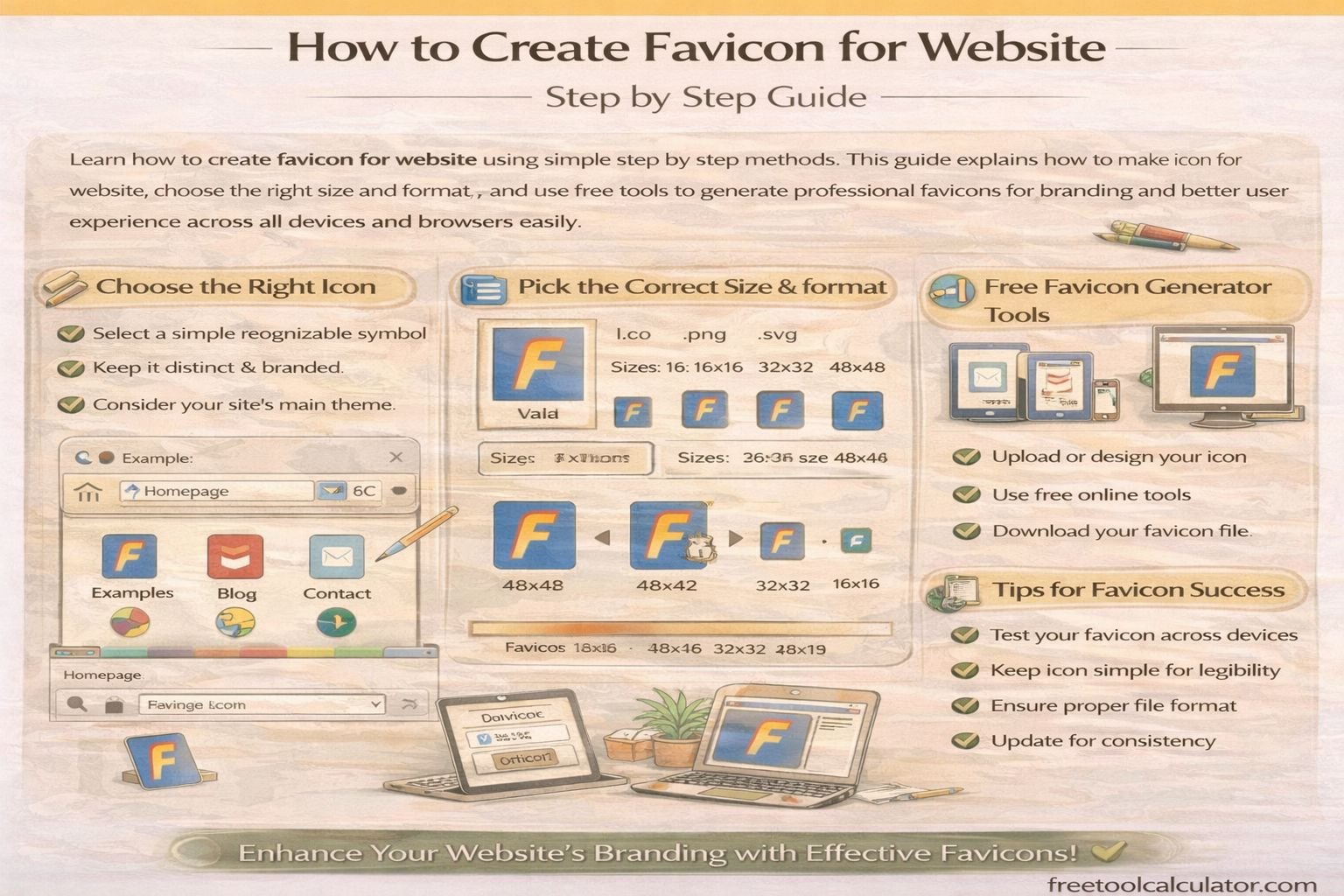
How to Create Favicon for Website Step by Step Guide

How to Create Favicon for Website Step by Step Guide

How to Create Favicon for Website and Why It Matters

Learning how to create favicon for website is an essential step in building a professional online presence. A favicon is a small icon that appears in browser tabs, bookmarks, and search results. It helps users quickly identify your website and strengthens your brand identity.

When you create favicon website correctly, it improves user experience and makes your site look more trustworthy. A well designed favicon also enhances recognition, especially when users have multiple tabs open. You can easily create favicon for website using this free favicon generator and get professional results without any design experience.

What Is a Favicon and How It Works

A favicon is a small square image, usually 16 by 16 or 32 by 32 pixels, that represents your website visually. It is displayed in browser tabs, bookmarks, and sometimes in search engine results.

The purpose of a favicon is to create a visual identity for your website. It works as a branding element that helps users recognize your site instantly. When you understand how to make icon for website, you can design a favicon that reflects your brand effectively.

Favicons are typically saved in ICO, PNG, or SVG formats. Modern browsers support multiple formats, but using the correct size and format ensures compatibility across all devices.

How to Make Icon for Website Step by Step

To create favicon website, start by designing a simple and clear icon. Since favicons are small, avoid complex details and focus on recognizable shapes or letters. Use bold colors and high contrast to make the icon visible even at small sizes.

Next, resize your design to standard favicon dimensions. The most common sizes include 16 by 16, 32 by 32, and 48 by 48 pixels. Once your design is ready, upload it to a tool where you can generate favicon files in different formats.

You can make favicon for website instantly using this free tool and download all required sizes for different platforms. This simplifies the process and ensures compatibility with all browsers.

Best Favicon Sizes and Formats for Websites

Choosing the correct size and format is crucial when you create icon for website. Different devices and browsers require different favicon sizes. The most commonly used sizes include 16 by 16 for browser tabs and 32 by 32 for bookmarks.

For mobile devices and modern applications, larger sizes such as 180 by 180 are often required. Using multiple sizes ensures that your favicon looks sharp on all screens.

To maintain quality, it is important to use optimized images. You can use tools like image compressor to reduce file size without losing quality, improving your website performance.

How to Add Favicon to Your Website

After creating your favicon, the next step is adding it to your website. Upload the favicon file to your website’s root directory. Then add a link tag in the HTML head section to connect the favicon to your site.

This process ensures that browsers can detect and display your favicon correctly. Most content management systems like WordPress also provide built in options to upload favicons easily.

Testing your favicon across different browsers is important to ensure it displays correctly everywhere. This step helps avoid compatibility issues and improves user experience.

Common Mistakes When Creating a Website Favicon

Many beginners make mistakes when learning how to create favicon for website. One common issue is using overly complex designs that become unclear at small sizes. Keeping the design simple ensures better visibility.

Another mistake is using incorrect dimensions or formats. This can cause the favicon to appear blurry or not display at all. Always use recommended sizes and formats for best results.

Ignoring optimization is another problem. Large file sizes can slow down your website. Using proper tools ensures your favicon is both high quality and optimized for performance.

Design Tips to Create a Professional Favicon

When designing a favicon, focus on simplicity and clarity. Use a single letter, symbol, or icon that represents your brand. Avoid detailed graphics that may not be visible at small sizes.

Color selection is also important. High contrast colors make your favicon stand out. You can experiment with color combinations using a color theme generator to find the best match for your brand.

Cropping your image correctly ensures that the important elements are centered. Tools like image cropper tool can help you adjust your design perfectly before generating the favicon.

Why Favicons Improve SEO and User Experience

Favicons play a small but important role in SEO and user experience. They help users identify your website quickly, which can improve click through rates and engagement.

Search engines also use favicons in mobile search results, making them part of your overall branding strategy. A well designed favicon can make your website look more professional and trustworthy.

By learning how to create favicon website properly, you can enhance both usability and visual appeal. This contributes to a better overall user experience and stronger brand recognition.

Advanced Tips for Favicon Optimization

To get the best results, create multiple versions of your favicon for different platforms. This ensures that your icon looks sharp on desktops, tablets, and mobile devices.

Using vector graphics can help maintain quality when resizing. You can also test your favicon on different backgrounds to ensure visibility in all situations.

Another useful approach is combining your favicon with your overall branding strategy. Matching colors and styles across your website creates a consistent and professional appearance.

Conclusion Create Favicon Website Easily with the Right Tools

Learning how to create favicon for website is a simple but powerful step in building a strong online presence. A well designed favicon improves branding, enhances user experience, and adds professionalism to your site.

If you want a fast and easy solution, you can create favicon for website using this free favicon generator and get instant results. Combining this with image optimization and design tools ensures your favicon looks perfect on all devices and platforms.

Share this article:

On This Page

Subscribe to our newsletter

Read the latest articles from our experts

Related Posts

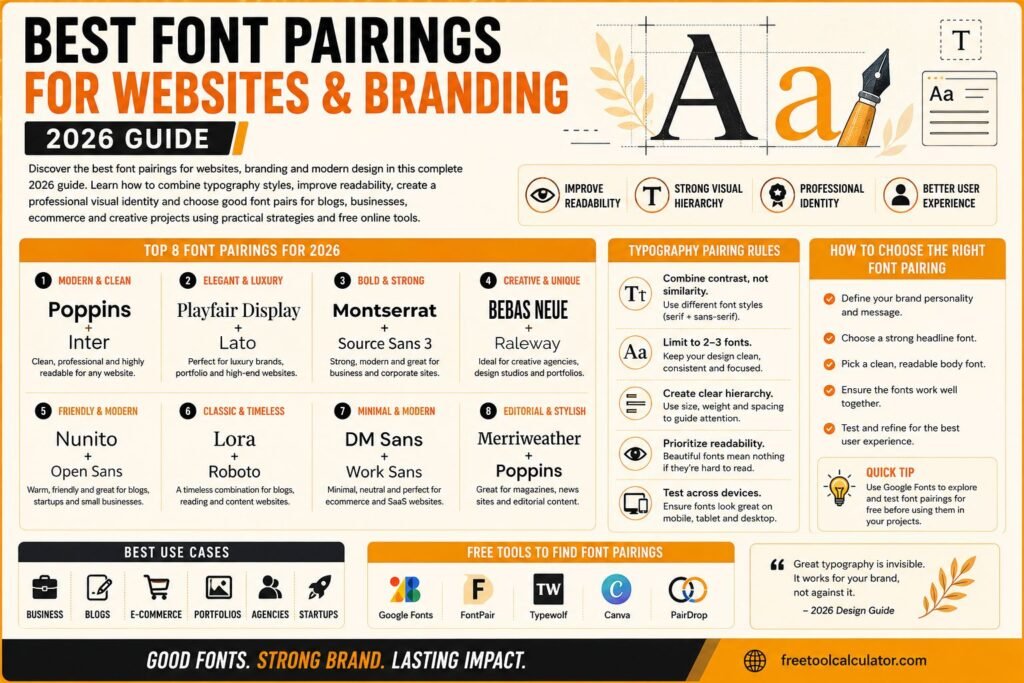
Best Font Pairings for Websites and Branding 2026 Guide

Best Font Pairings for Websites and Branding 2026 Guide

Discover the best font pairings for websites branding and modern design in this complete 2026 guide Learn how to combine typography styles improve readability create professional visual identity and choose good font pairs for blogs businesses ecommerce and creative projects using practical design strategies and free online tools effectively

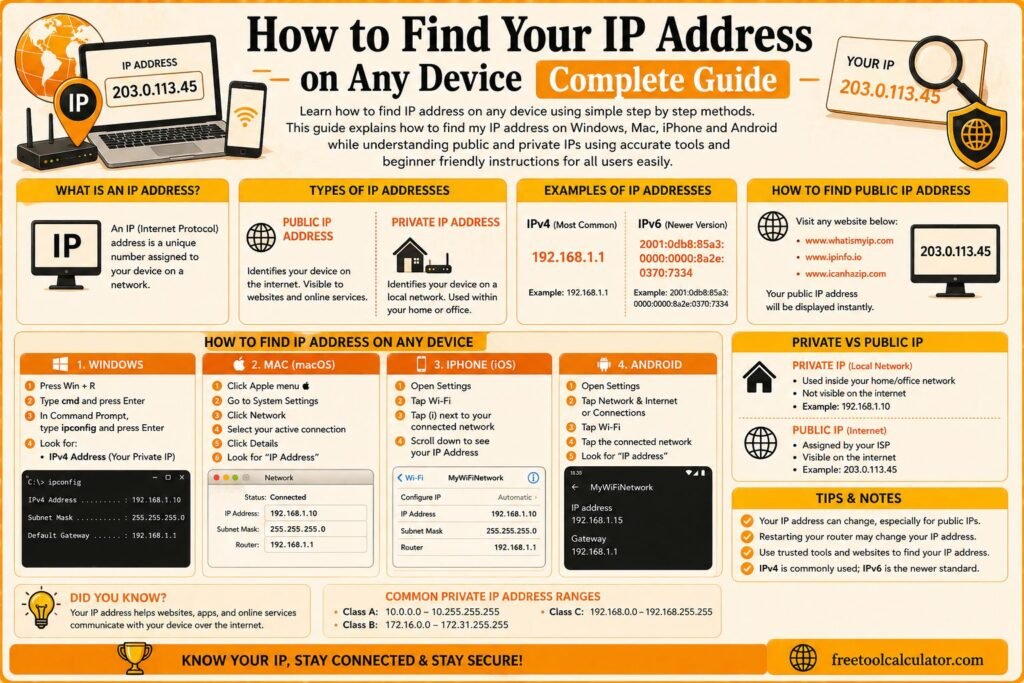
How to Find IP Address on Any Device Complete Guide

How to Find Your IP Address on Any Device Complete Guide

Learn how to find IP address on any device using simple step by step methods This guide explains how to find my IP address on Windows Mac iPhone and Android while understanding public and private IPs using accurate tools and beginner friendly instructions for all users easily

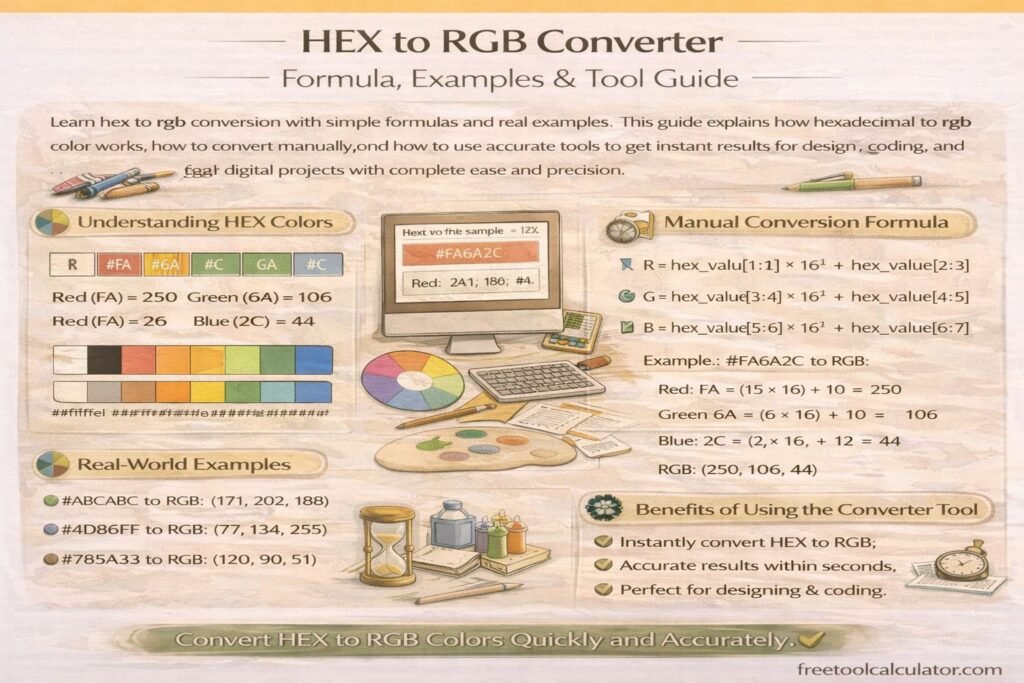
HEX to RGB Converter Formula Examples and Tool Guide

HEX to RGB Converter Formula Examples and Tool Guide

Learn hex to rgb conversion with simple formulas and real examples This guide explains how hexadecimal to rgb color works, how to convert manually, and how to use accurate tools to get instant results for design, coding, and digital projects with complete ease and precision

How to Make Brown Color Complete Paint Mixing Guide for Beginners

How to Make Brown Color Complete Paint Mixing Guide for Beginners

Learn how to make brown color using simple paint mixing techniques This complete guide explains what colors make brown, how to adjust shades, and how to create perfect tones for painting, design, and art projects using easy methods suitable for beginners and professionals alike with accurate and practical results

Online Age Calculator Complete Guide to Calculate Your Exact Age Instantly

Online Age Calculator Complete Guide to Calculate Your Exact Age Instantly

Calculate your exact age in seconds with a free online age calculator This guide explains how age is calculated, what chronological age means, and how to use accurate tools to find your age instantly for personal, medical, and official use with complete reliability and ease

How to Add Data Beginner Guide for All Platforms

How to Add Data Beginner Guide for All Platforms

Learn this add data guide with simple step by step methods for all platforms This beginner friendly article explains how to add data accurately in spreadsheets forms apps and websites while avoiding common mistakes and using helpful free tools to organize information more efficiently for personal academic and business use

How to Crop an Image Online Free and Easy Guide

How to Crop an Image Online Free and Easy Guide

Learn how to crop image online using simple and free tools This guide explains how to crop jpg image and png image accurately improve image quality and use crop image tool effectively for social media design and web use with easy steps for all users

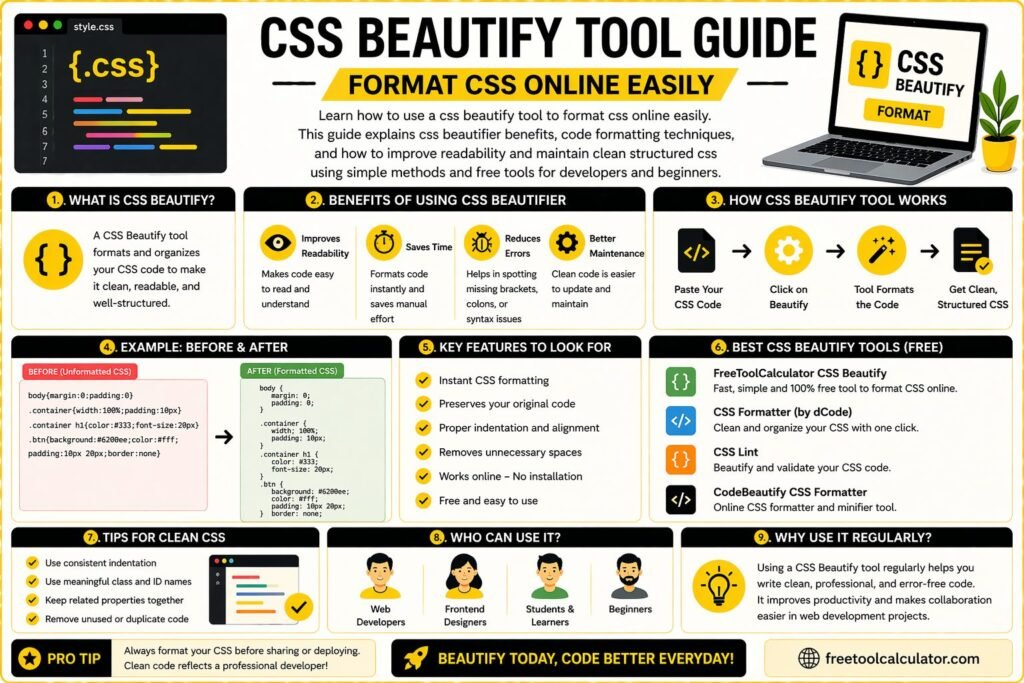
CSS Beautify Tool Guide Format CSS Online Easily

CSS Beautify Tool Guide Format CSS Online Easily

Learn how to use a css beautify tool to format css online easily This guide explains css beautifier benefits, code formatting techniques, and how to improve readability and maintain clean structured css using simple methods and free tools for developers and beginners

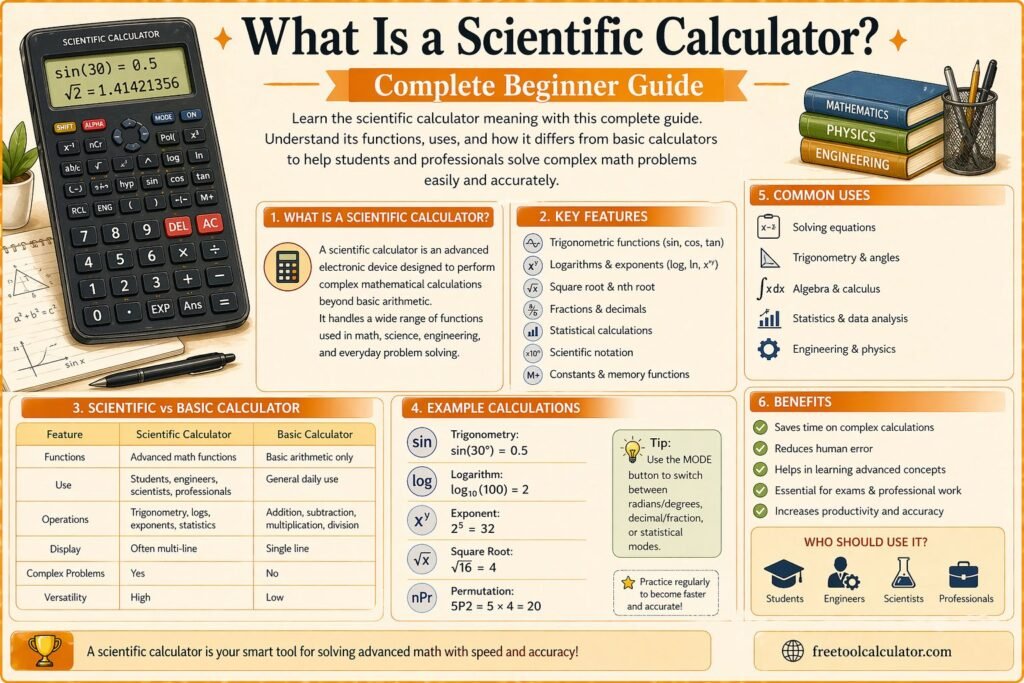
What Is a Scientific Calculator Complete Beginner Guide

What Is a Scientific Calculator Complete Beginner Guide

Learn scientific calculator meaning with this complete beginner guide Understand what is scientific calculator, its functions, uses, and how it differs from basic calculators to help students and professionals solve complex math problems easily and accurately using simple explanations and practical examples

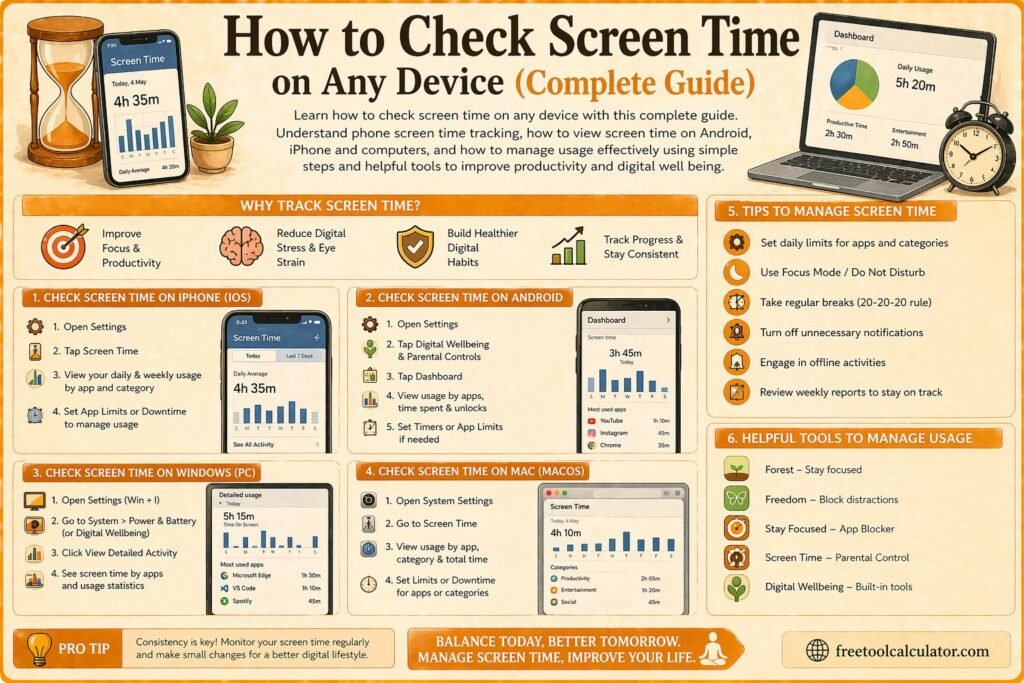
How to Check Screen Time on Any Device Complete Guide

How to Check Screen Time on Any Device Complete Guide

Learn how to check screen time on any device with this complete guide Understand phone screen time tracking, how to view screen time on Android iPhone and computers, and how to manage usage effectively using simple steps and helpful tools to improve productivity and digital well being

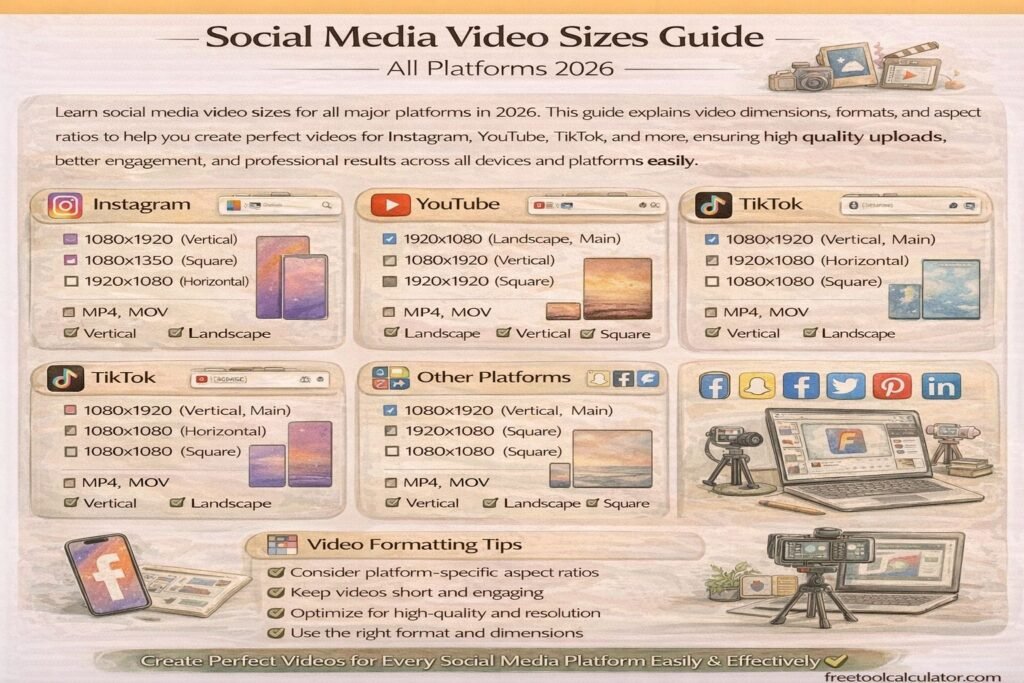
Social Media Video Sizes Guide All Platforms 2026

Social Media Video Sizes Guide All Platforms 2026

Learn social media video sizes for all major platforms in 2026 This guide explains video dimensions formats and aspect ratios to help you create perfect videos for Instagram YouTube TikTok and more ensuring high quality uploads better engagement and professional results across all devices and platforms easily

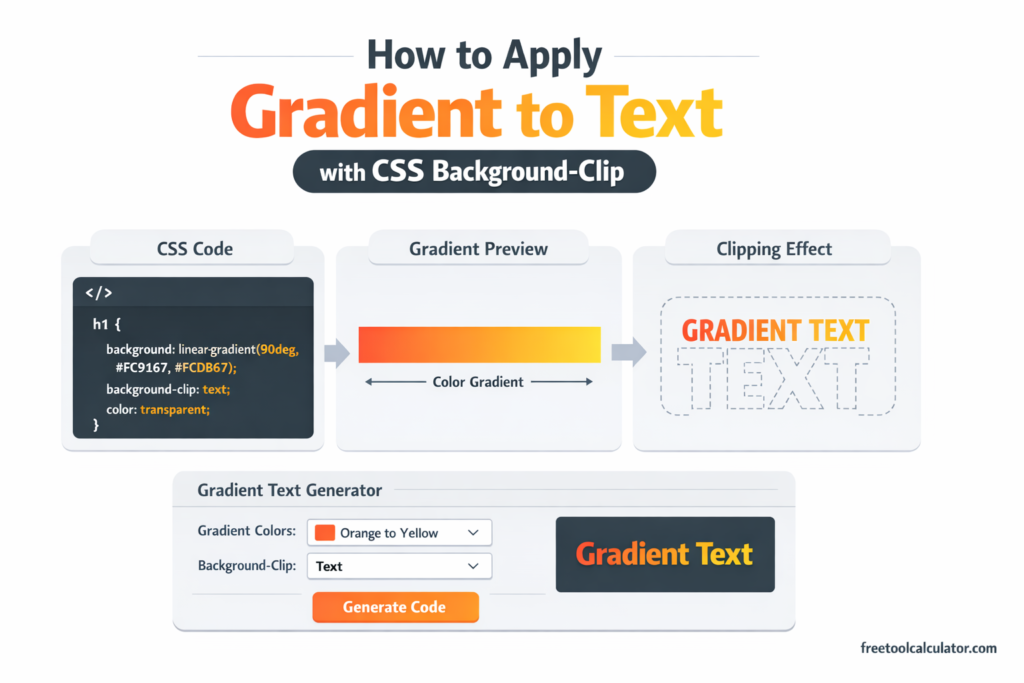
How to Apply Gradient to Text with CSS Background-Clip

How to Apply Gradient to Text with CSS Background-Clip

Master the CSS gradient text technique using background-clip: text and transparent text color. Learn how to create stunning typography effects that remain accessible, selectable, and SEO-friendly with practical code examples and browser support guidance.

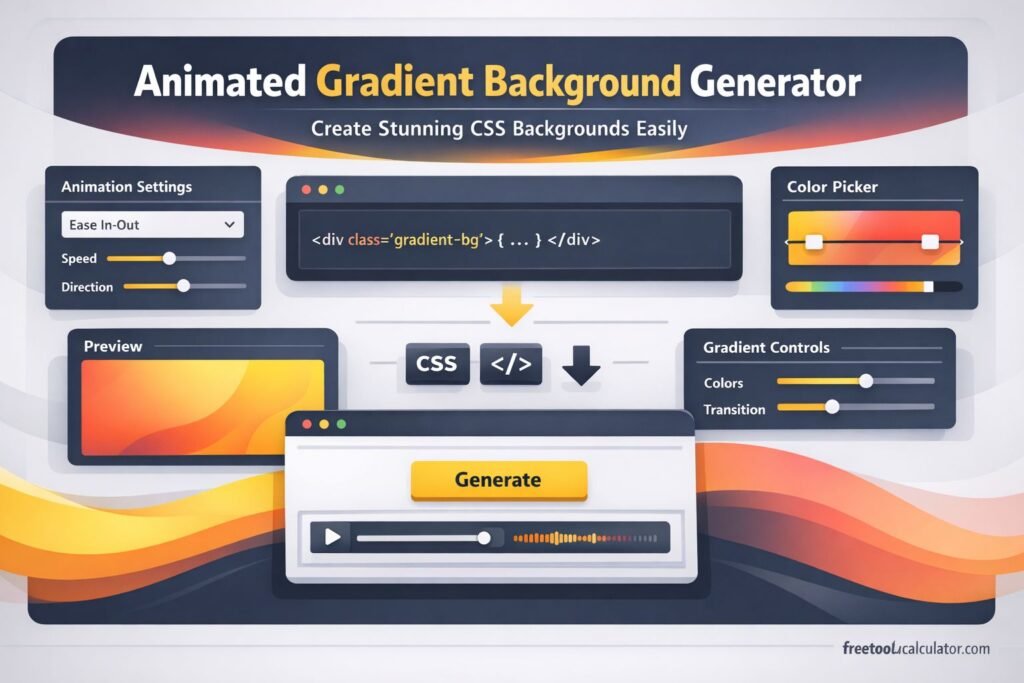
Animated Gradient Background Generator Create Stunning CSS Backgrounds Easily

Animated Gradient Background Generator: Create Stunning CSS Backgrounds Easily

Want to create smooth, modern website backgrounds without writing complex CSS from scratch? This guide explains how an animated gradient background generator works, why designers use it, and how to create eye-catching moving gradients for websites, landing pages, and hero sections. You will also see practical tips and common mistakes.

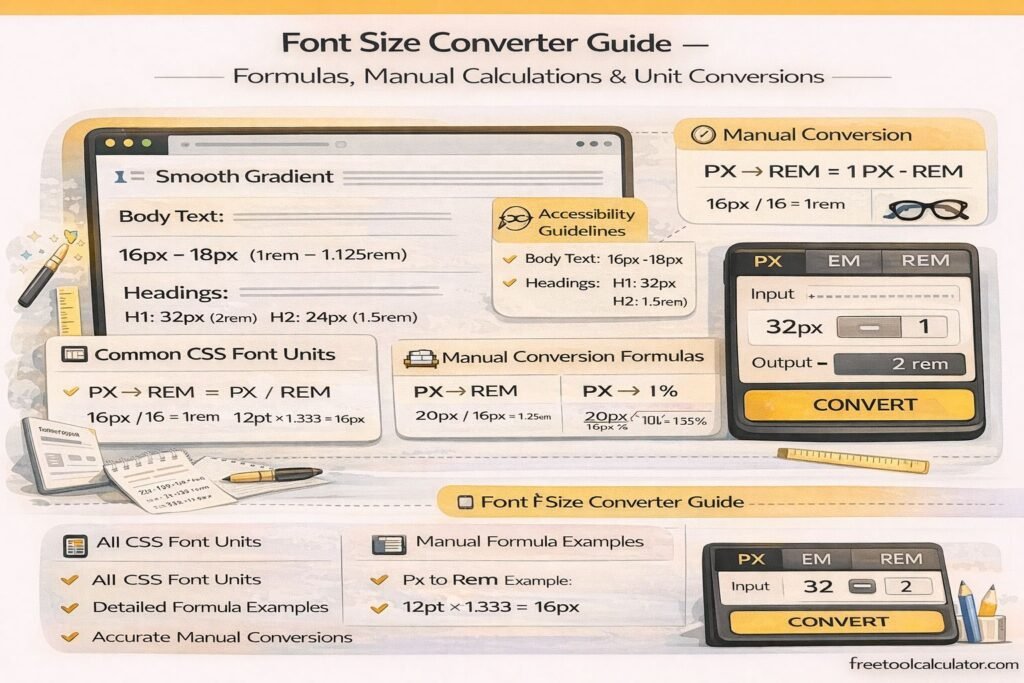
Font Size Converter Guide – Formulas, Manual Calculations & Unit Conversions

Font Size Converter Guide – Formulas, Manual Calculations & Unit Conversions

This font size converter guide explains how to manually convert font sizes between px, pt, em, rem, percent, vw, vh, cm, mm, inches, and picas. Learn formulas, calculation methods, and practical examples for accurate typography conversions used in responsive web design, print layouts, and modern CSS development workflows across devices and screen sizes.

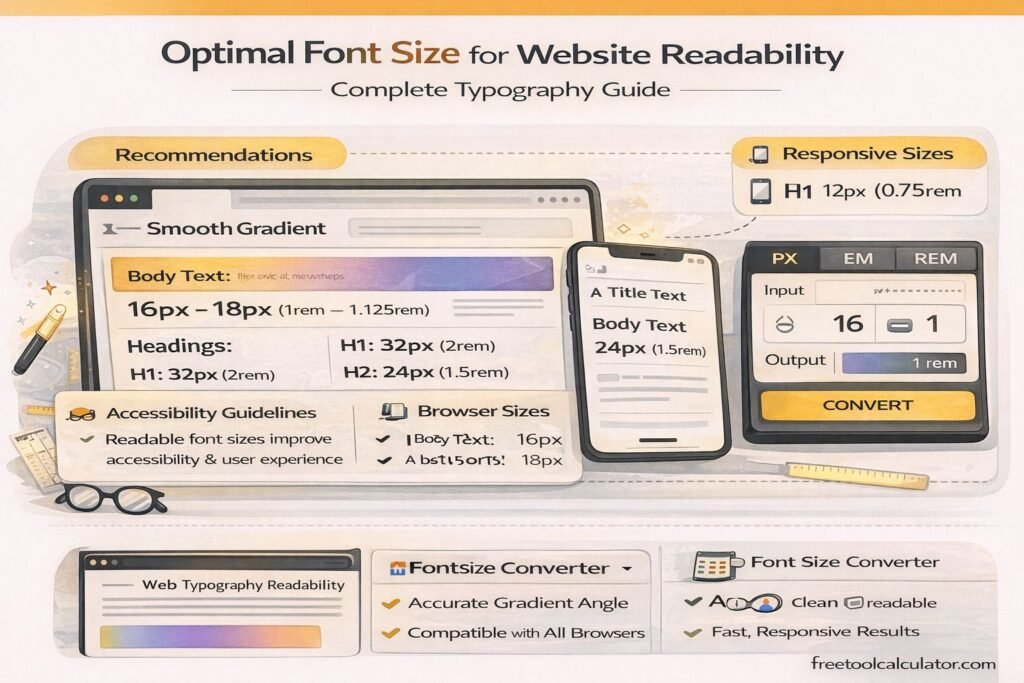
Optimal Font Size for Website Readability – Complete Typography Guide

Optimal Font Size for Website Readability – Complete Typography Guide

This font size converter guide explains the optimal font size for website readability. Learn recommended typography sizes, accessibility guidelines, and responsive font practices for web design. Discover how to choose body text, headings, and mobile font sizes while converting units like px, em, and rem to maintain consistent, readable typography across devices.

CSS Gradients in Web Design – Performance, Best Practices & Browser Support

How to Convert Figma Gradient to CSS Code – Complete Developer Guide

This CSS gradient generator guide explains how to convert Figma gradients into CSS code accurately. Learn how to extract color stops, angles, and gradient types from Figma, convert them into linear or radial CSS gradients, and optimize them for responsive web design, browser compatibility, and performance using efficient development techniques and tools.

CSS Gradients in Web Design – Performance, Best Practices & Browser Support

CSS Gradients in Web Design – Performance, Best Practices & Browser Support

This CSS gradient generator guide explains performance impacts, best practices, and browser support for modern CSS gradients. Learn how to optimize gradient rendering, improve website speed, ensure cross-browser compatibility, and create visually appealing backgrounds using efficient CSS techniques for responsive and high-performance web design across all devices and screen sizes globally.

Tools & Resources

Explore our collection of professional tools designed to streamline your workflow

Report a Bug